Set hours, minutes, and seconds.
Scroll the three columns and tap Start. TimerDock remembers your last selected duration, ready for the next time you need it.
Coming soon
TimerDock
iPhone · iOS 26.0 or later
Five more minutes in the kitchen. A ten-minute break between tasks. Save the durations you reach for, start them quickly, and keep your running timers in one clear view.
Explore the guideTimerDock is in development. Screens and features may change before release.
Everyday timing
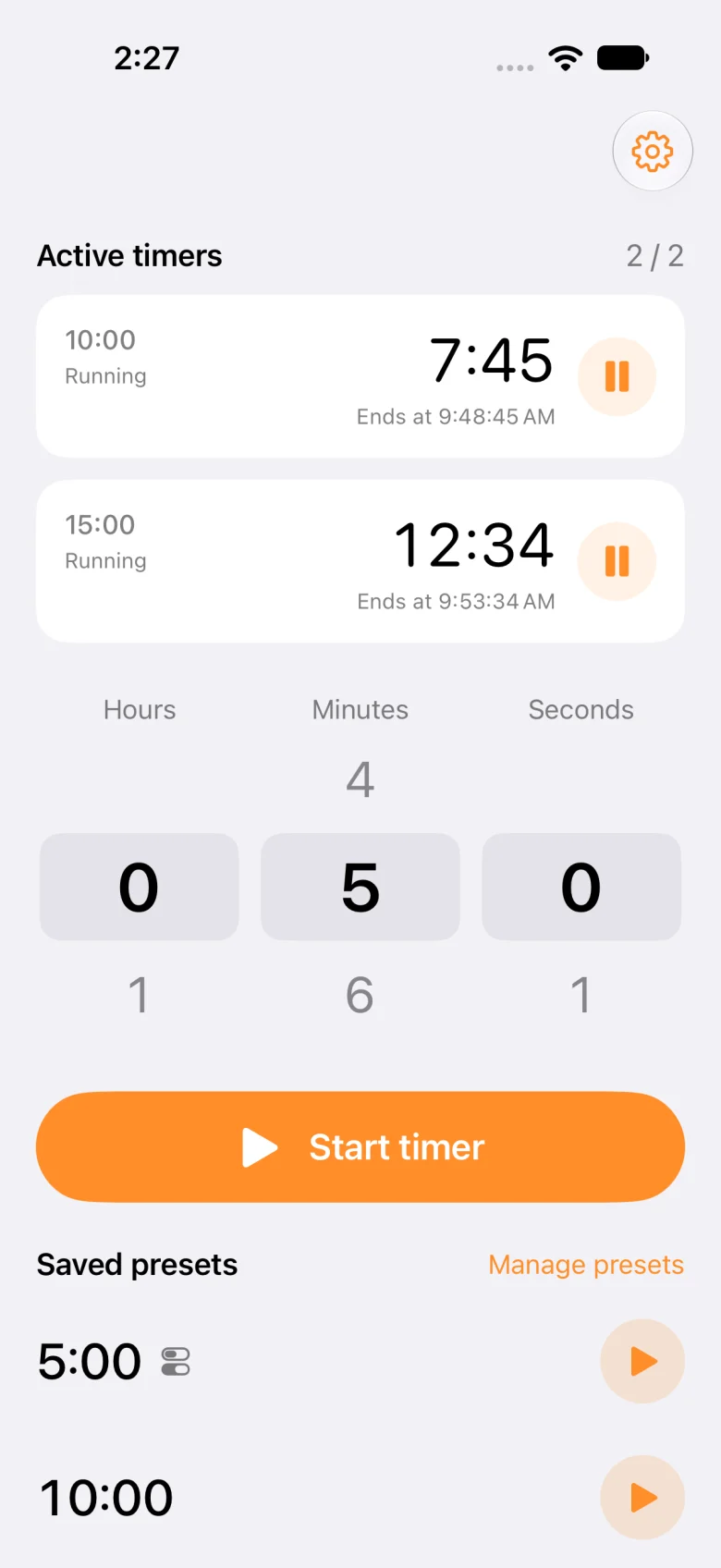
Scroll the three columns and tap Start. TimerDock remembers your last selected duration, ready for the next time you need it.
See remaining time and finish times together. Pause or resume each timer separately, and swipe to cancel one you no longer need.
Start a saved preset with one tap. Add controls to use your presets from Control Center or the Lock Screen.
Inside the app
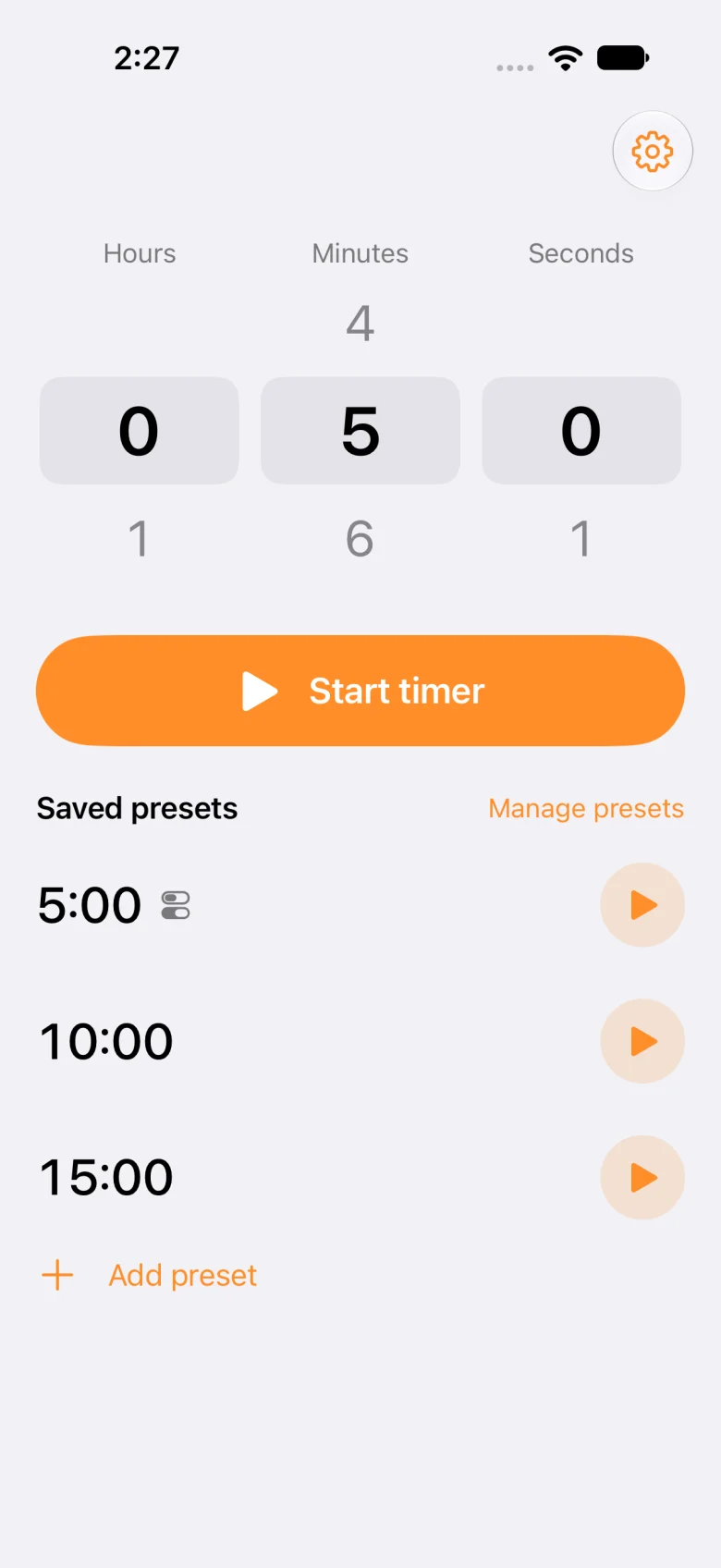
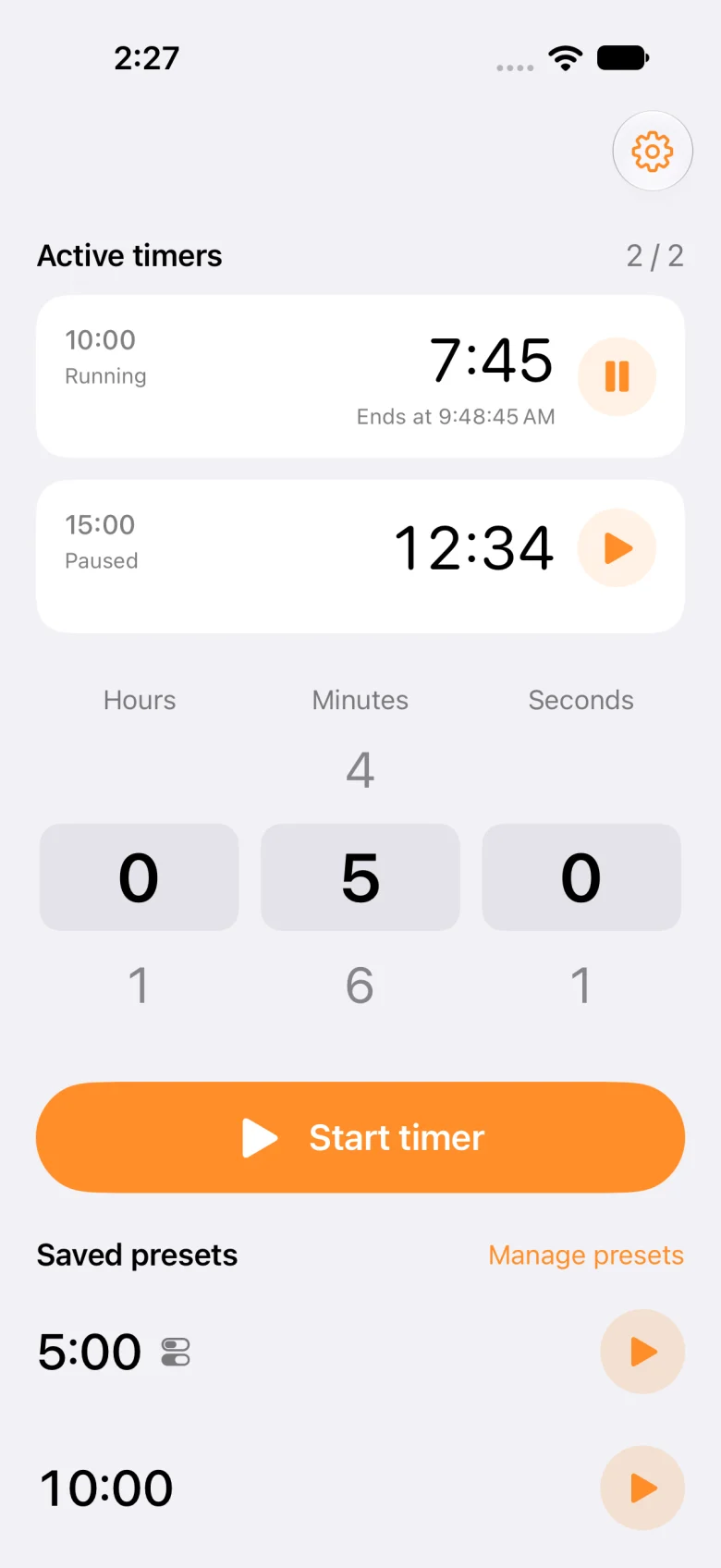
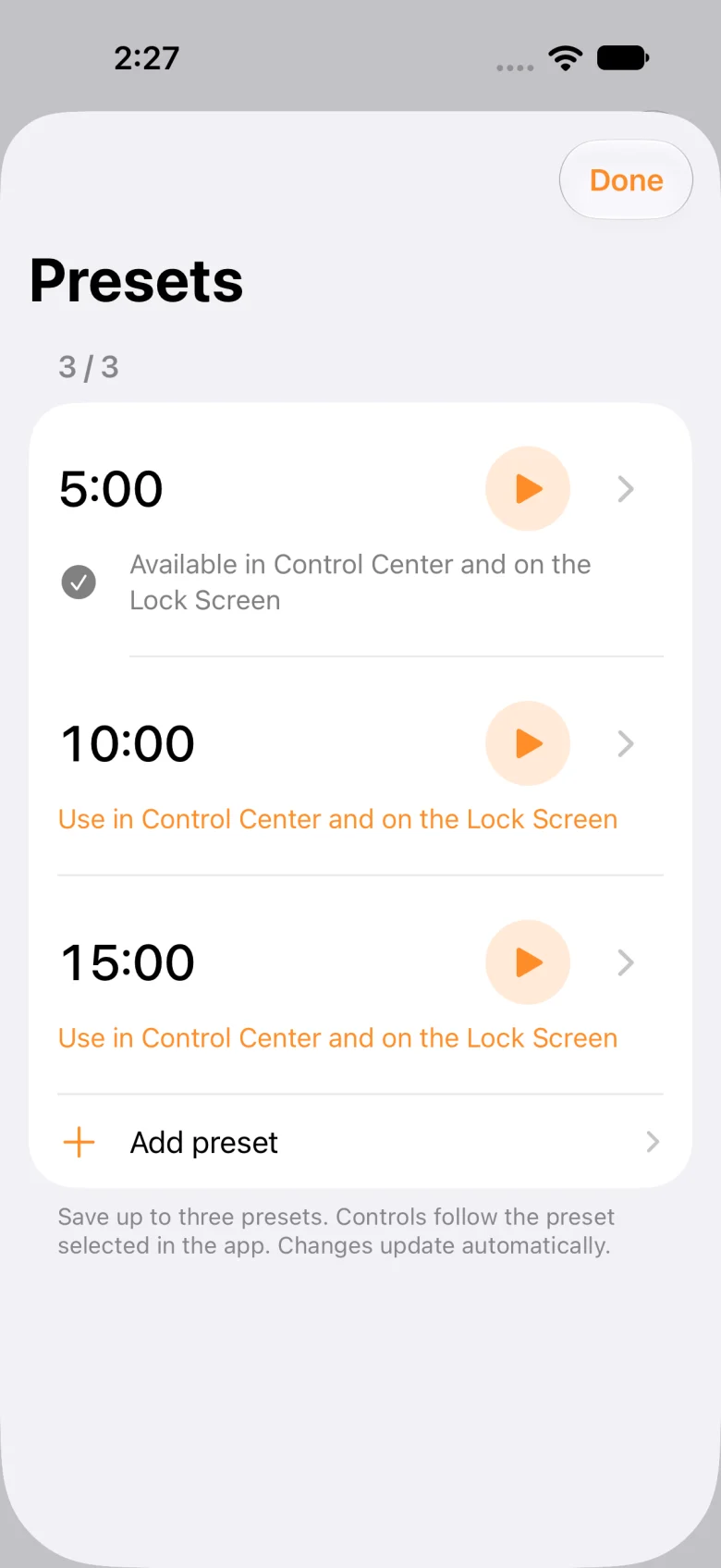
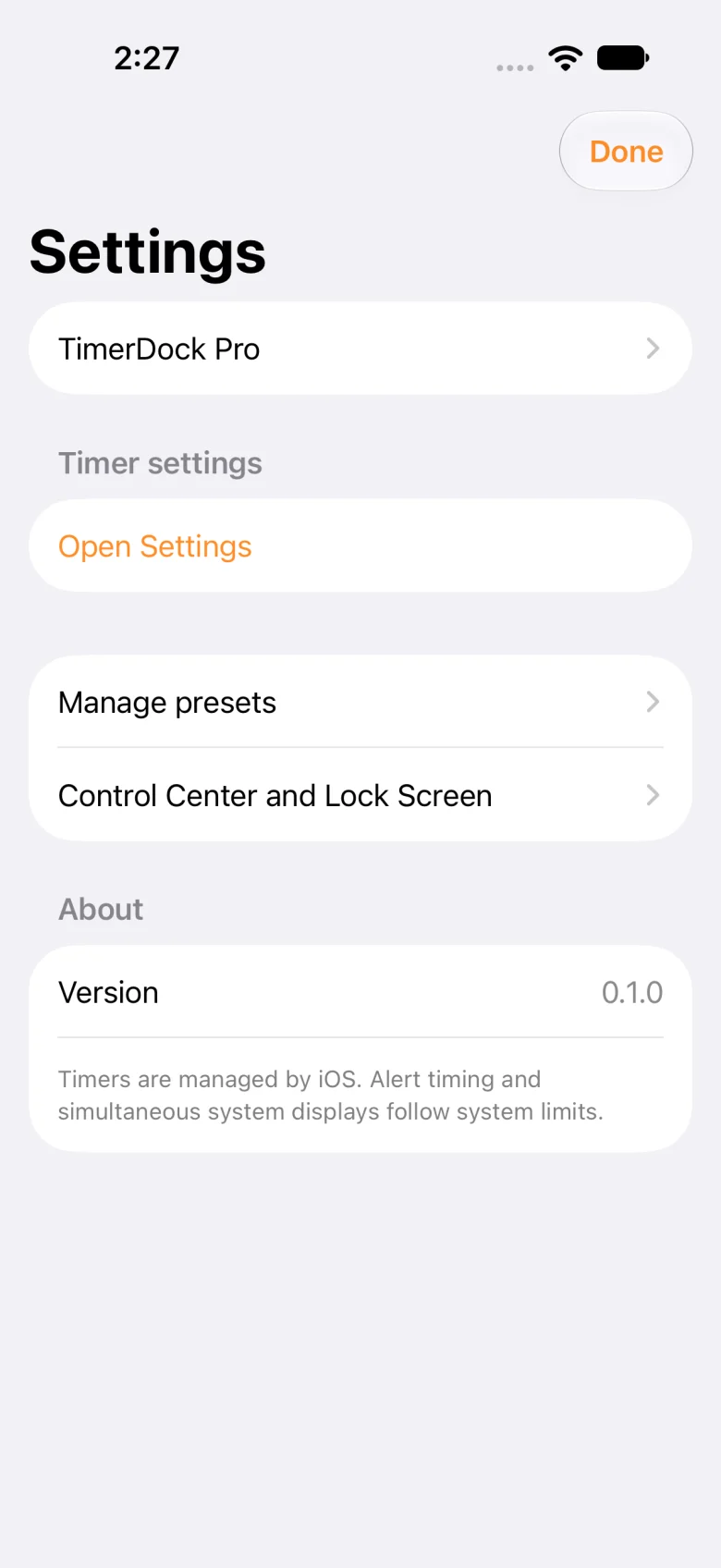
Development screenshots. The Pro screen shows a price from the screenshot test store.
Free / Pro
| Feature | Free | TimerDock Pro |
|---|---|---|
| Simultaneous timers | Up to 2 | More timers, subject to iOS limits |
| Saved presets | Up to 3 | No app-imposed preset limit |
| Presets for controls | One shared preset | Choose a preset for each control |
| Reorder presets | — | Included |
| Timer alerts and Live Activities | Included | Included |
| Advertising | None | None |
Pro is a one-time in-app purchase. Check the App Store and in-app price after release. Scheduled timers and simultaneous system displays remain subject to iOS limits.
Questions, answered
Started timers are managed by iPhone system alarms, which can alert you in the background or while the screen is locked. Alarm permission is required.
You can run 2 timers at once and save 3 presets. Preset-start controls share one selected preset.
No. Pro is a one-time in-app purchase. Check the App Store and in-app price after release.
The current app targets iPhone with iOS 26.0 or later. There is no iPad or Apple Watch app.
In the current version, timers and presets are identified by their durations. There is no timer-name editor.
Check alarm permission, your saved presets, the free preset assignment, and the simultaneous timer limit. If the selected preset was deleted, select a preset again in the app.
Support
Still need help? Include your app version, iOS version, and the steps that led to the problem.
Opens the shared support form, currently in Japanese.