
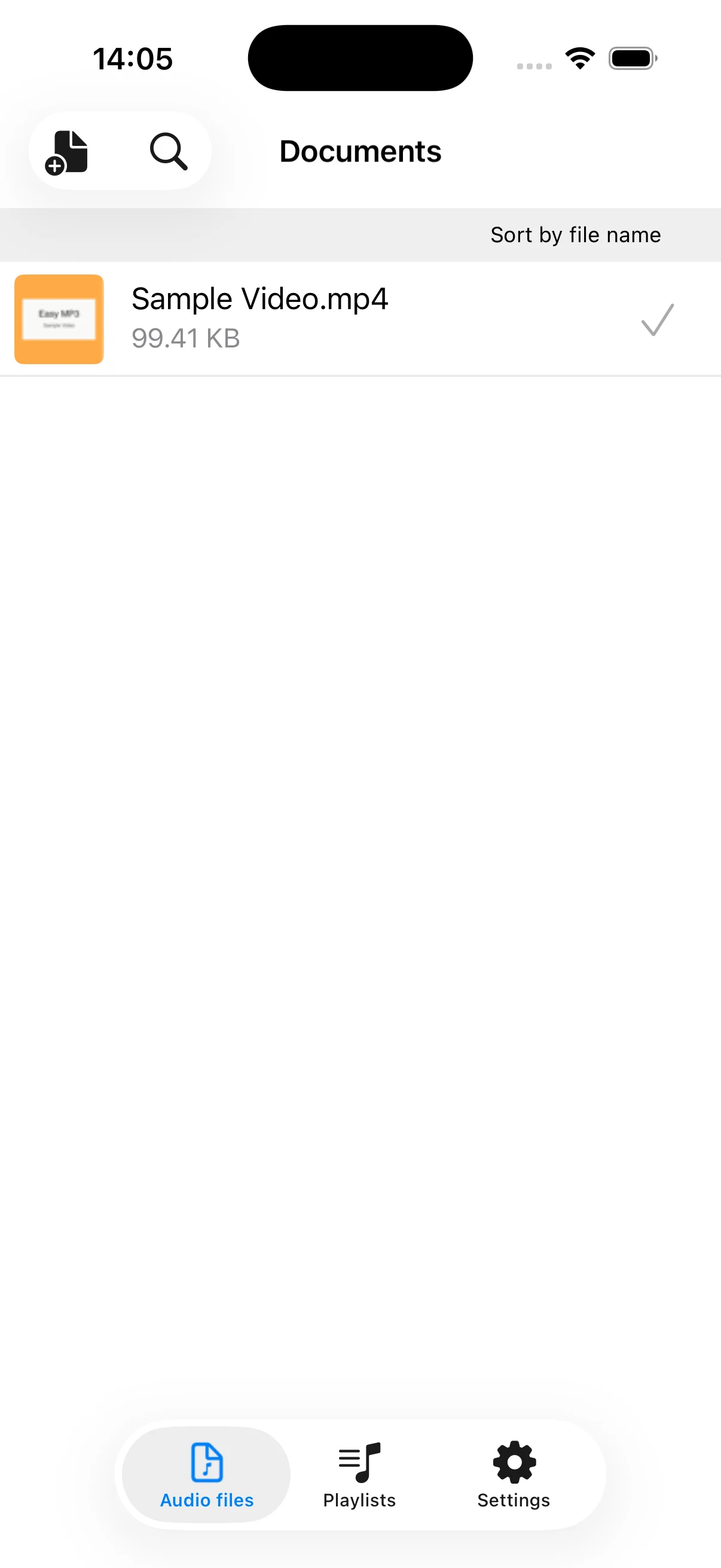
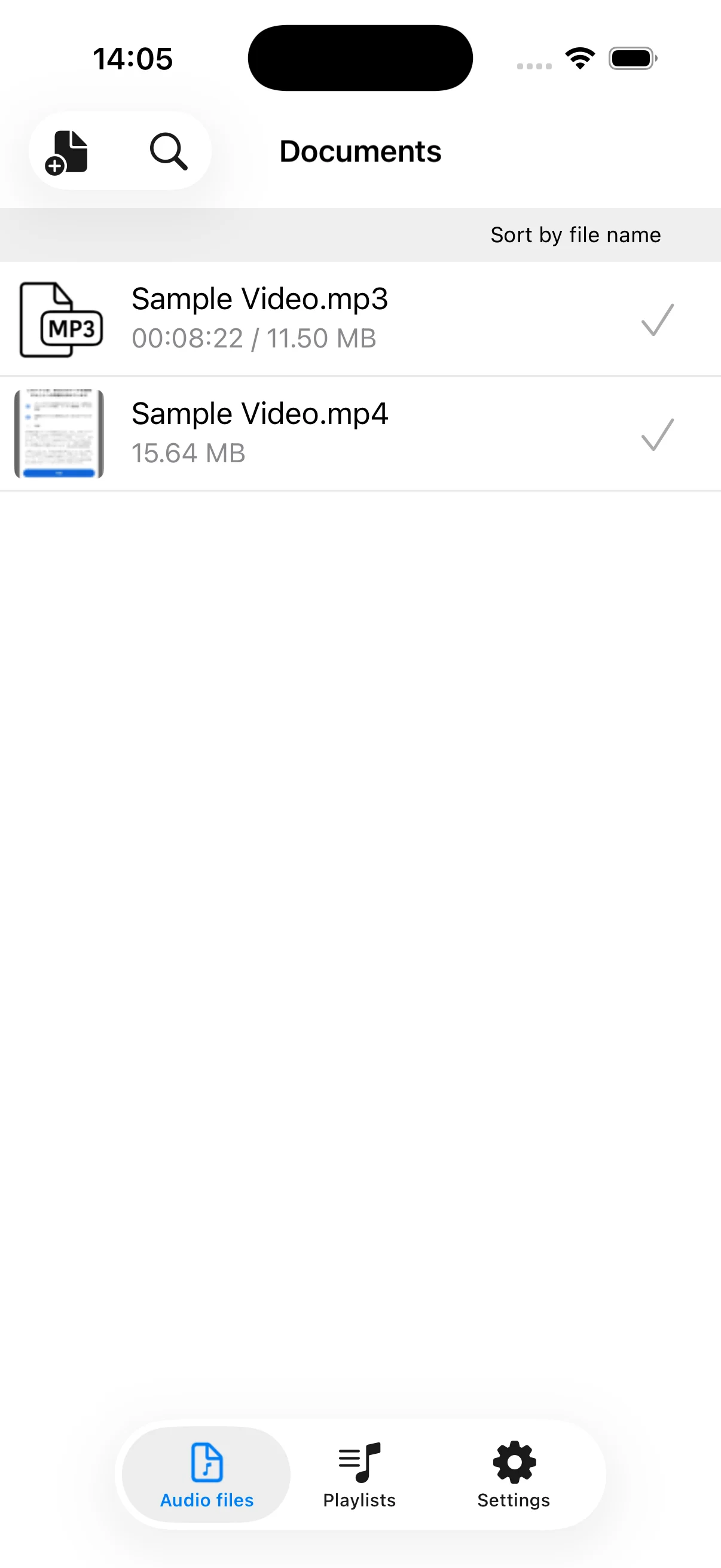
Import video or audio from Photos or the Files app and convert it to MP3, AAC, WAV, M4A, CAF, or AIFF. Play, trim, join, tag, and share the resulting audio. The app does not download videos; you must provide the source file yourself.
See the app in action
Key features
- Import video or audio from Photos and Files
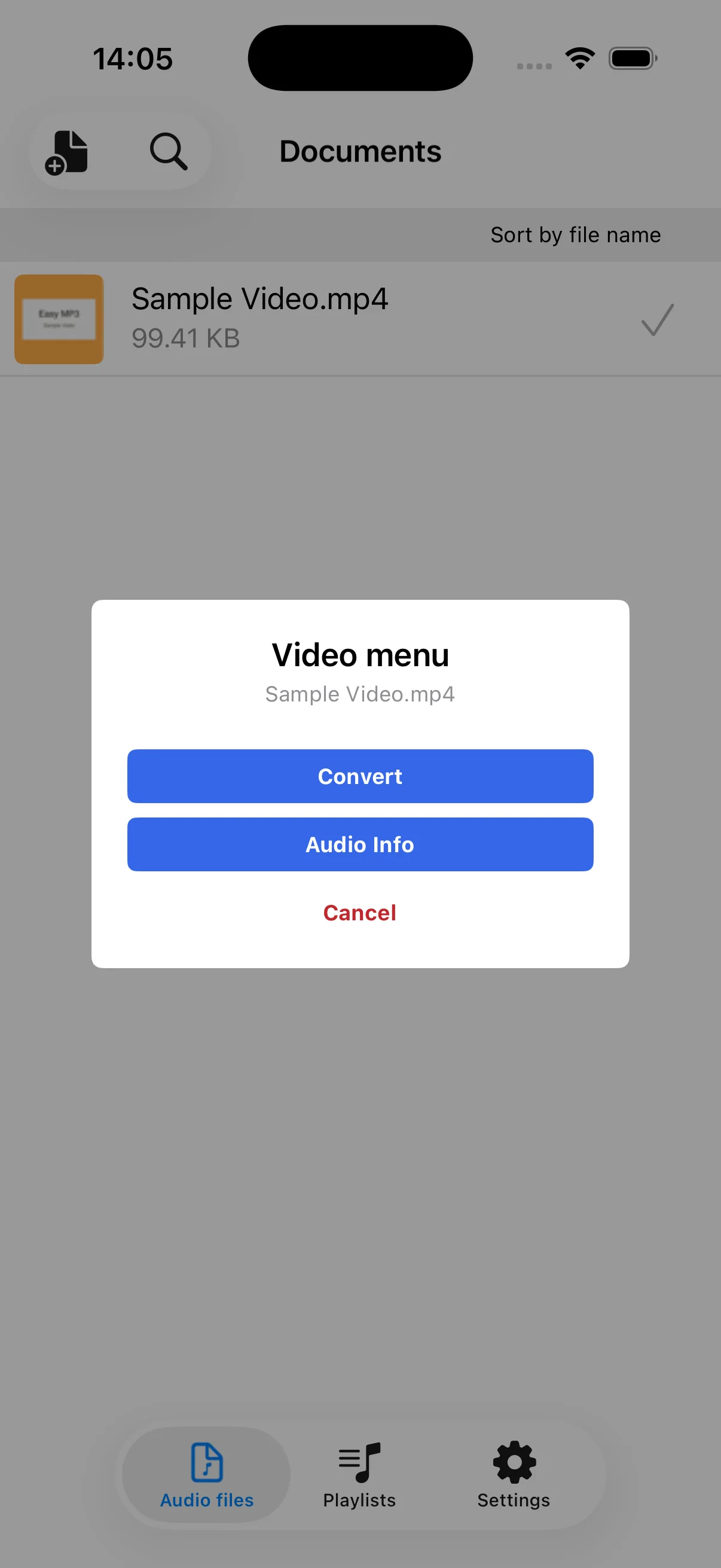
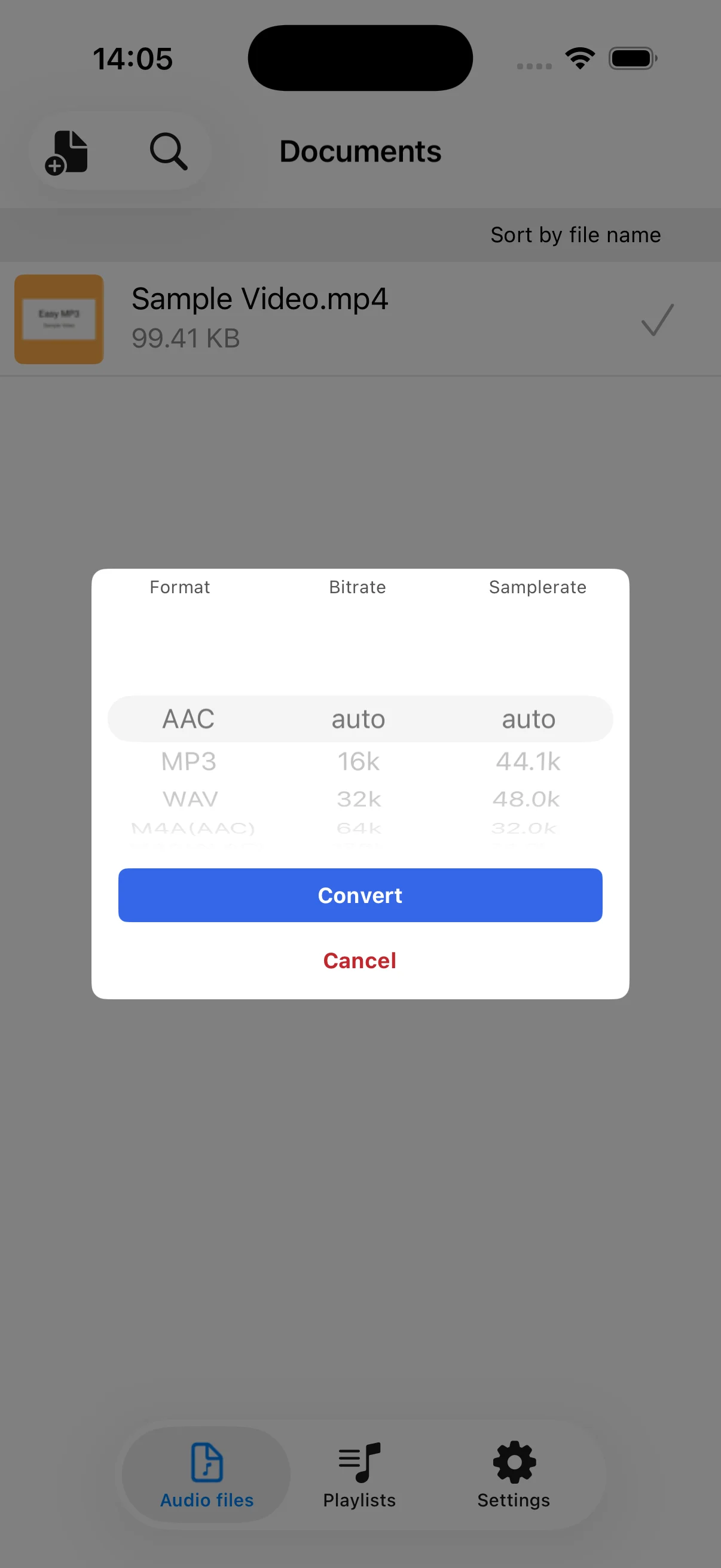
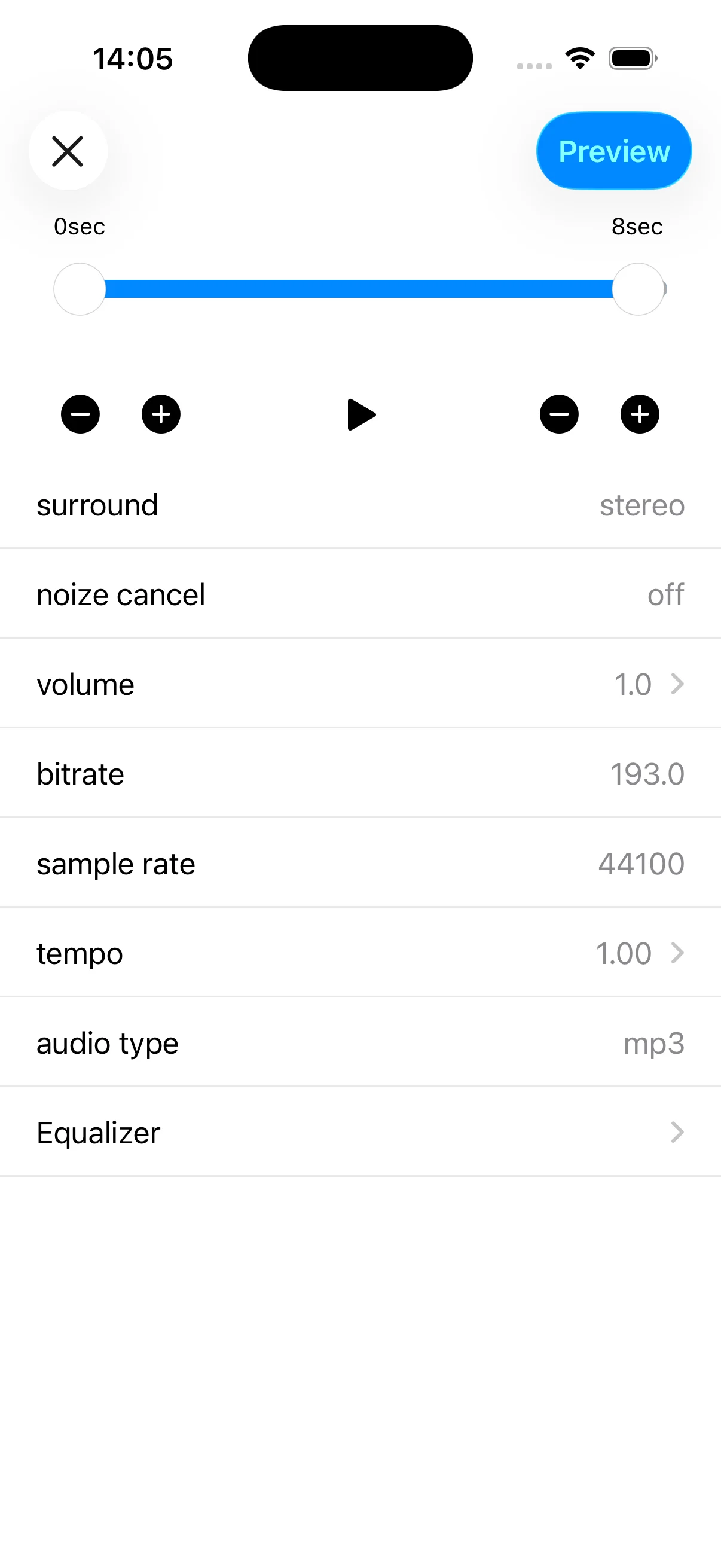
- Convert to MP3, AAC, WAV, M4A, CAF, or AIFF
- Choose bitrate and sample rate
- Play, edit, join, and share converted audio
- Edit title, artist, and other tags in MP3 and M4A files
How-to guides
How to convert a video file to MP3 on iPhone
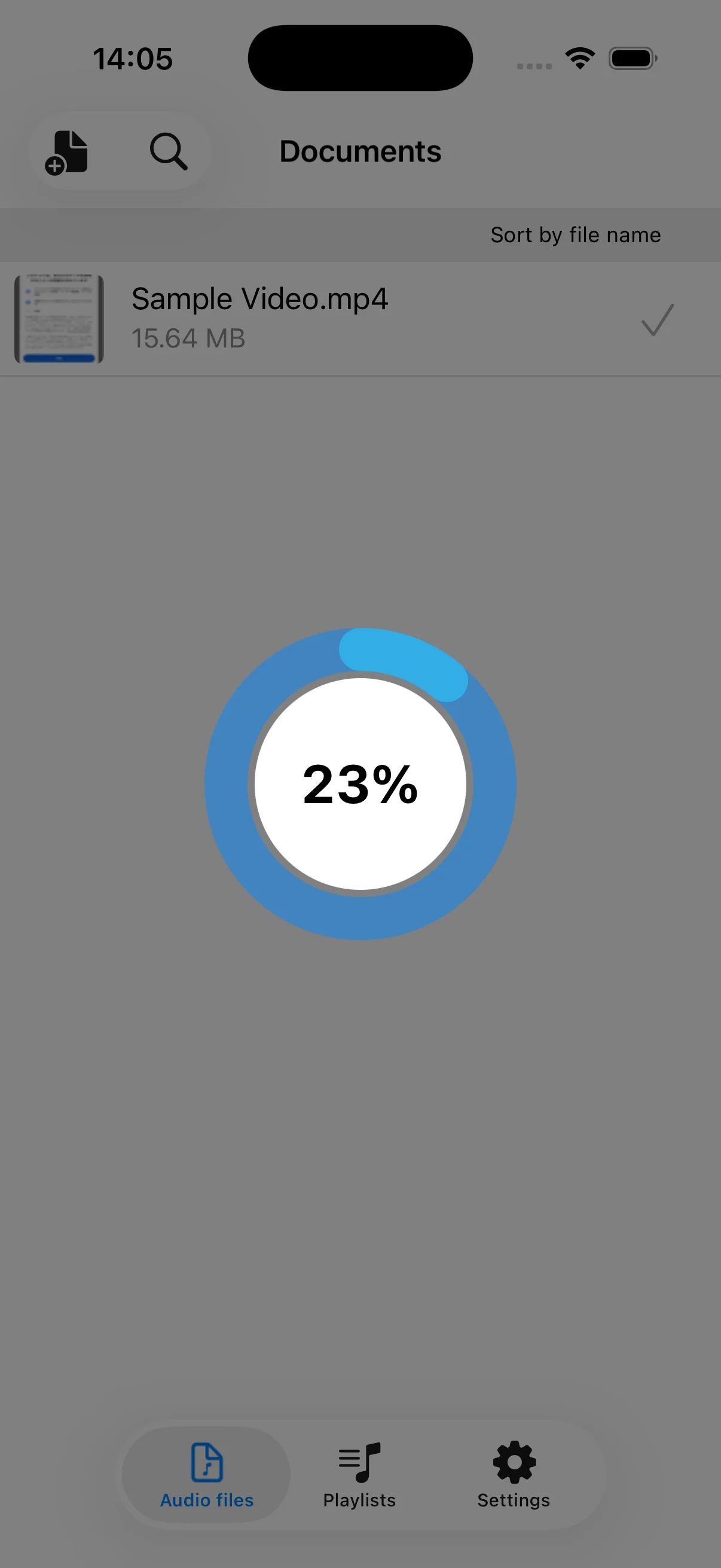
Import a video already saved in Photos or Files, then convert and save its audio as an MP3.
→MP3, AAC, WAV, and M4A: formats and settings
Understand audio formats, bitrate, and sample rate before choosing conversion settings.
→How to edit, join, and share converted audio
Organize converted audio, make basic edits, join files, and share the finished result.
→