
01
Rename and organize the file
Include a date, subject, or purpose in the filename so it is easy to find later. For MP3 and M4A, you can also update metadata such as title, artist, and album.
02
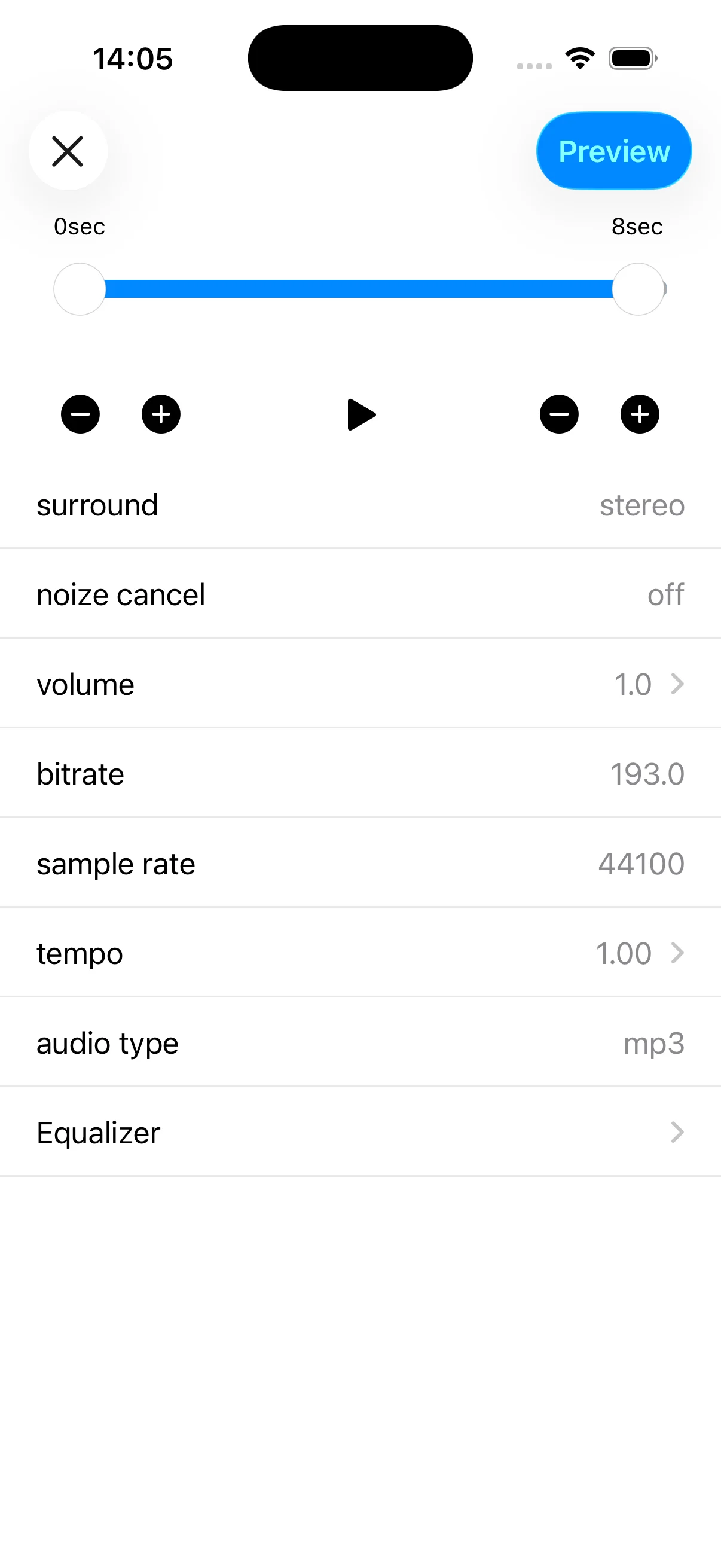
Trim only the section you need
Check the start and end points before applying an edit, and keep the original until you have reviewed the result. Some advanced editing features require an in-app purchase.
03
Check order before joining files
Arrange clips in the intended playback order before joining them. When sources differ in format or volume, listen through each transition after the join is complete.
04
Save or share for the intended use
Save to Files for folder-based organization, or use the share sheet to send the audio to a compatible app. Confirm format, size, and duration, and only share material you are authorized to use.