Business
Table Notes Spreadsheet maker
A spreadsheet-style notebook for making useful tables on iPhone and iPad.
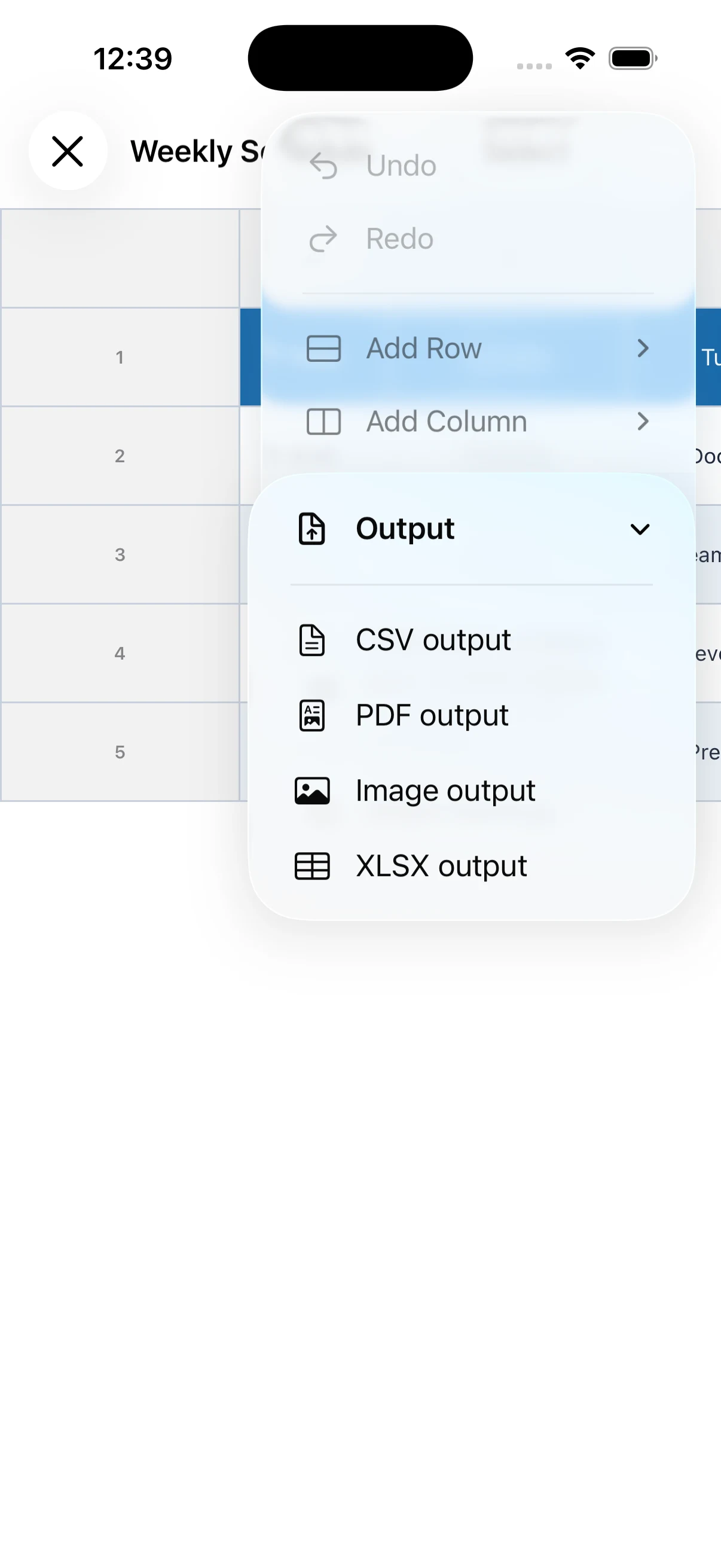
View on the App StoreEnter text, numbers, and images in cells to create schedules, shift tables, recipes, lists, and more. Import CSV files and export your tables as PDF, CSV, or XLSX.
See the app in action
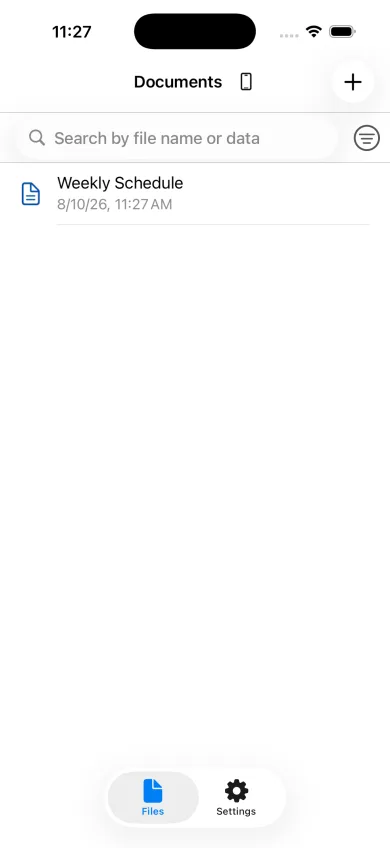

Key features
- Add as many rows and columns as you need
- Adjust cell colors, text size, and alignment
- Insert images and calculate values in cells
- Import CSV and export PDF, CSV, or XLSX
- Use iCloud Drive and recover files from Trash
How-to guides
How to make table notes on iPhone
Organize labels in columns and details in rows to make information easier to scan than a plain note.
→How to create schedules and shift tables
Use rows, columns, background colors, and alignment to build a clear schedule on your phone.
→How to export a table as CSV, PDF, or Excel
Learn which export format to choose when sharing, printing, or continuing work in another app.
→Table Notes Spreadsheet maker
A spreadsheet-style notebook for making useful tables on iPhone and iPad.
View on the App Store