Create a new table
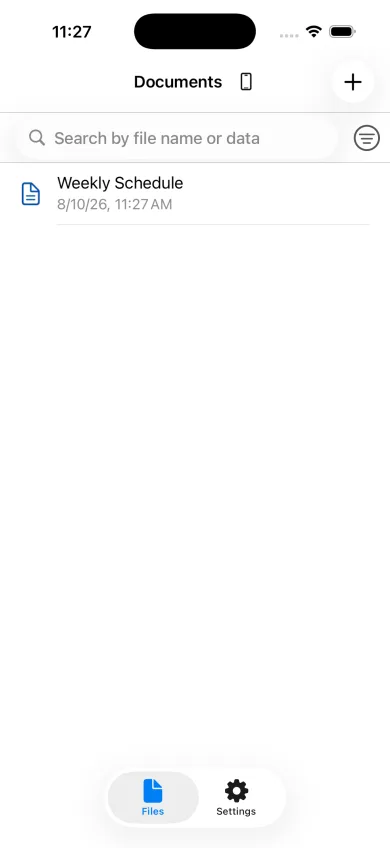
Tap the plus button in the file list and give the table a clear name. Define the column headings first so that later entries stay consistent.
Enter information in cells
Select a cell and enter text or numbers. Add rows and columns as needed, then adjust colors, text size, and alignment to make the table easier to scan.
Keep files easy to find
Each table is managed as a separate file. Use descriptive names and separate schedules, shopping lists, recipes, and other purposes.
Examples that work well as tables
Shopping lists, packing lists, inventories, contact lists, and comparison notes work well when the same fields repeat. A table makes missing values and differences easier to notice than a paragraph.
Start with only the essential columns
An iPhone has limited horizontal space, so begin with about three to five important columns. Keep cell text concise and add another column only when it improves comparison.