Photo & Video
Image Converter - JPG PNG HEIC
Convert iPhone photos to JPG, PNG, or HEIC, including batches and adjustable quality.
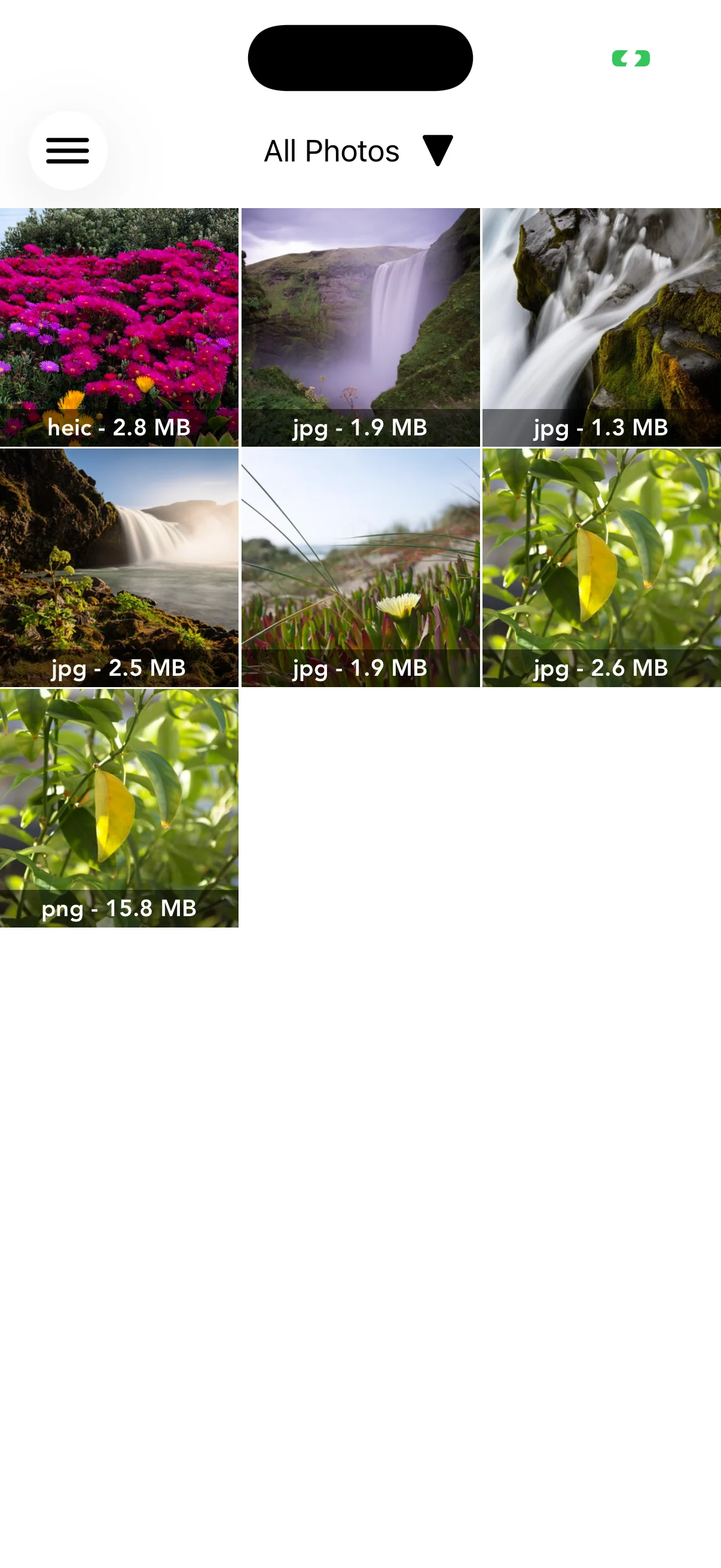
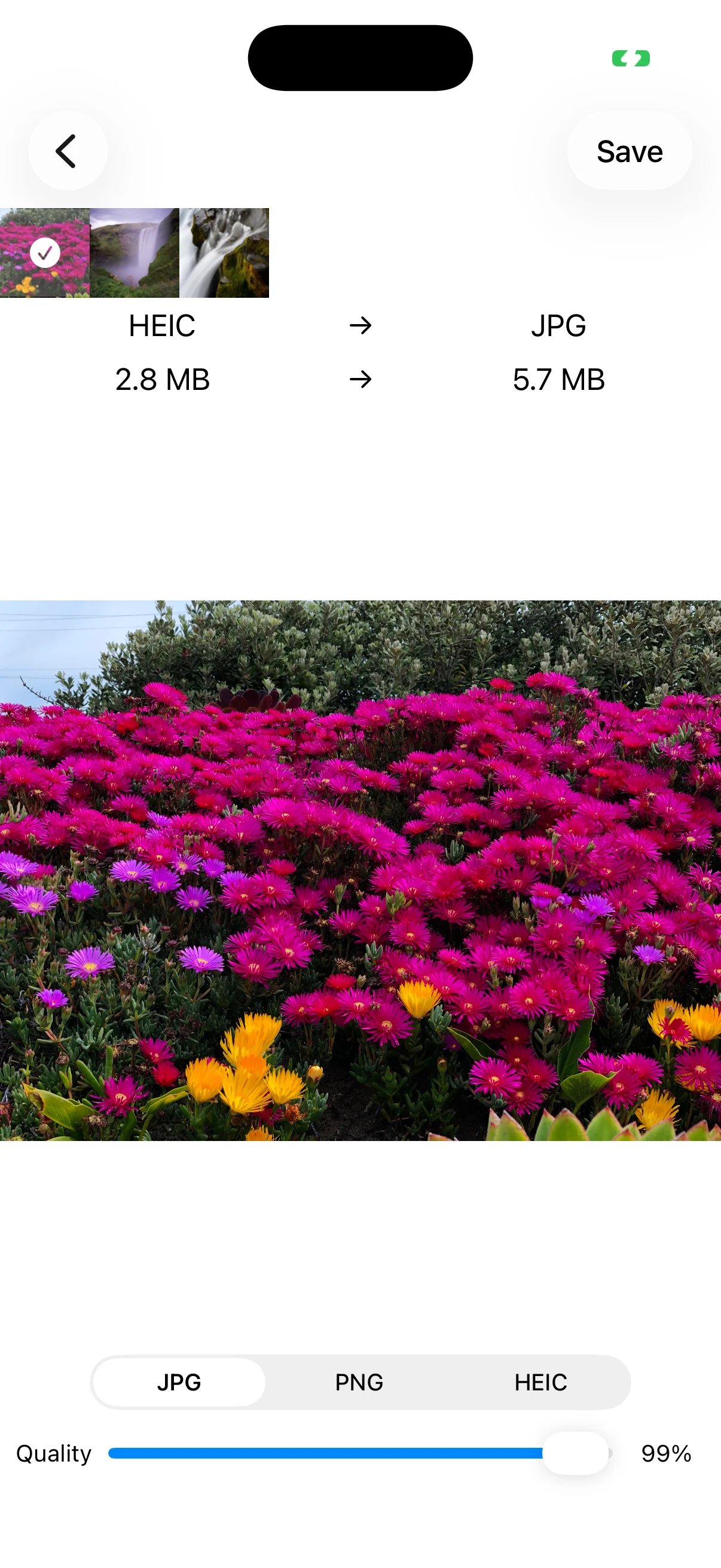
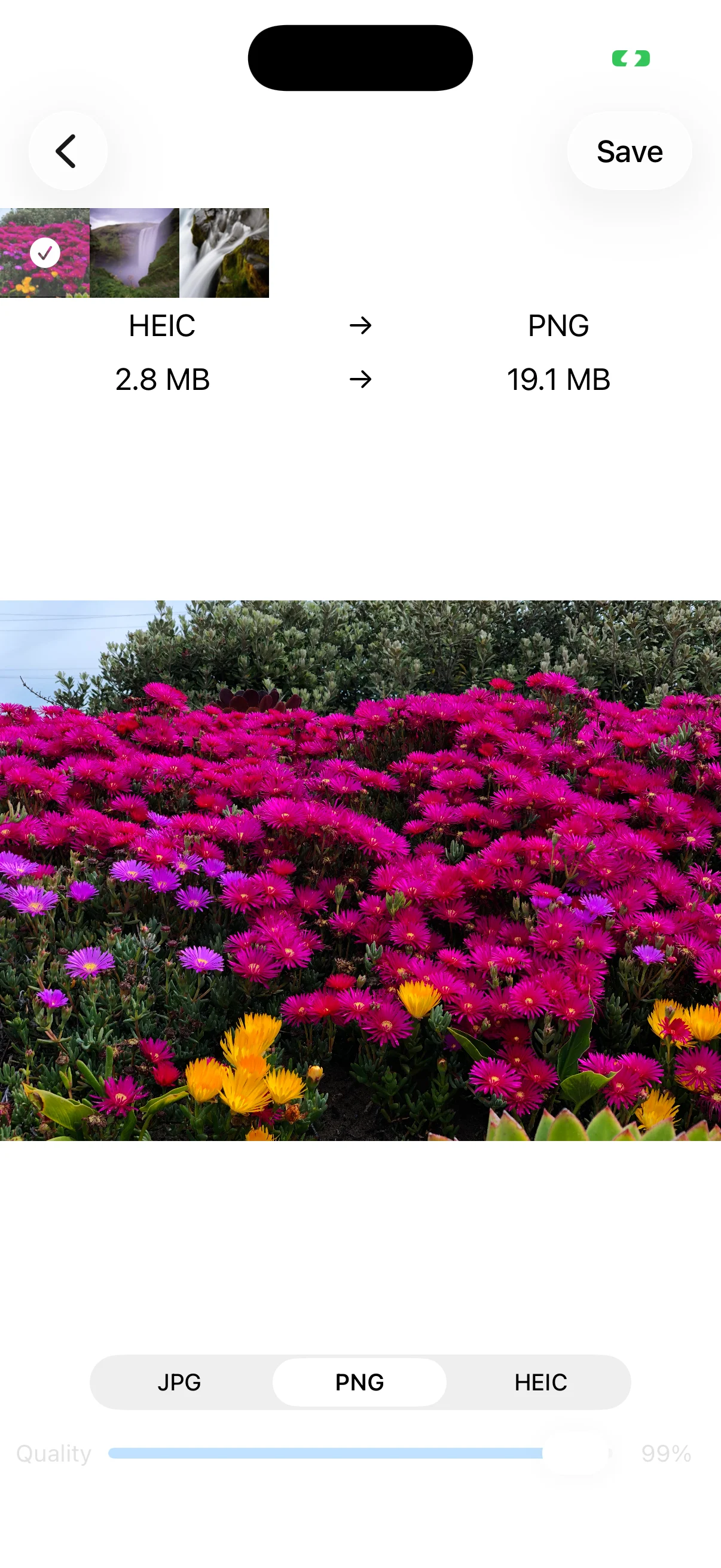
View on the App StoreChoose images from Photos and convert them to JPG, PNG, or HEIC. Select several photos and apply one output format and quality setting to the whole batch. Compare the source and estimated output extension and file size, then save to Photos or an album, email the result, or send it through the iOS share sheet.
About source images
The app converts images already stored in Photos. It does not download images from websites. Keep important originals until you have checked every converted file.
Real app screens
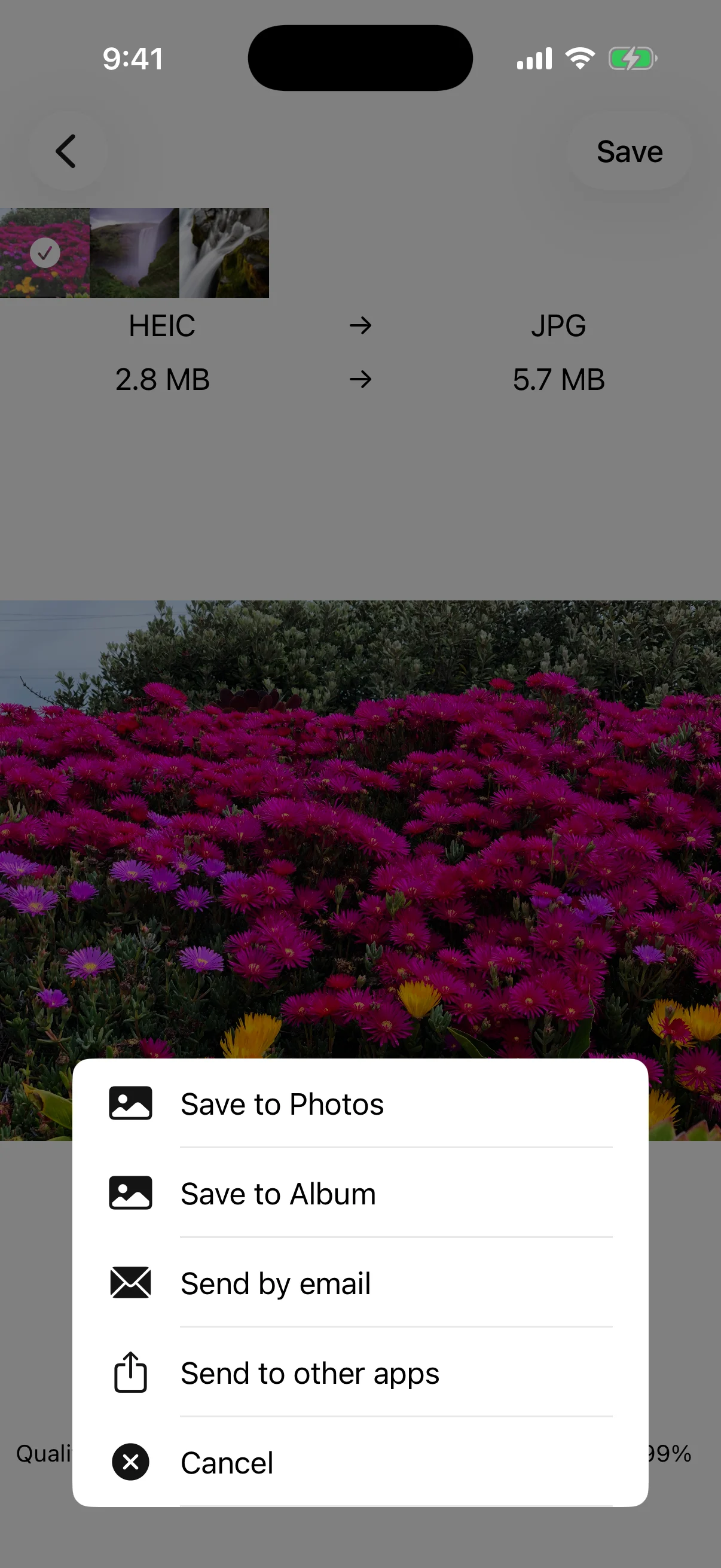

Key features
- Convert to JPG, PNG, or HEIC
- Convert multiple selected photos with the same settings
- Adjust JPG and HEIC quality from 1–100%
- Compare source and estimated output format and size
- Save to Photos or an album, email, or share
- Choose whether to delete originals after conversion
- Optional one-time purchase removes ads
Free use and ad removal
Image conversion is available for free. The optional Remove ads purchase hides advertising; it does not add formats or raise a conversion limit. Check the current price and terms in the app or App Store.
Detailed guides
How to convert JPG, PNG, and HEIC on iPhone
Choose photos, select a format and quality, and save the result.
→How to batch-convert multiple images
Apply one format and quality setting to several photos at once.
→How to reduce image file size with quality
Understand JPG and HEIC quality, file size, and the difference from PNG.
→Save, share, and manage original photos
Choose an export destination and handle the original safely after conversion.
→Remove ads and common questions
What the purchase changes and when to use JPG, PNG, or HEIC.
→Image Converter - JPG PNG HEIC
Convert iPhone photos to JPG, PNG, or HEIC, including batches and adjustable quality.
View on the App Store