About source images
The app converts images already stored in Photos. It does not download images from websites. Keep important originals until you have checked every converted file.
01
Choose the right destination
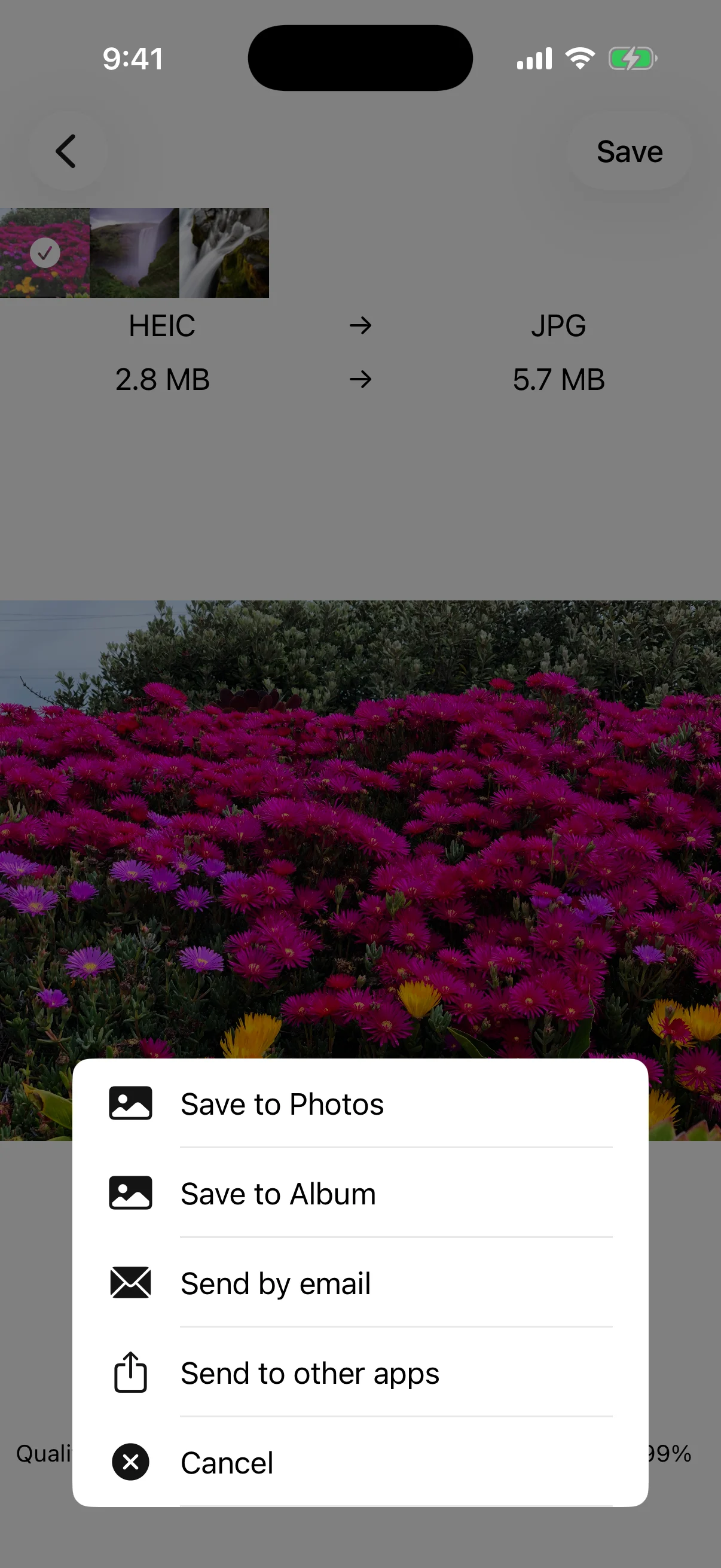
Save to Photos adds the result to the library; Save to Album lets you choose an album. Email and Send to other apps open the destinations available on the device.
02
Open the exported image
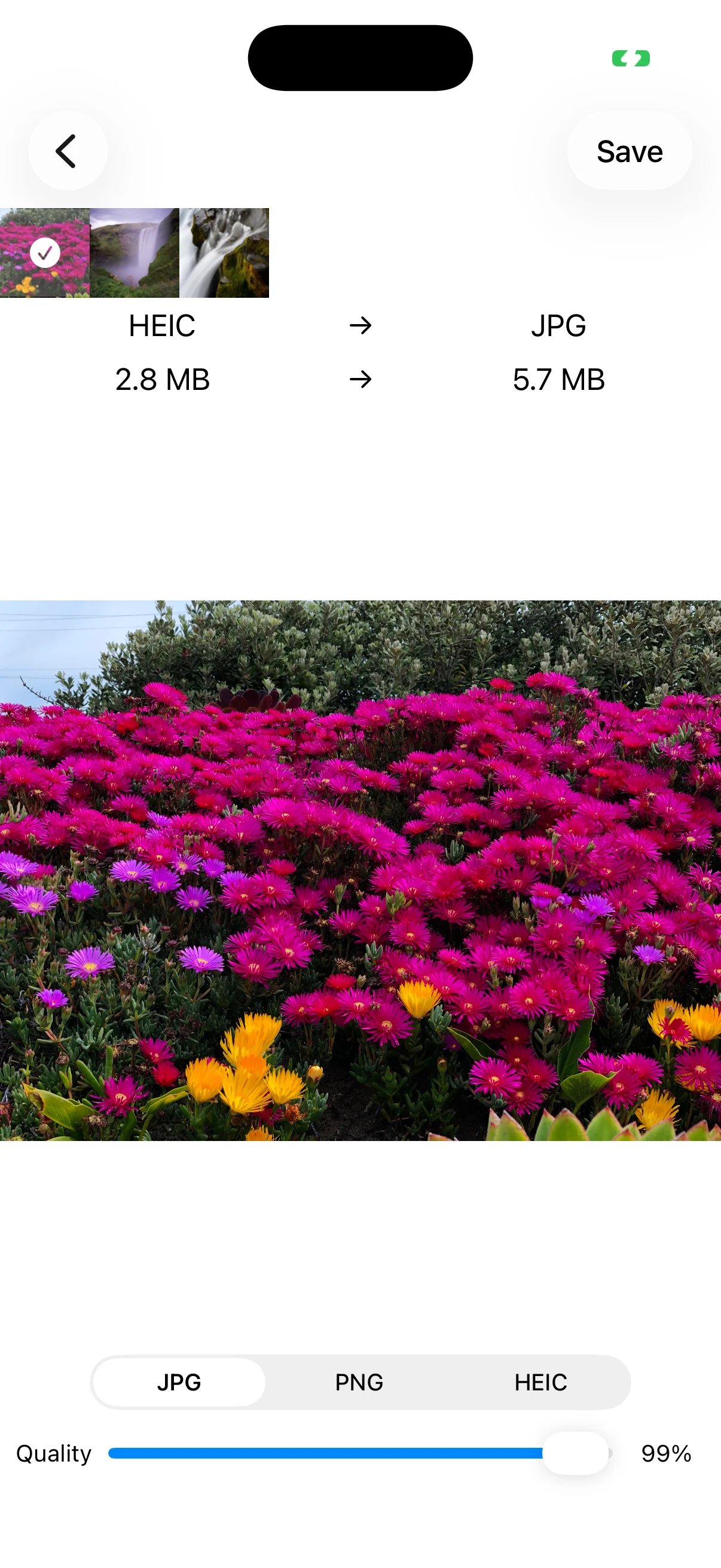
Check orientation, color, transparency, detail, and text. A recipient or web service may not accept HEIC or a very large image, so confirm its requirements before sending.
03
Delete originals only after checking
After conversion, the app asks whether to delete the source photos. Cancel keeps them. Confirm that every output is stored safely and opens correctly before choosing deletion.