About source images
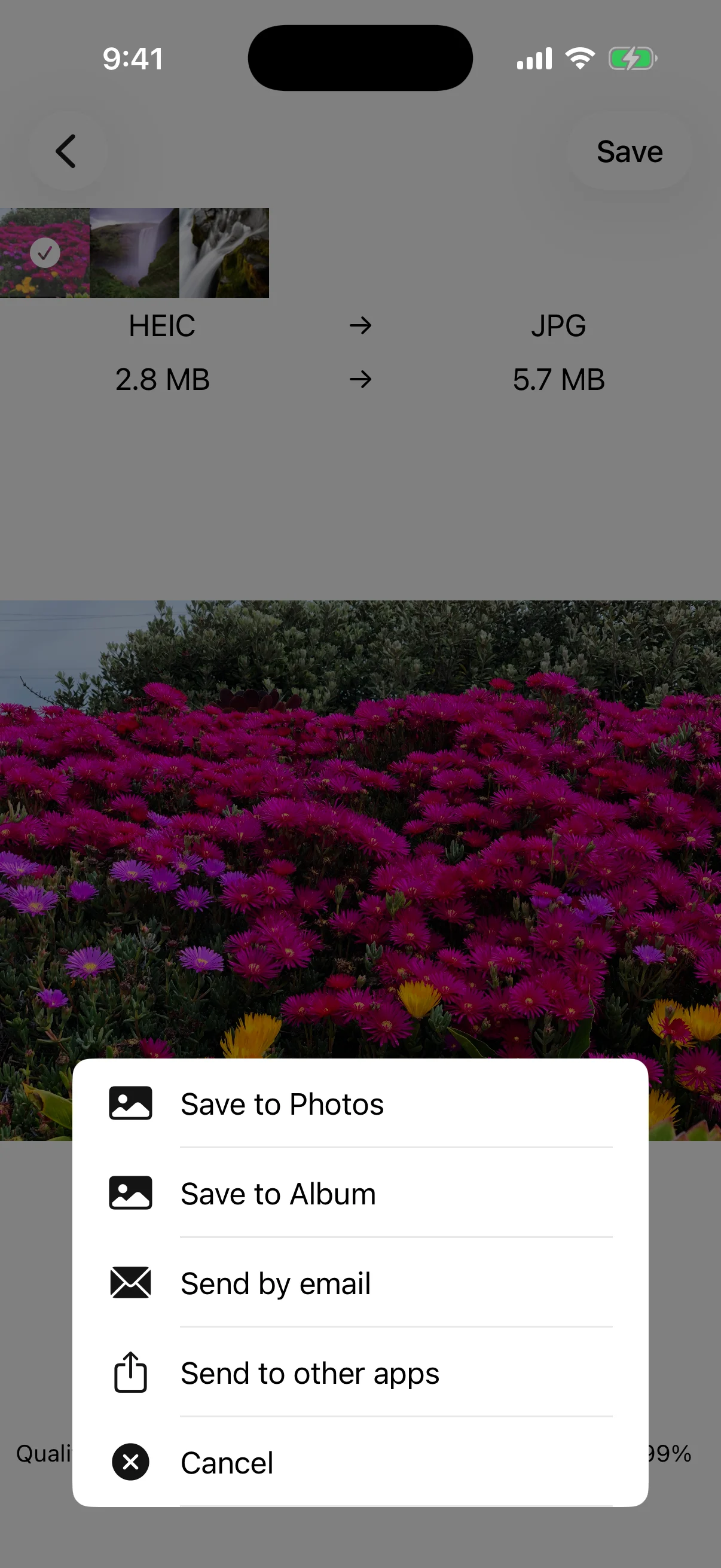
The app converts images already stored in Photos. It does not download images from websites. Keep important originals until you have checked every converted file.
01
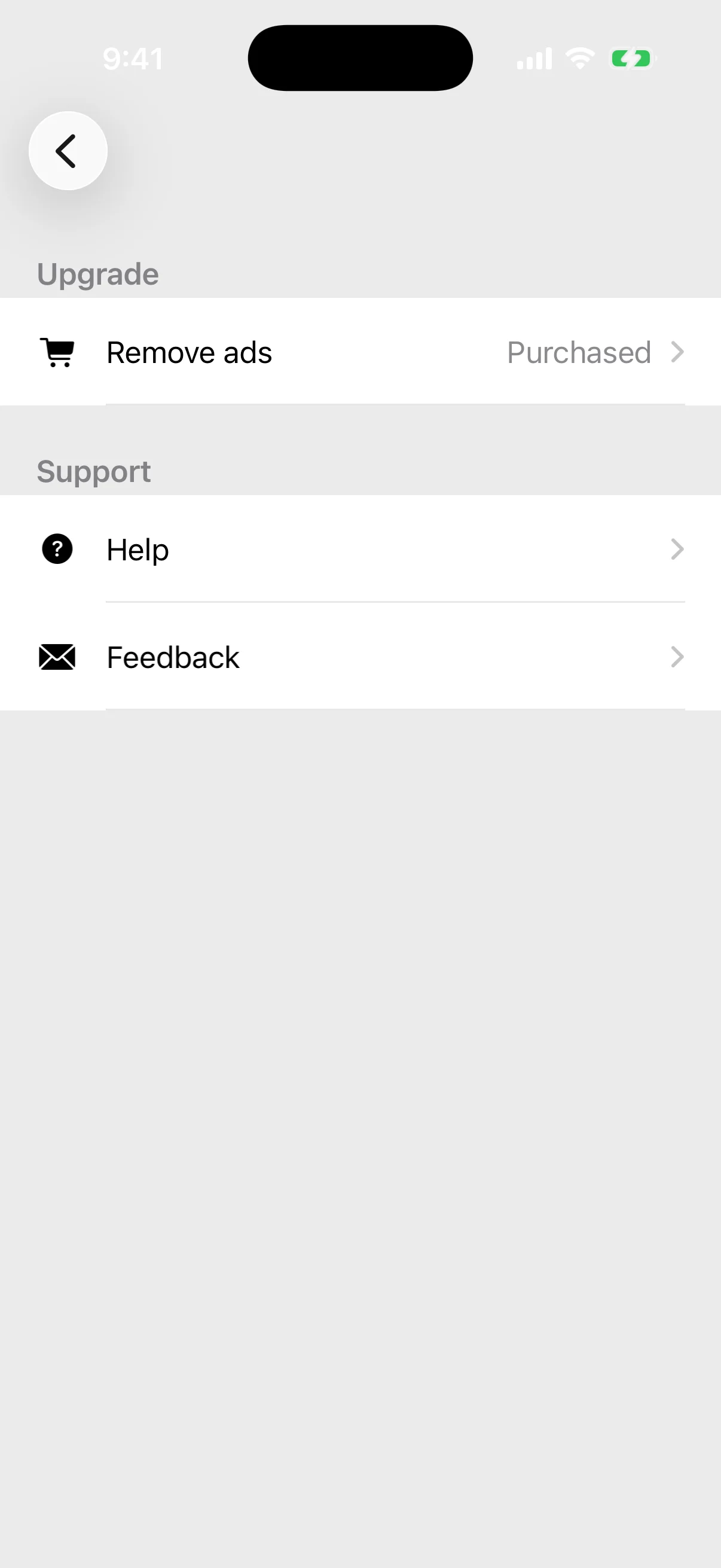
Remove ads hides advertising
The one-time Remove ads purchase hides ads. It does not unlock additional formats or change conversion limits. Check the current price in the app.
02
Try JPG when HEIC is unsupported
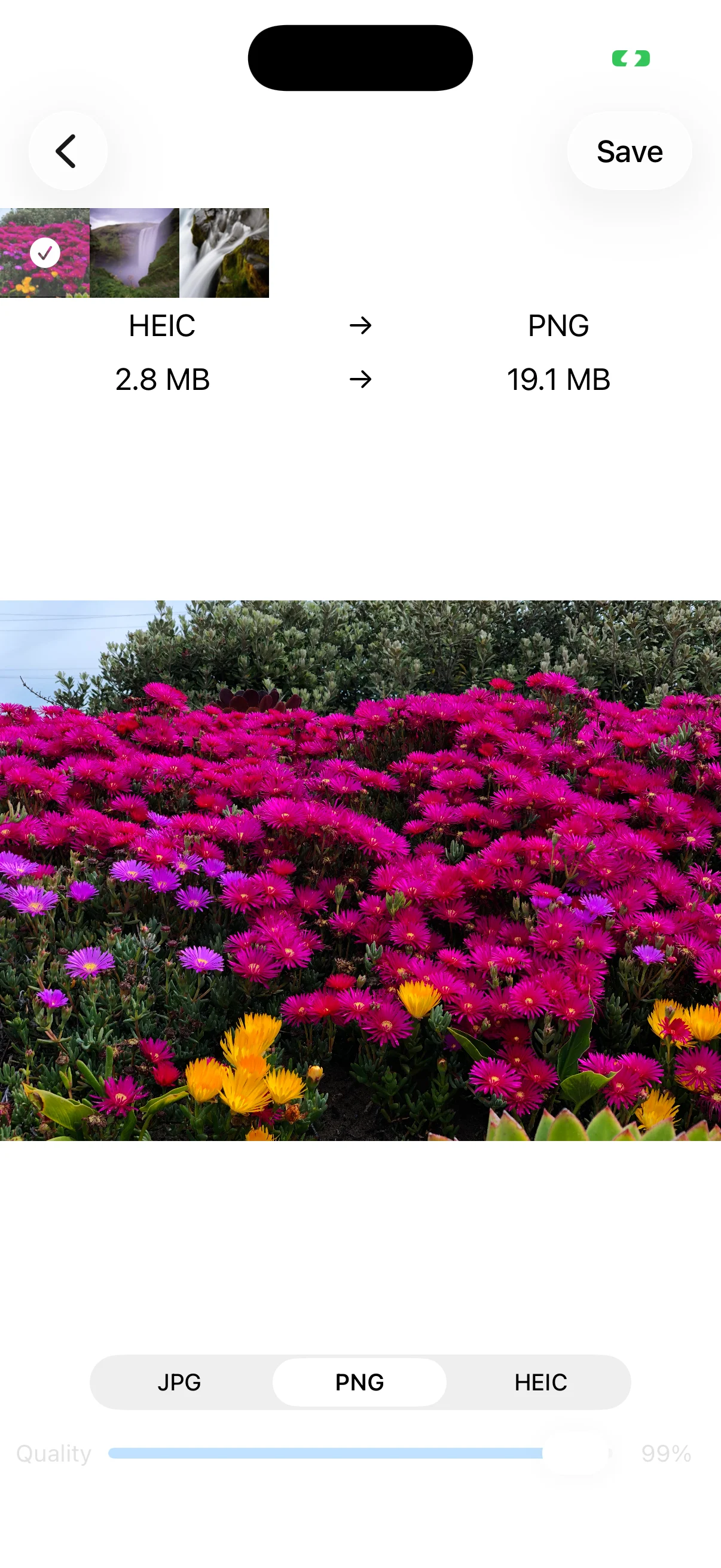
Older devices, operating systems, Windows setups, and web services may not open HEIC. Convert the same photo to JPG when compatibility is more important.
03
Use PNG for transparency
Choose PNG for logos or cutouts that need transparent areas. JPG does not preserve transparency. Review the output and size before using it.