About source images
The app converts images already stored in Photos. It does not download images from websites. Keep important originals until you have checked every converted file.
01
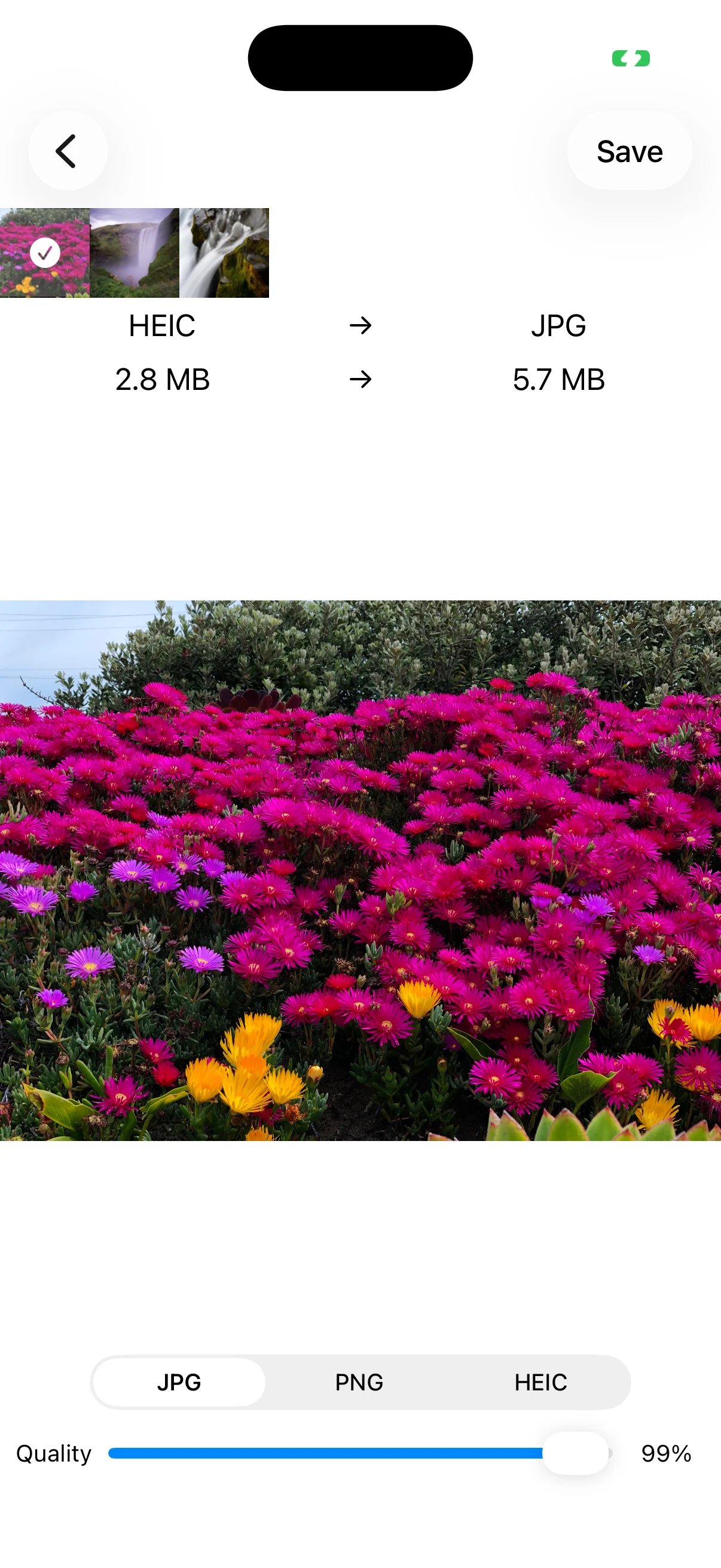
Adjust JPG or HEIC quality
Lowering Quality can reduce file size but may soften detail, text, and edges. Start high, lower it gradually, and compare the preview and estimated size.
02
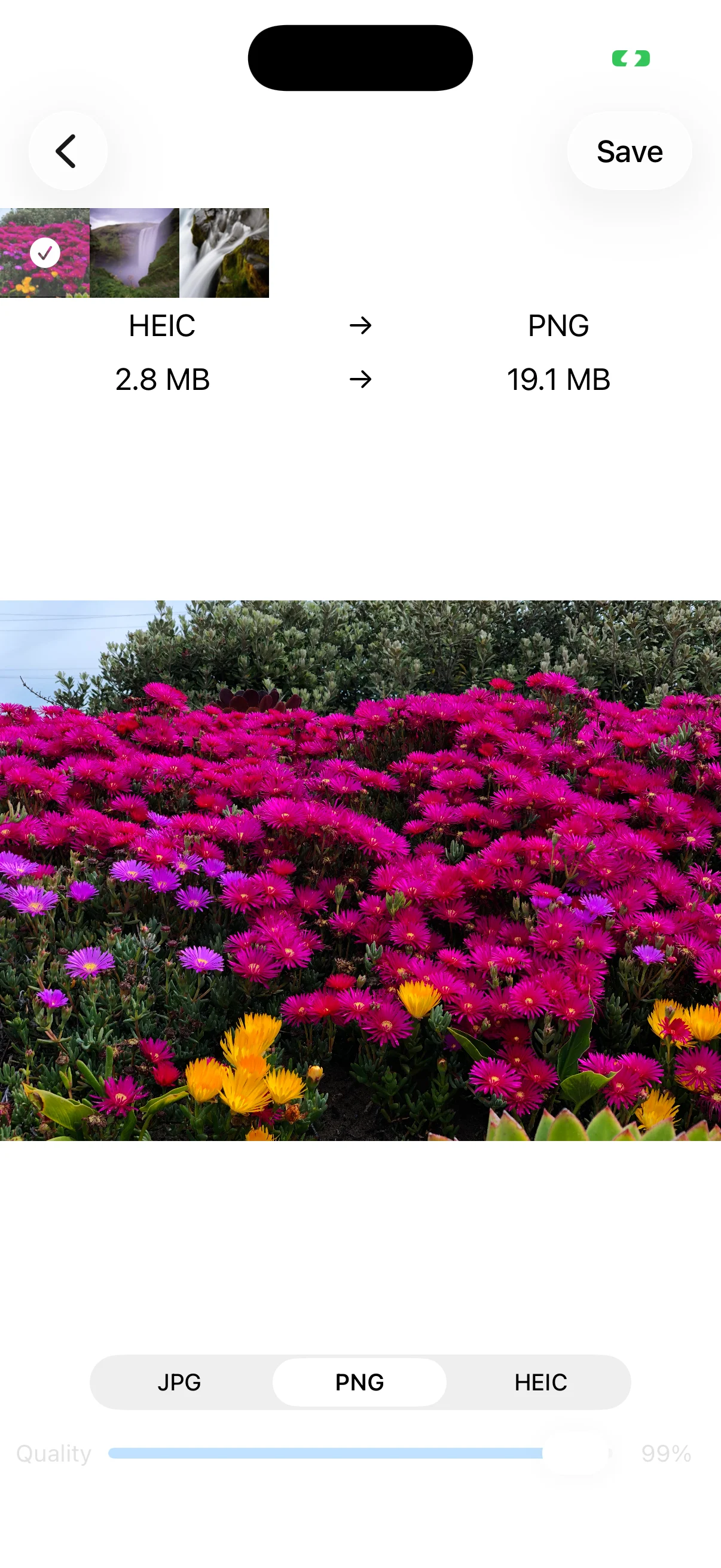
PNG does not use this quality slider
The Quality control is disabled for PNG. If transparency is not required and size matters, compare JPG or HEIC. JPG cannot preserve transparent areas.
03
Protect readability
For forms, certificates, and screenshots, zoom in and make sure text remains readable. Meet the destination size limit without sacrificing information the recipient needs.