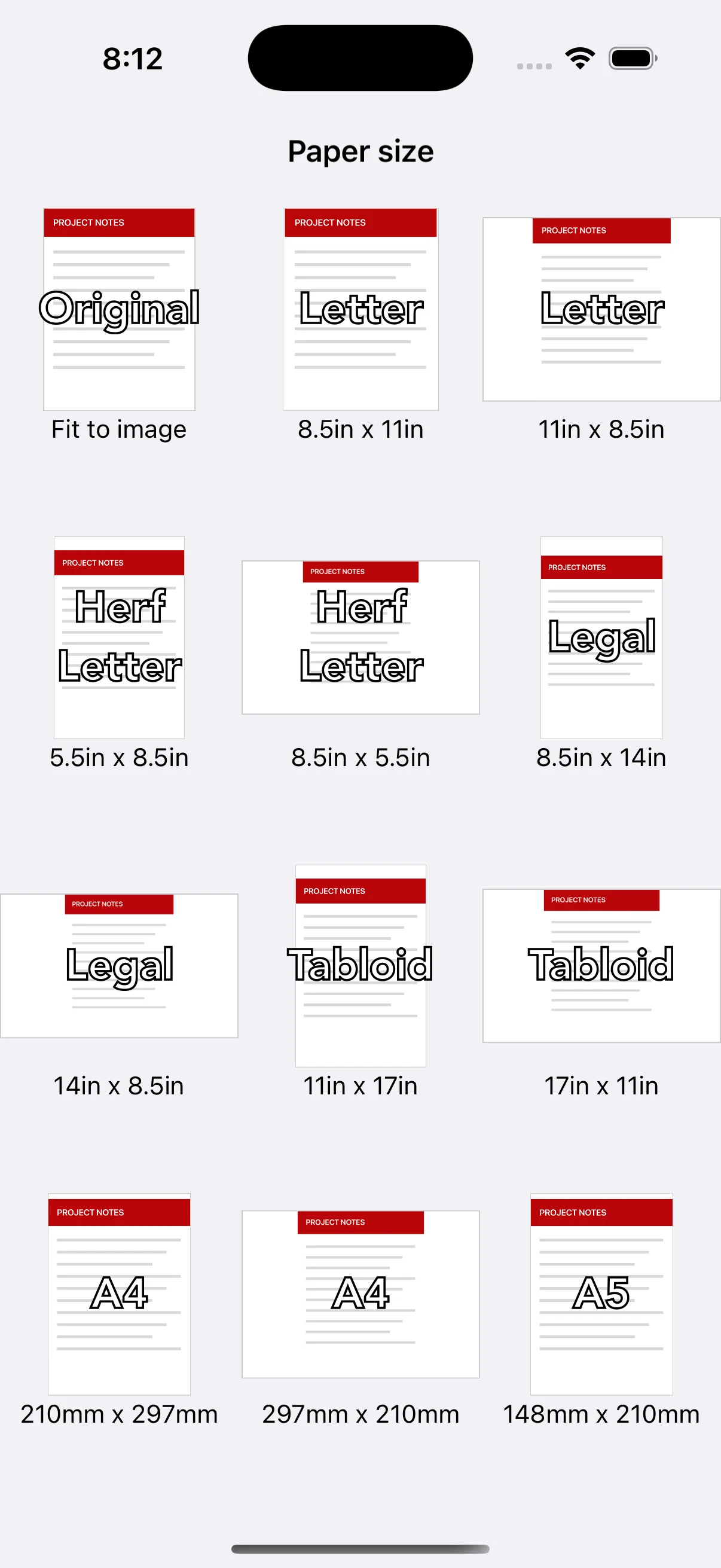
Use Original to follow the image shape
Original creates each PDF page with the image's aspect ratio. It works well when you do not want a fixed sheet around the photo or when the file will mainly be viewed on a screen. A PDF made from differently shaped images can therefore contain pages with different dimensions.
Use A4 where that is the expected standard
A4 is common for documents and assignments in many countries. Choose portrait for tall pages and landscape for wide tables or slides. If a school, employer, government office or client provides a file specification, follow that requirement rather than a general recommendation.
Check Letter and other regional formats
Letter is commonly requested in North America. The app also includes Half Letter, Legal, Tabloid, A-series and B-series choices in portrait and landscape. Pick the format expected by the person who will print or receive the file.
Inspect cropping and blank space
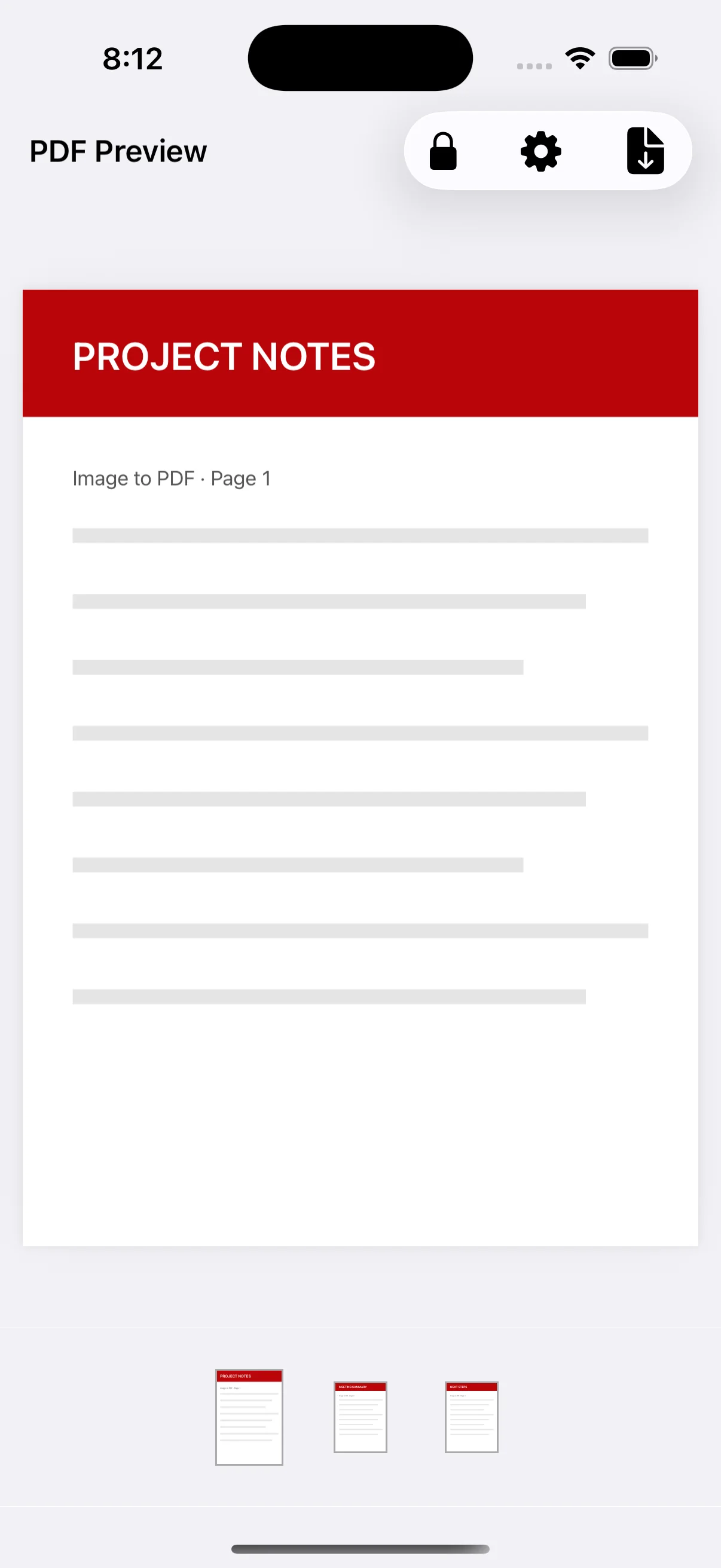
Paper and image aspect ratios often differ, which can create blank space or crop content. Check fine text, signatures and page edges in the preview. Premium users can adjust the margin and choose Fit or Fill before regenerating the PDF.