Prepare readable source images
Collect the images in Photos and remove failed or duplicate shots before converting them. This app turns existing photos and images into PDF pages; it does not claim to provide OCR text recognition or automatic document-scanner correction. Start with images that are already clear and correctly oriented.
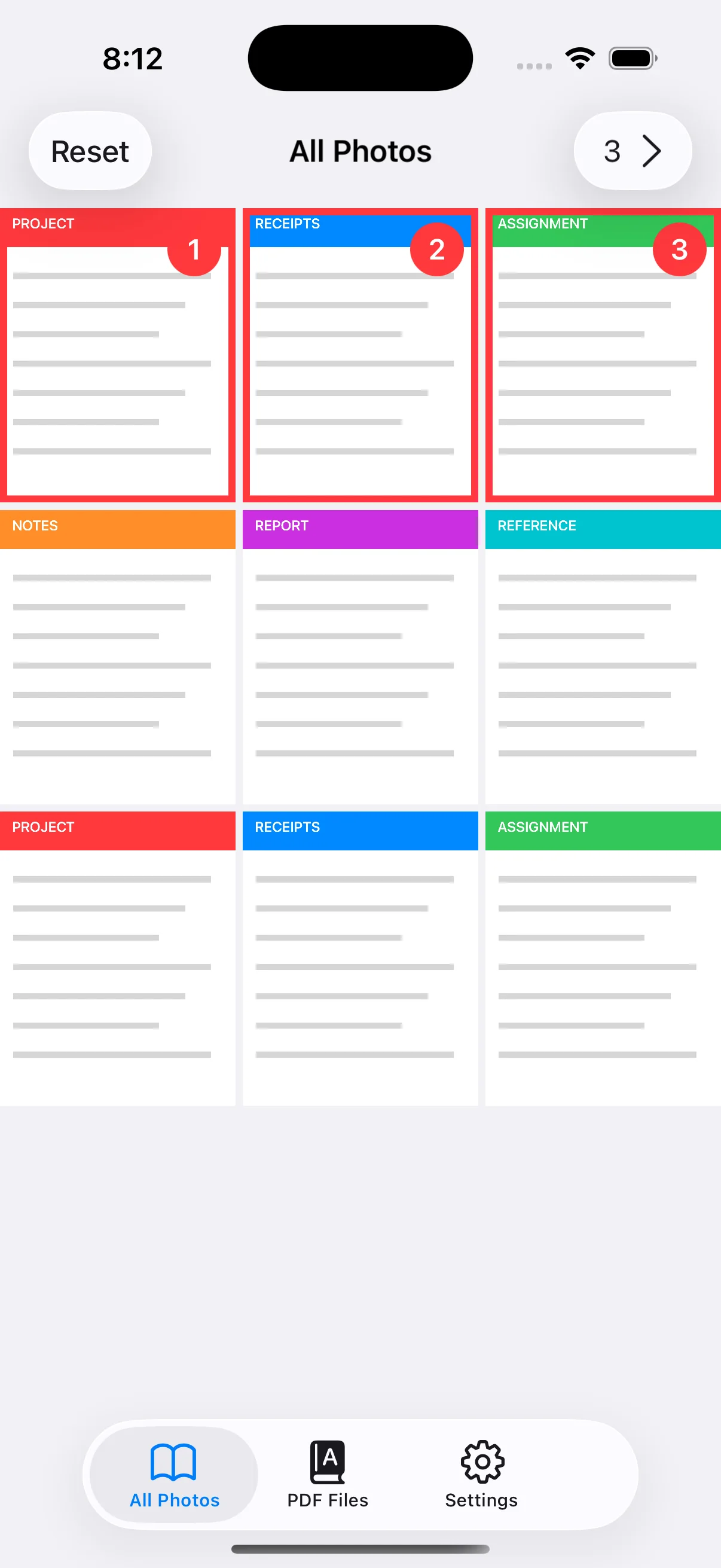
Tap images in the finished page order
Selection order becomes PDF page order. Choose a cover before the body, or sort receipts chronologically. The number on each selected thumbnail lets you verify the sequence. If the order is wrong, deselect the affected items and choose them again in the correct order.
Decide whether pages need one fixed size
Original preserves each image ratio, so page dimensions can vary. A4 or Letter gives the PDF consistent pages for printing and formal submission. Premium margin and Fit/Fill controls provide more control when source images have different shapes.
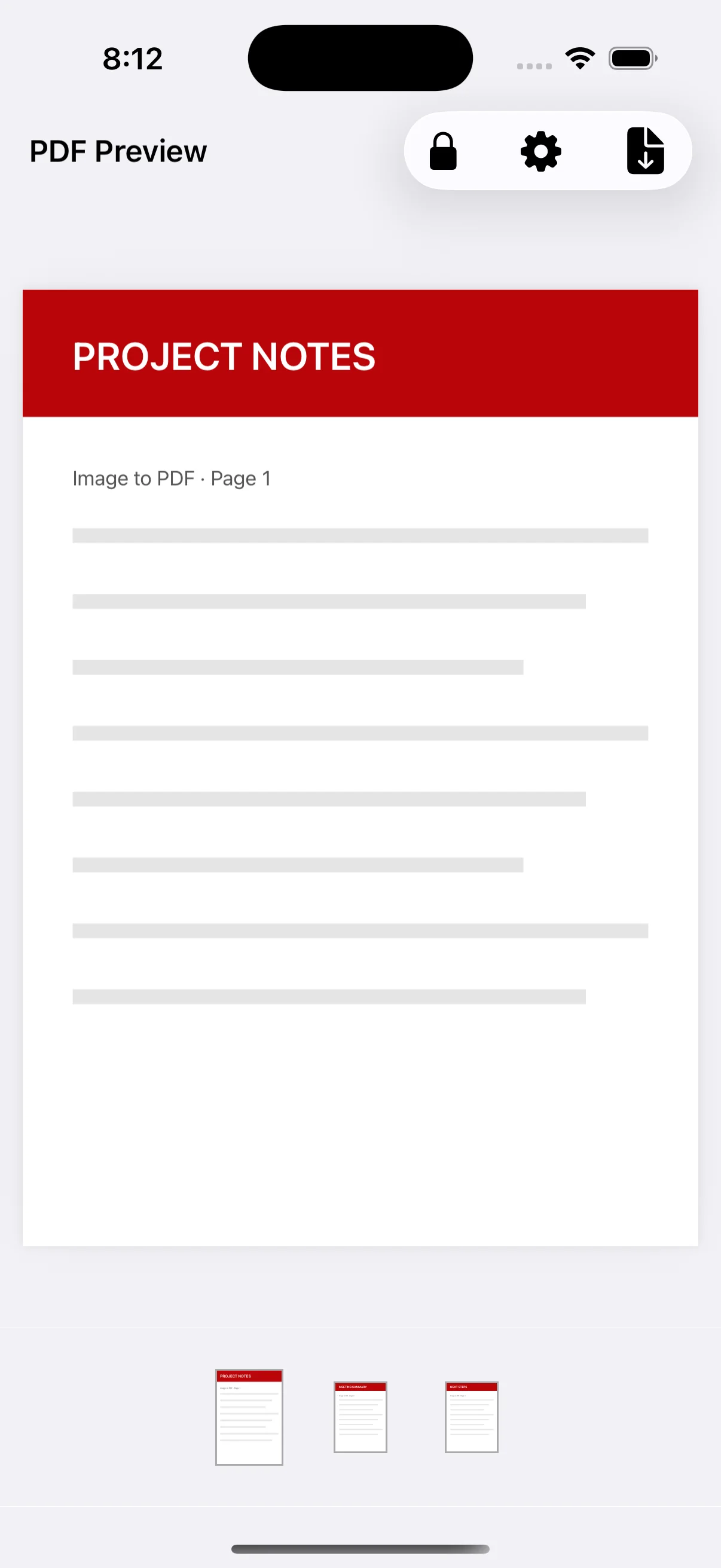
Review the thumbnail strip before saving
Scan the preview thumbnails from left to right for missing or duplicate pages. Correcting the file before sharing is easier than replacing an attachment later. Save it with a descriptive name, then use the system share sheet to choose a destination.