
Business & Productivity
Image to PDF - Convert to PDF
Turn photos and images on your iPhone or iPad into one ordered, multipage PDF.
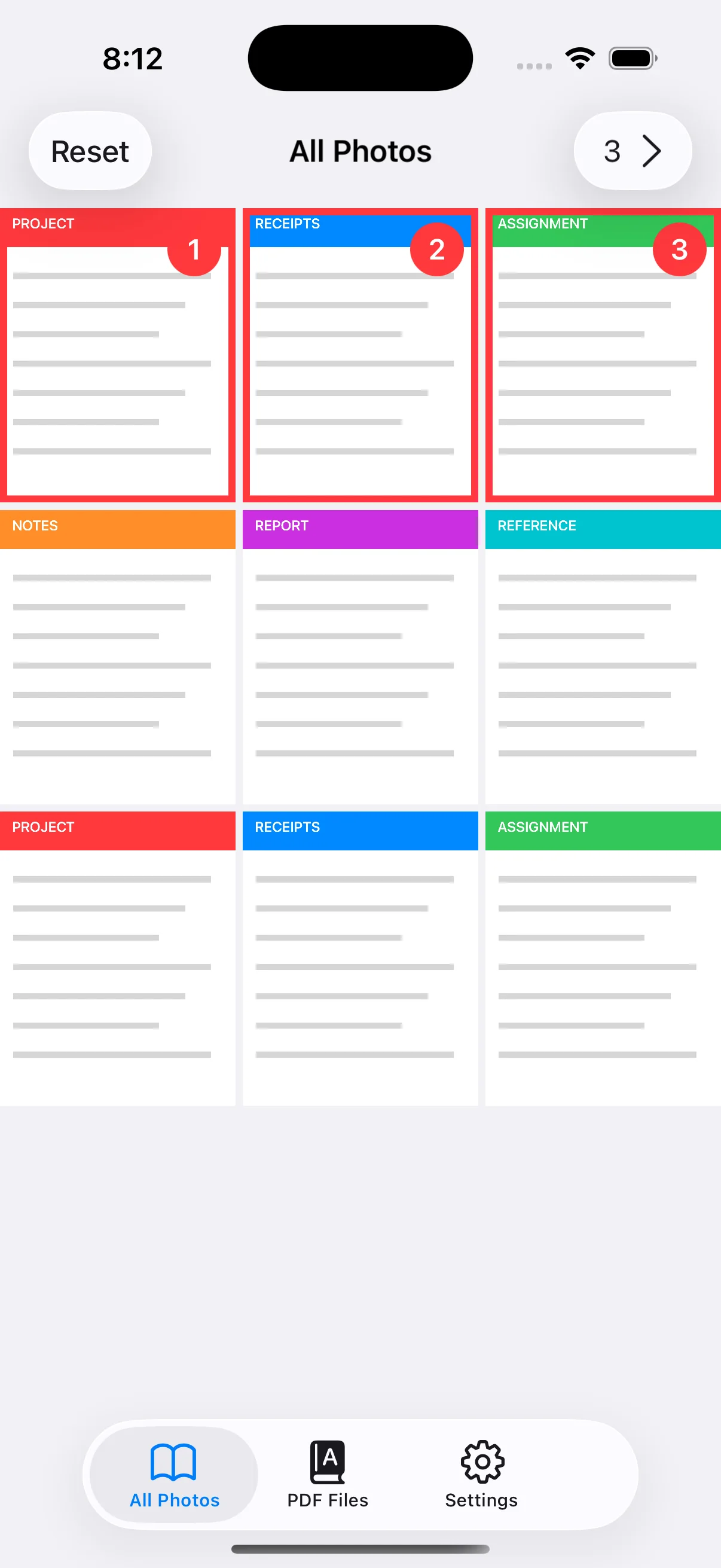
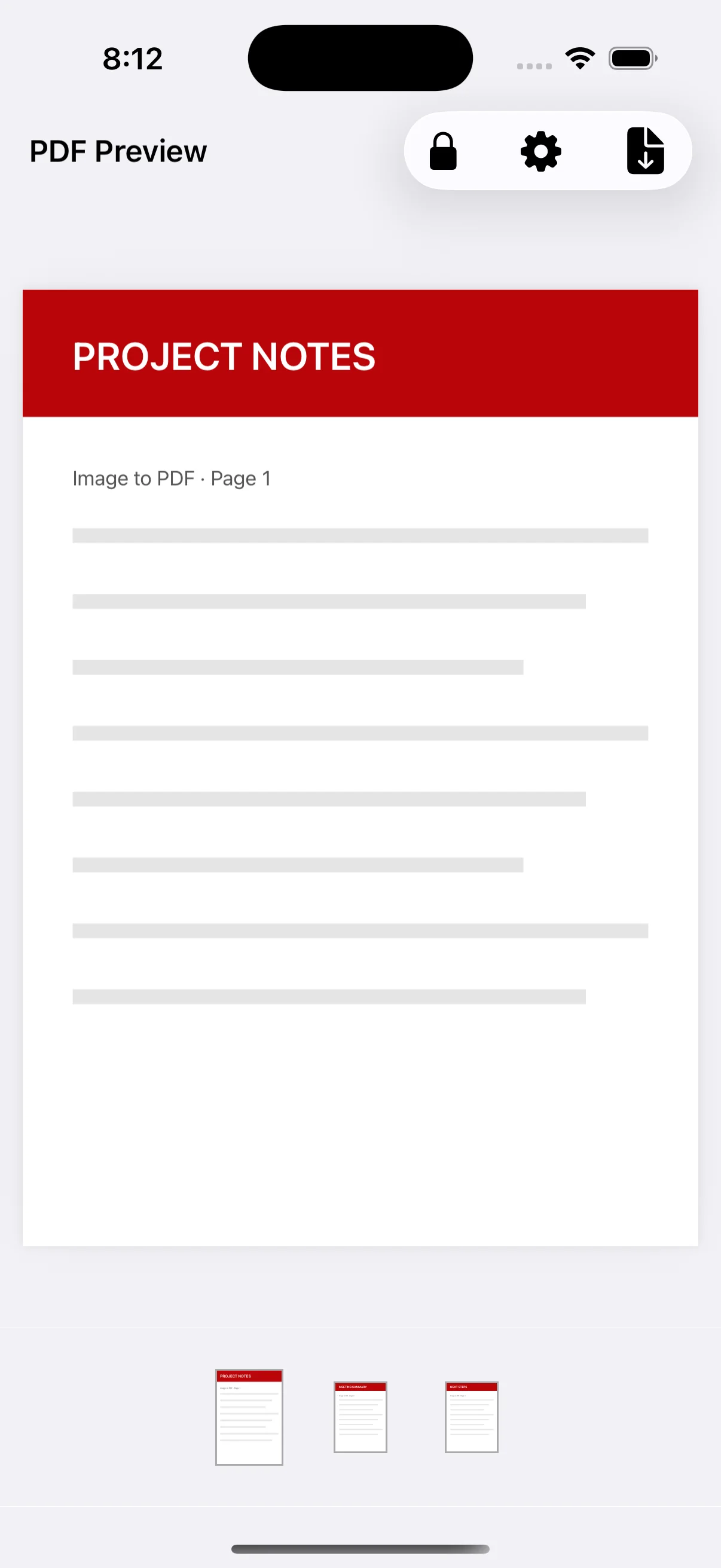
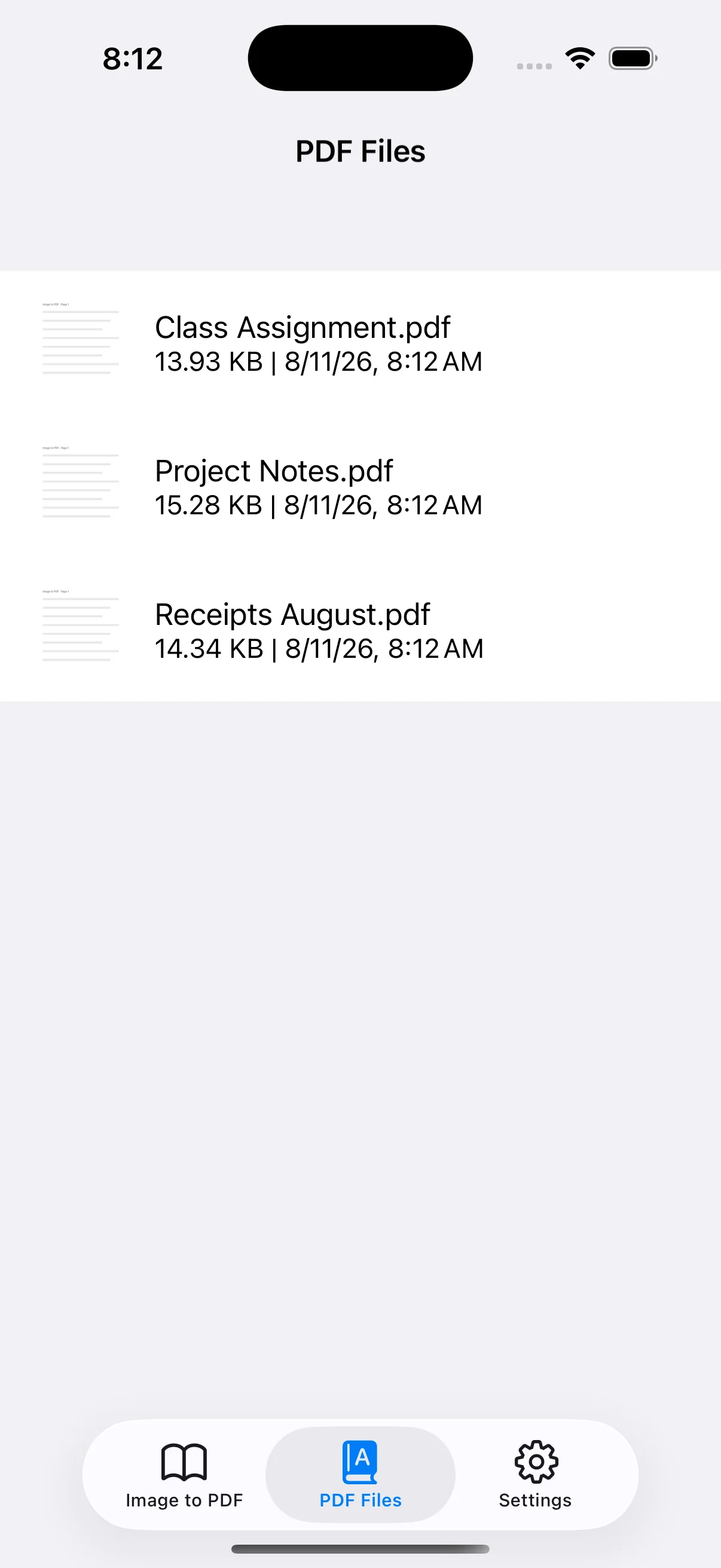
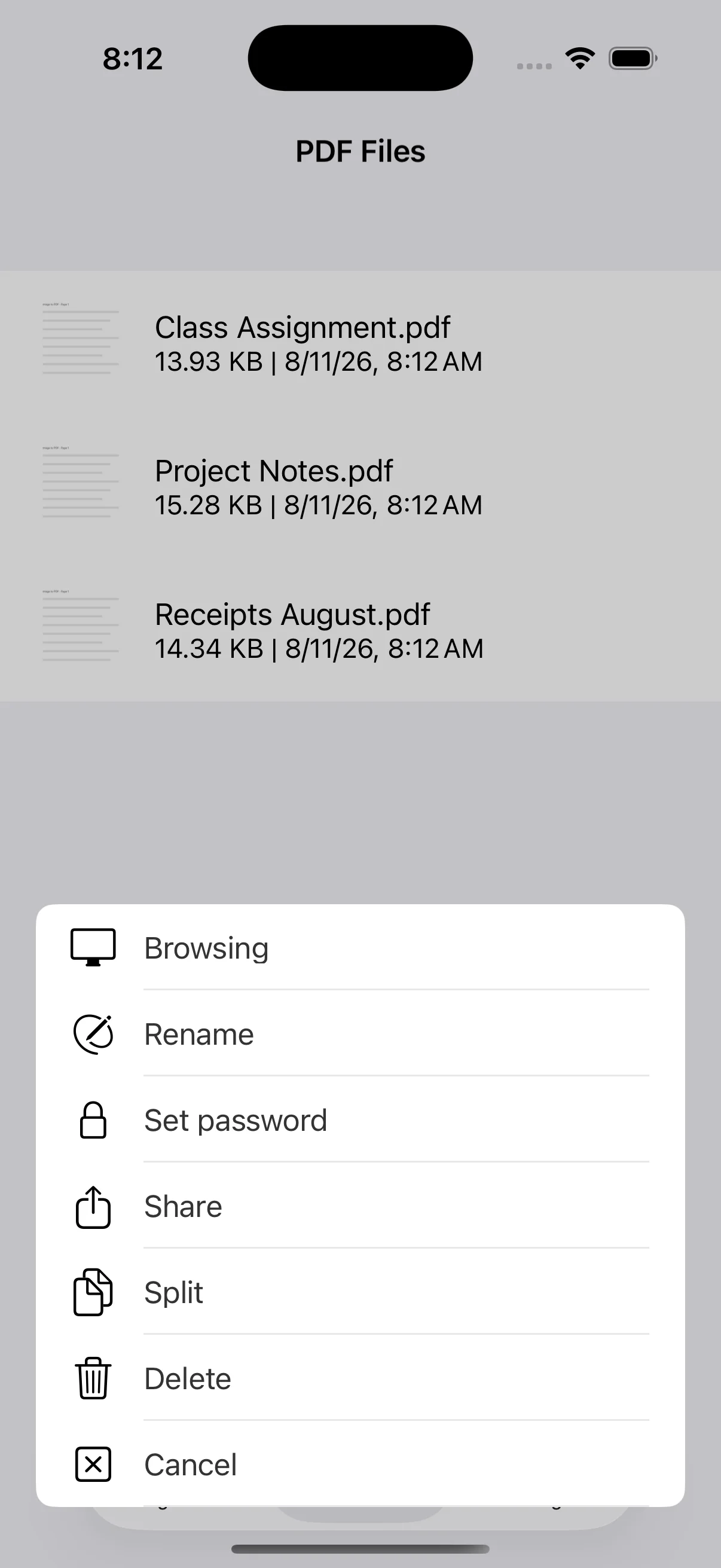
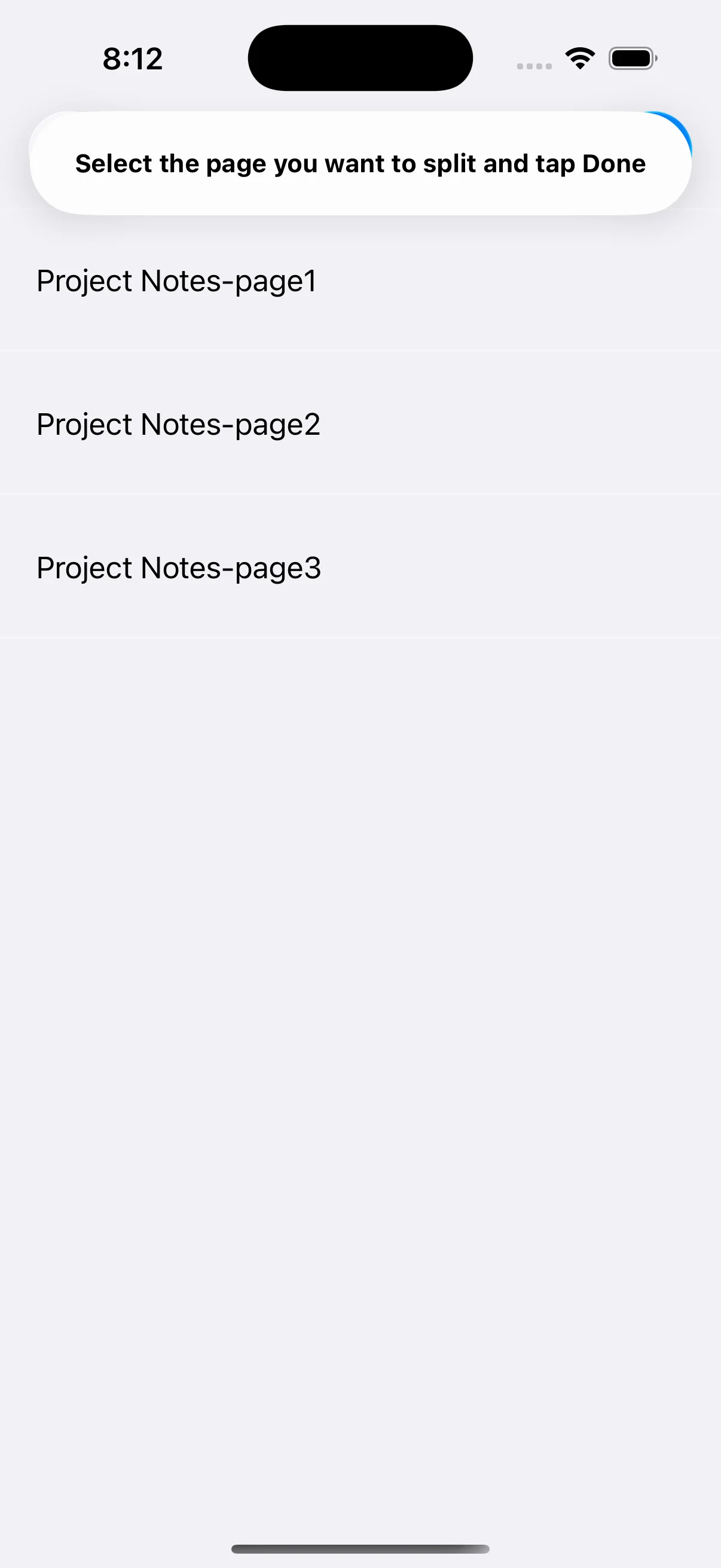
View on the App StoreSelect images from Photos in the order you want, choose a paper size, review the PDF preview, and save the result inside the app. It is useful for receipts, class assignments, project notes, and documents that need to be shared as a single PDF. PDF creation happens on the device, and saved files can be viewed, renamed, shared, password-protected, split, or deleted.
Real app screens
Key features
- Convert multiple photos into one PDF in the selected order
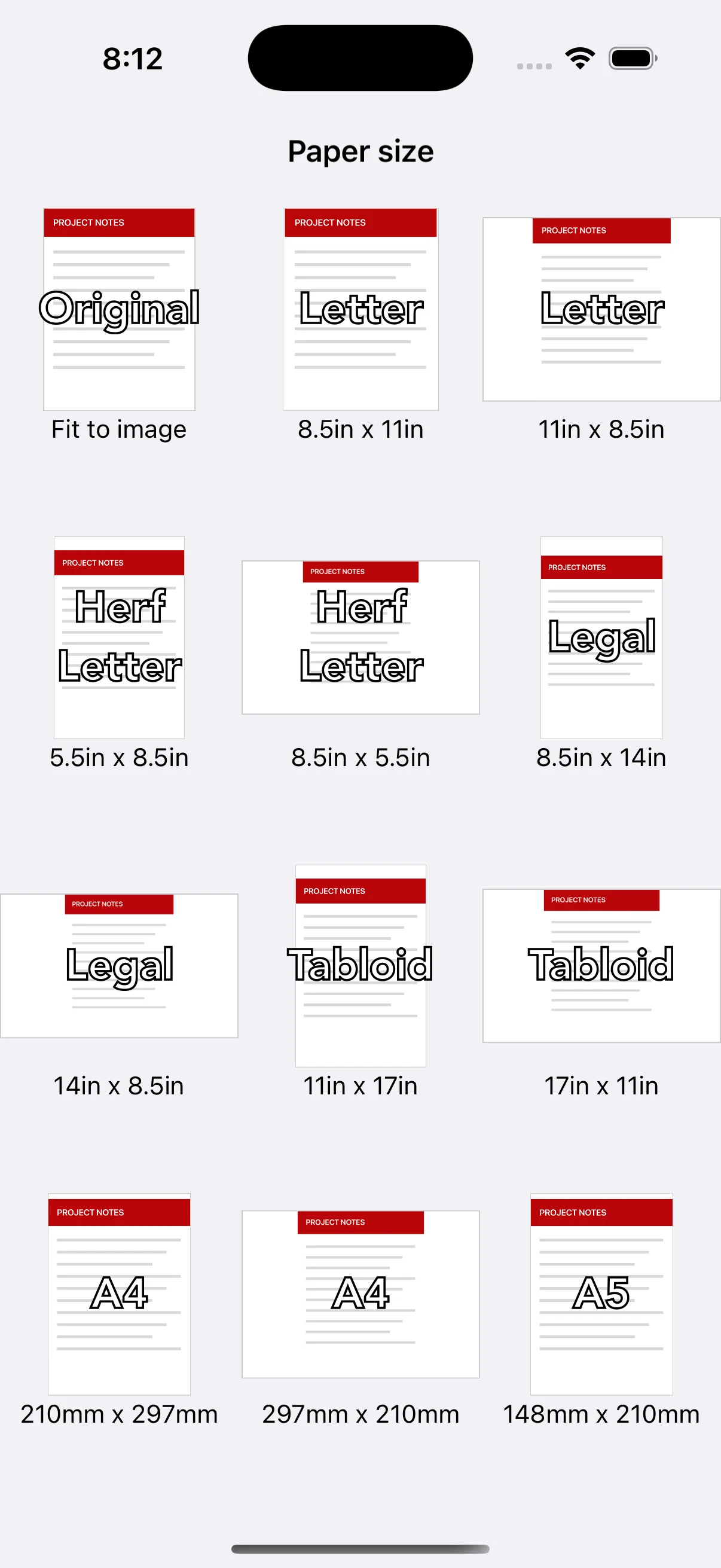
- Original, A4, A5, A6, B series, Letter, Legal, and Tabloid sizes
- Portrait and landscape paper choices with a PDF preview
- View, rename, share, and delete saved PDFs
- Password protection and page splitting
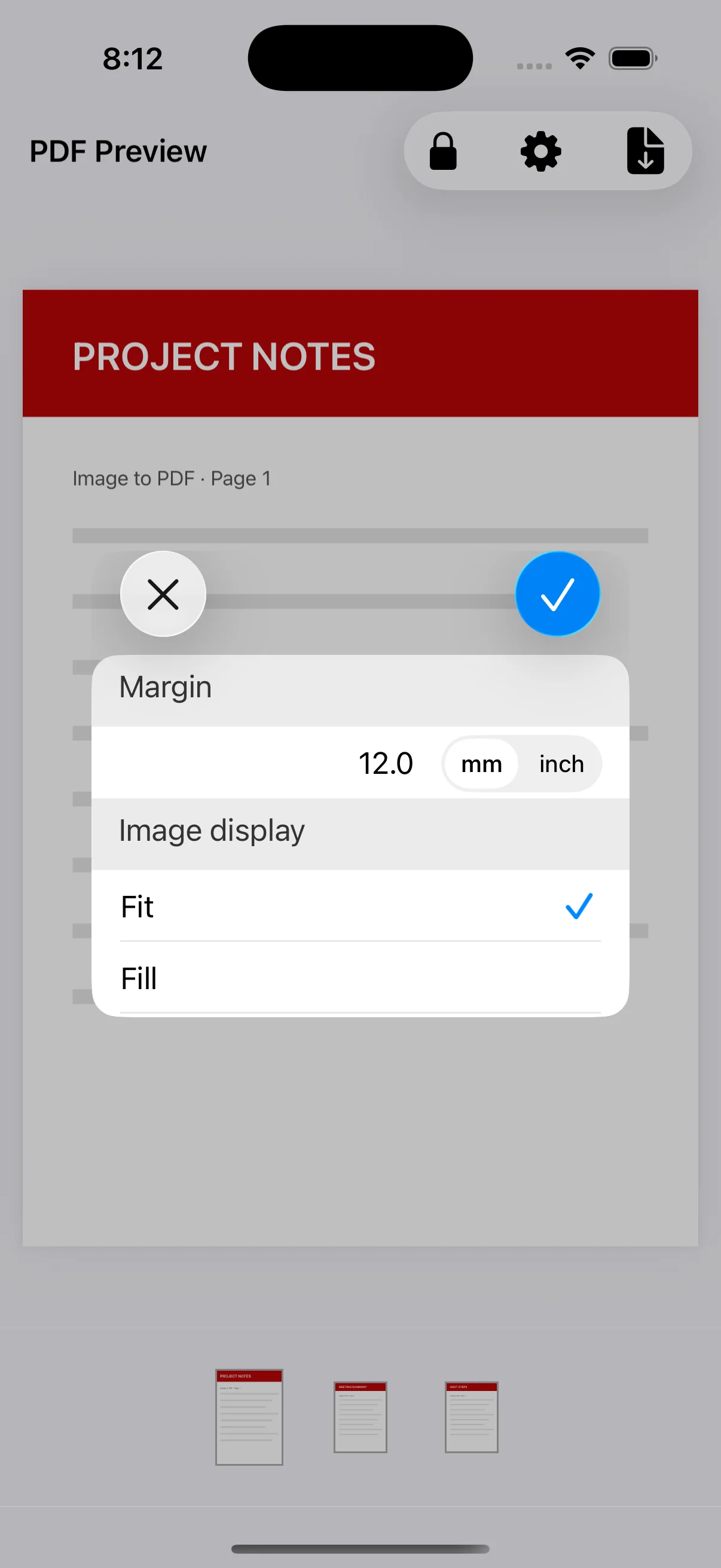
- Premium removes the image limit, unlocks margins and Fit/Fill, and hides ads
Free and Premium
The free version can select up to three images at a time. Premium removes the image-selection limit, enables margins, Fit/Fill placement and PDF passwords, and hides ads. Check the App Store or the in-app screen for current prices and subscription terms.
Detailed guides
How to convert photos to PDF on iPhone
Follow the complete workflow from selecting photos to choosing a page size, checking the preview, and saving the PDF.
→How to combine multiple images into one PDF
Organize receipts, documents, or class assignments into a multipage PDF without losing the intended order.
→Choose a PDF paper size and orientation
Understand Original, A4, Letter and other options for printing, submitting, or viewing PDFs on screen.
→Set PDF margins and Fit or Fill placement
Use Premium controls to set margin units and decide how images fit inside a fixed paper size.
→How to password-protect a PDF on iPhone
Add a password before or after saving, then share the protected PDF with appropriate precautions.
→Manage, share, and split saved PDF files
Use the PDF Files tab to view, rename, share, split, password-protect, or delete your documents.
→Image to PDF - Convert to PDF
Turn photos and images on your iPhone or iPad into one ordered, multipage PDF.
View on the App Store