Photo & Video
Video Converter & Compressor
Convert, resize, and compress video files already stored on your iPhone or iPad.
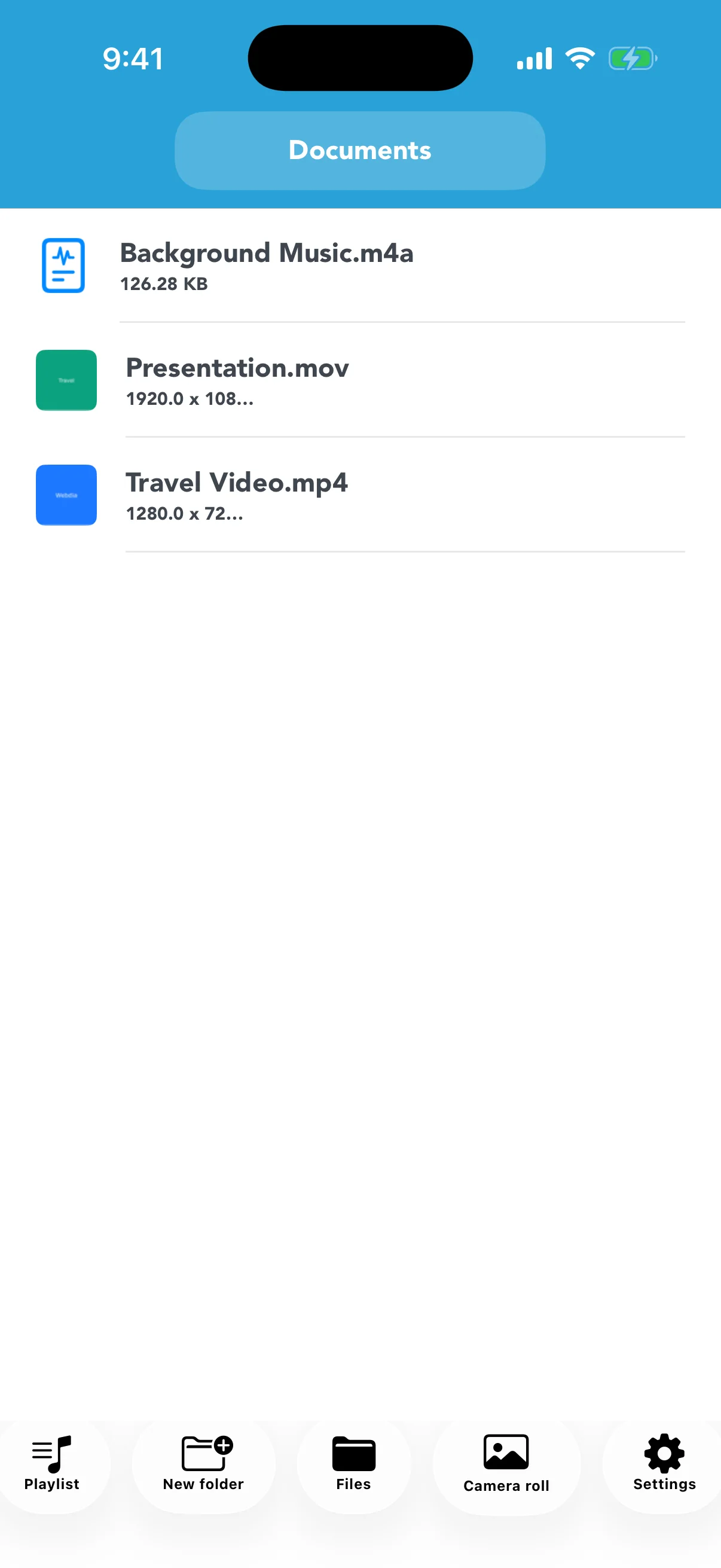
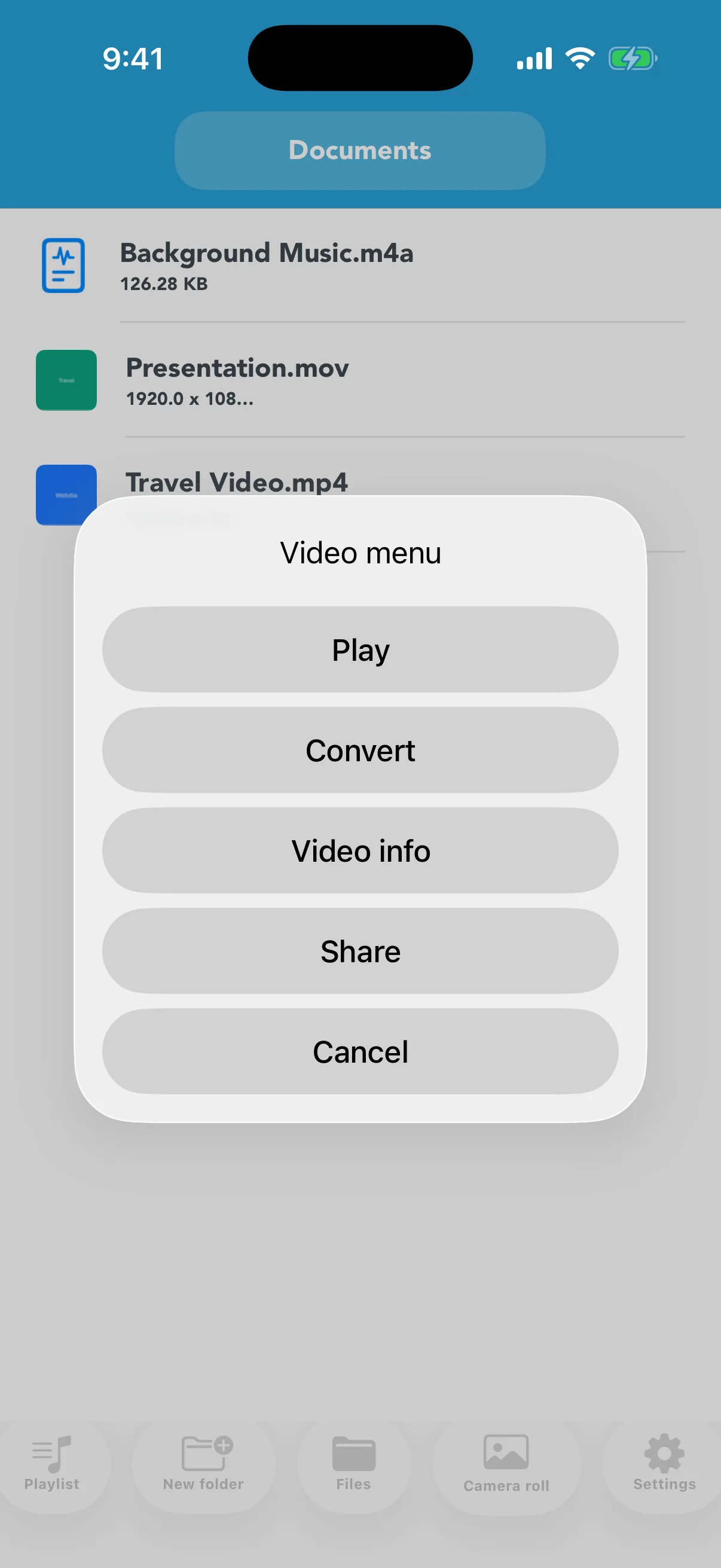
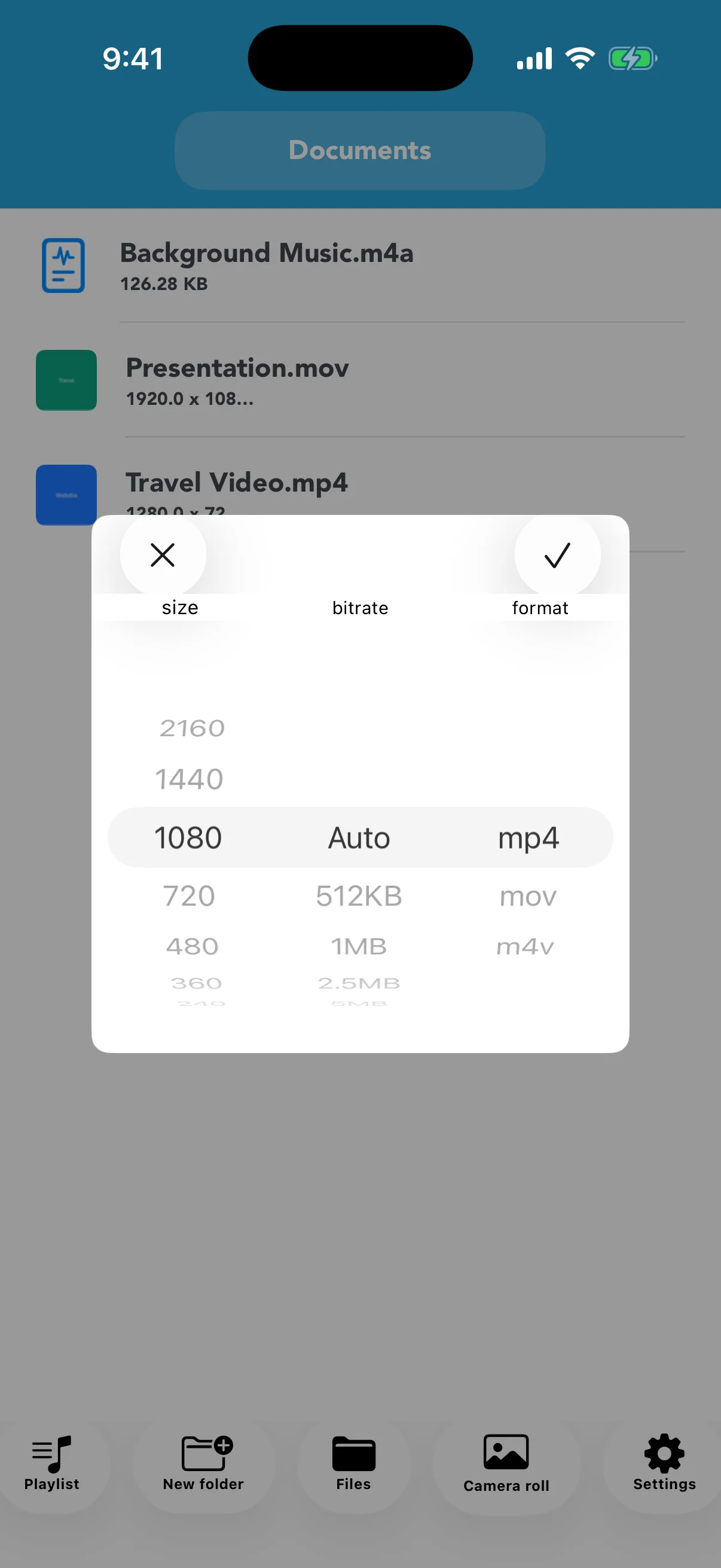
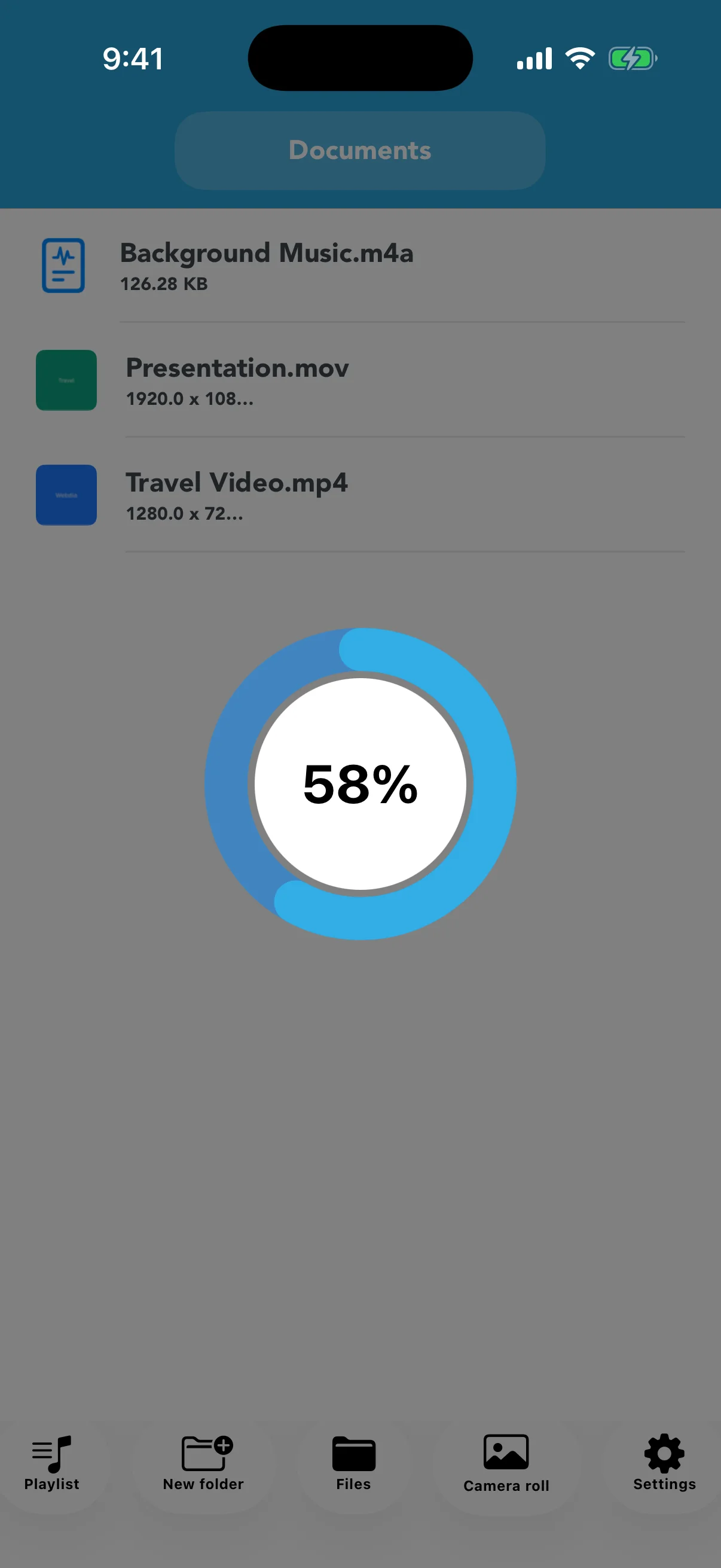
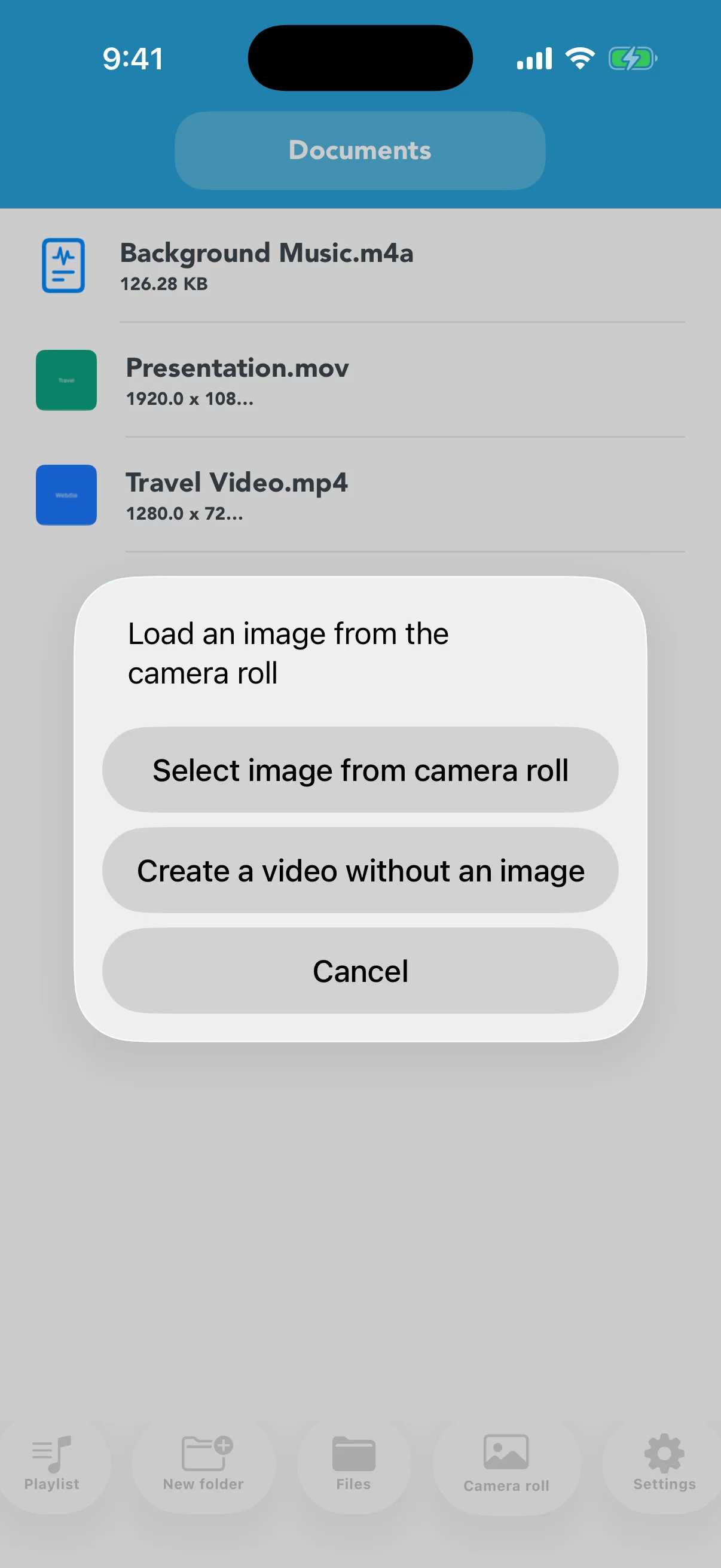
View on the App StoreImport videos from Files or Photos, convert them to MP4, MOV, or M4V, and choose a resolution and quality level. The app accepts sources such as WMV, MKV, MPEG, MPG, WEBM, FLV, MP4, MOV, and M4V. You can play, inspect, organize, and share converted files. It can also turn AAC, M4A, MP3, or WAV audio into a video with a still image and organize playable videos in playlists.
About the files you use
This app works with video and audio files already saved on your device, in Photos, or in Files. It does not download videos from websites or streaming services. Use only content you created or have permission to convert and share.
Real app screens
Key features
- Convert WMV, MKV, MPEG, MPG, WEBM, FLV, MP4, MOV, and M4V sources
- Choose output format, resolution, and quality to control file size
- Turn AAC, M4A, MP3, or WAV audio into a still-image video
- Import from Files or Photos and organize files in folders
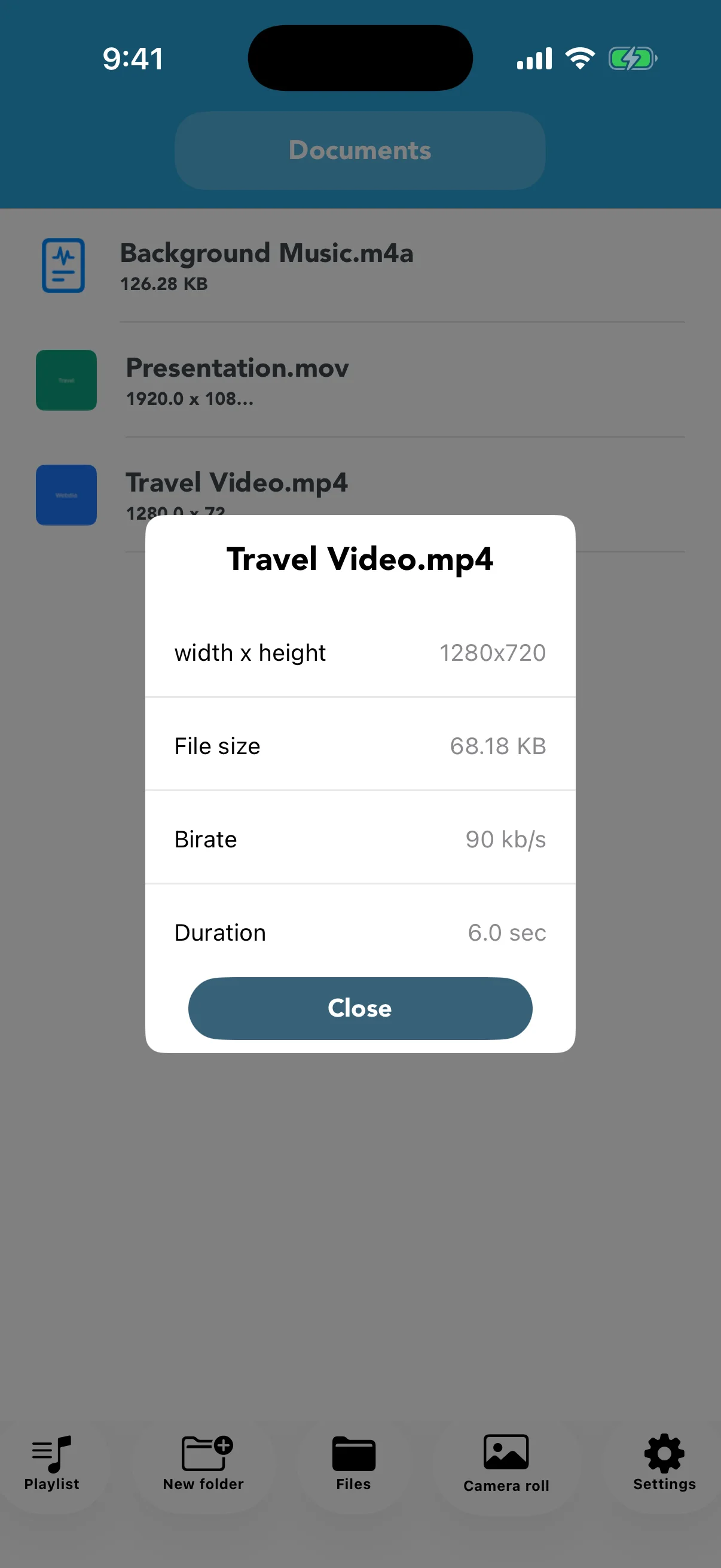
- Inspect resolution, file size, bitrate, and duration
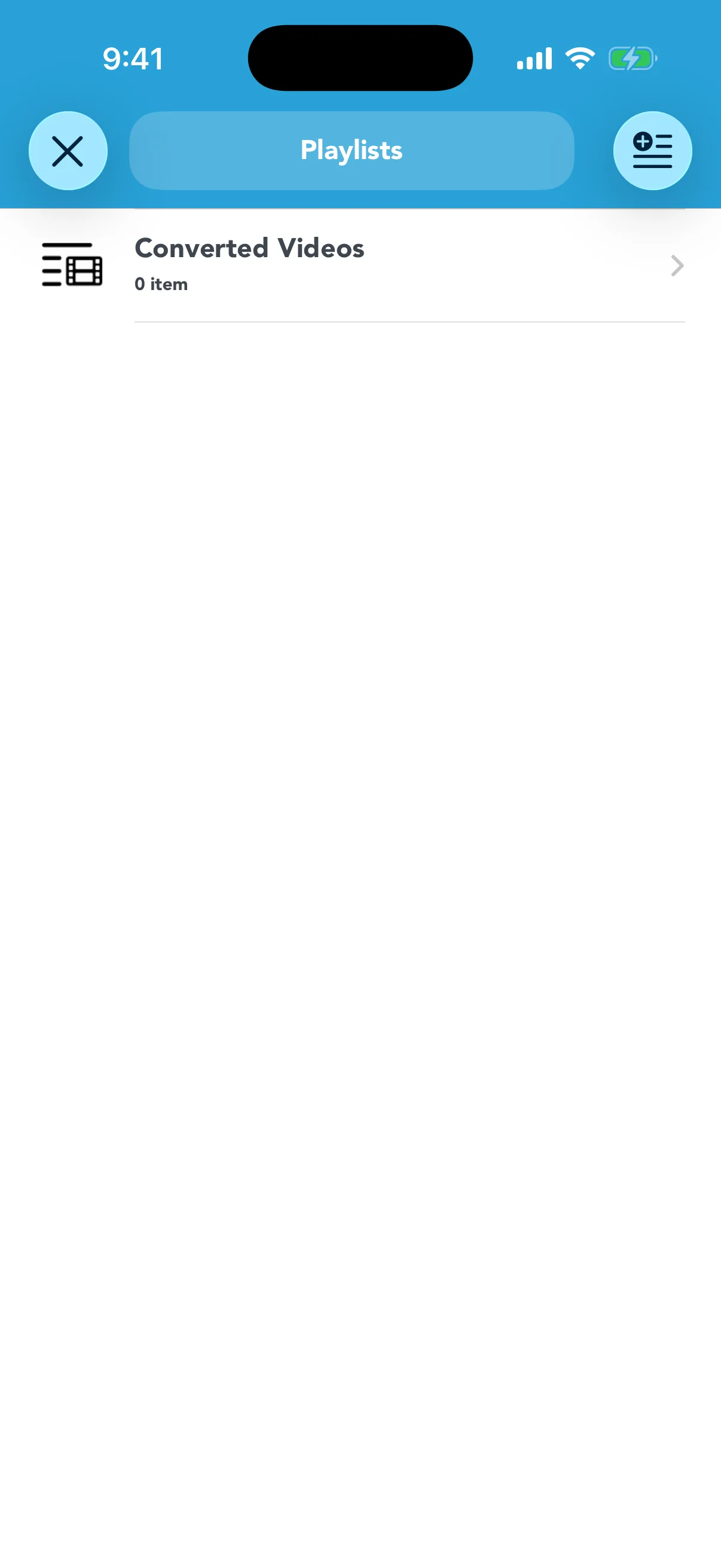
- Play and share converted videos and organize playlists
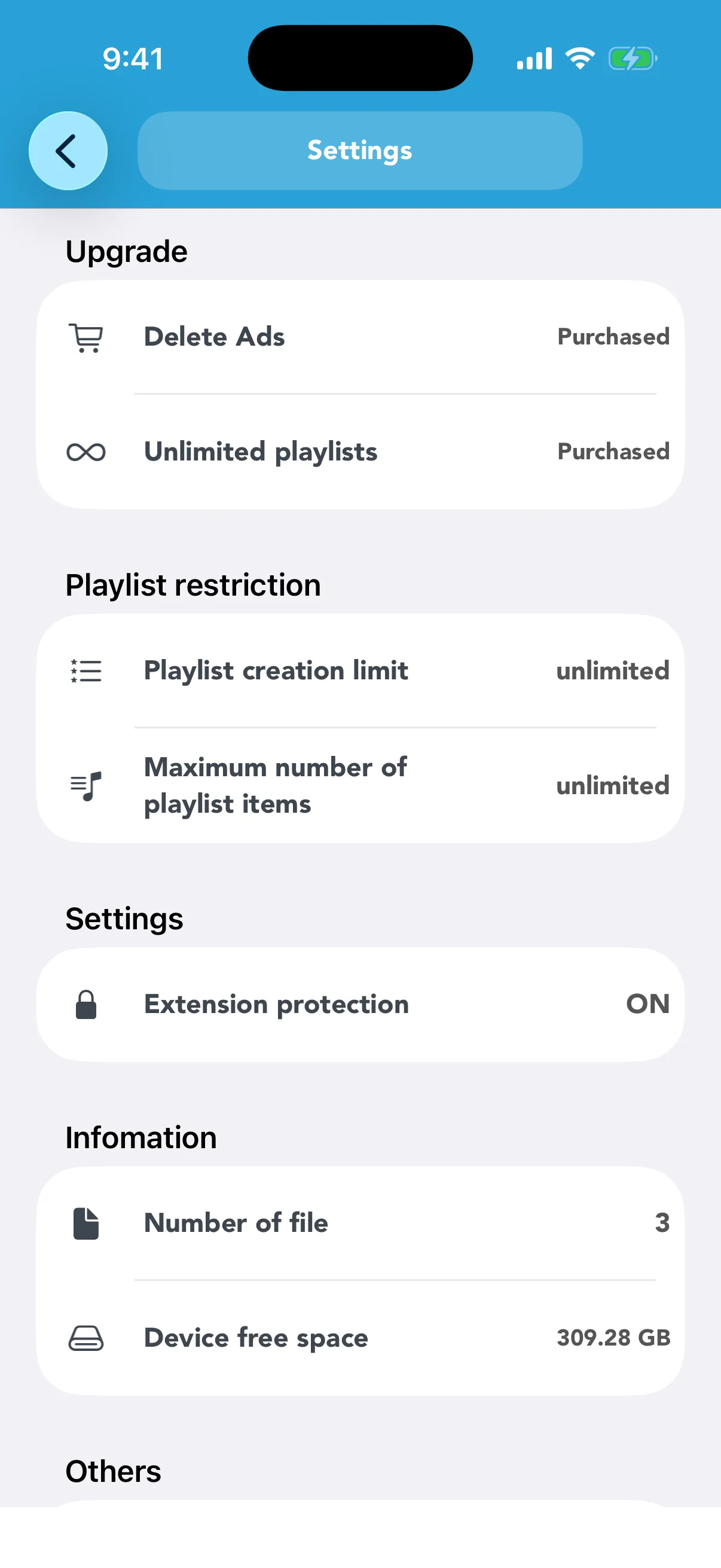
- Optional purchases remove ads and unlock playlist limits
Free version and in-app purchases
Core conversion and file-management features are free. Remove Ads hides advertising, while Unlimited Playlists removes the limits on playlist creation and total playlist items. These are offered as one-time in-app purchases. Check the App Store or the in-app screen for current prices and terms.
Detailed guides
How to convert video formats on iPhone
Import a local file, choose its resolution, quality, and output format, and check the converted result.
→How to compress and resize a video on iPhone
Adjust resolution and quality for email, messaging, storage, or smaller-screen playback.
→How to turn an audio file into a video
Create a video from AAC, M4A, MP3, or WAV audio with an optional still image.
→Import, organize, and share video files
Bring files in from Files or Photos, arrange them in folders, and send the correct result.
→Understand video details and conversion progress
Read resolution, file size, bitrate, and duration, and know what to check during conversion.
→Play converted videos and create playlists
Check MP4, M4V, or MOV results and group related videos for convenient playback.
→Remove Ads vs. Unlimited Playlists
Understand what each one-time in-app purchase changes before buying or restoring it.
→Video Converter & Compressor
Convert, resize, and compress video files already stored on your iPhone or iPad.
View on the App Store