About the files you use
This app works with video and audio files already saved on your device, in Photos, or in Files. It does not download videos from websites or streaming services. Use only content you created or have permission to convert and share.
Check the source before compressing
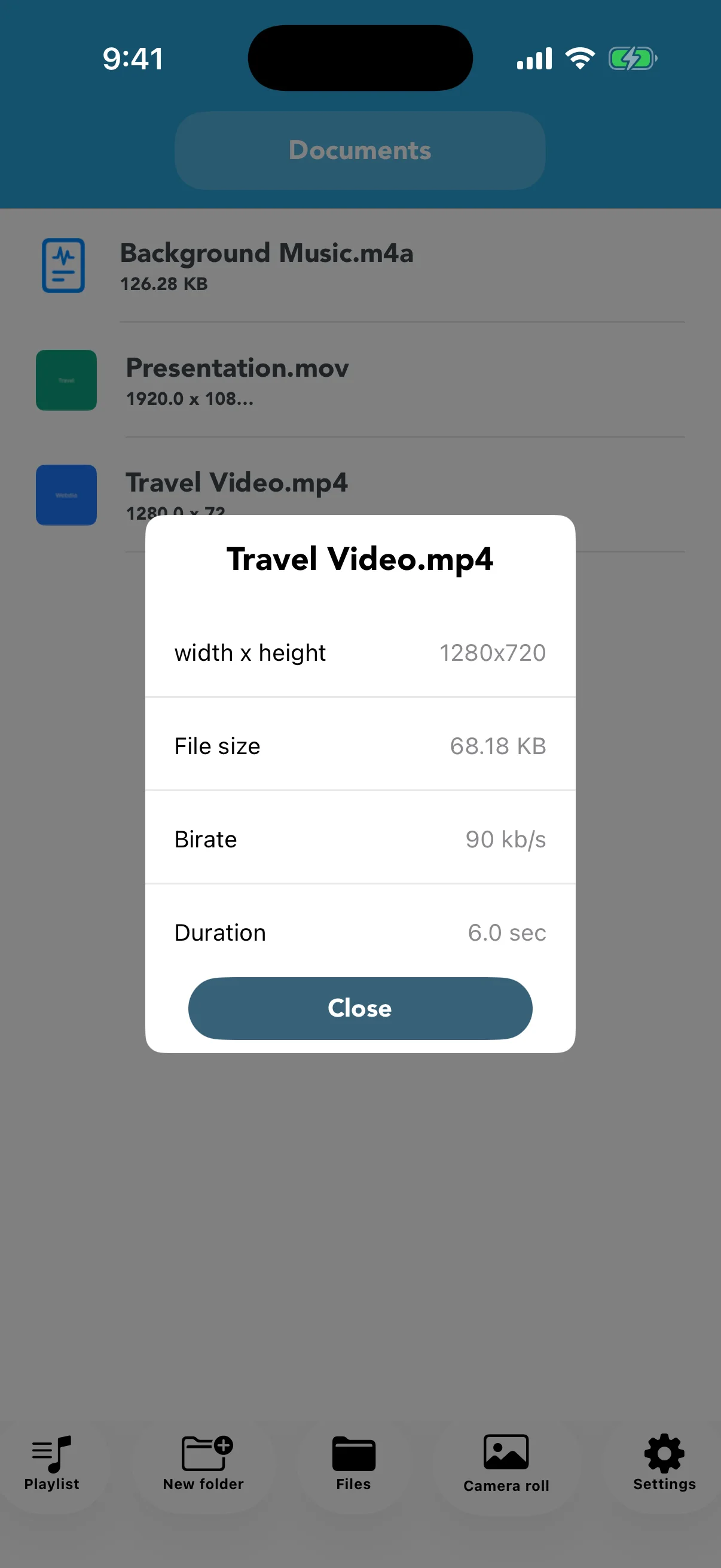
Video info shows width and height, file size, bitrate, and duration. Record these values so you can compare the result. Long or high-resolution videos need more processing time and temporary storage.
Match resolution to the destination
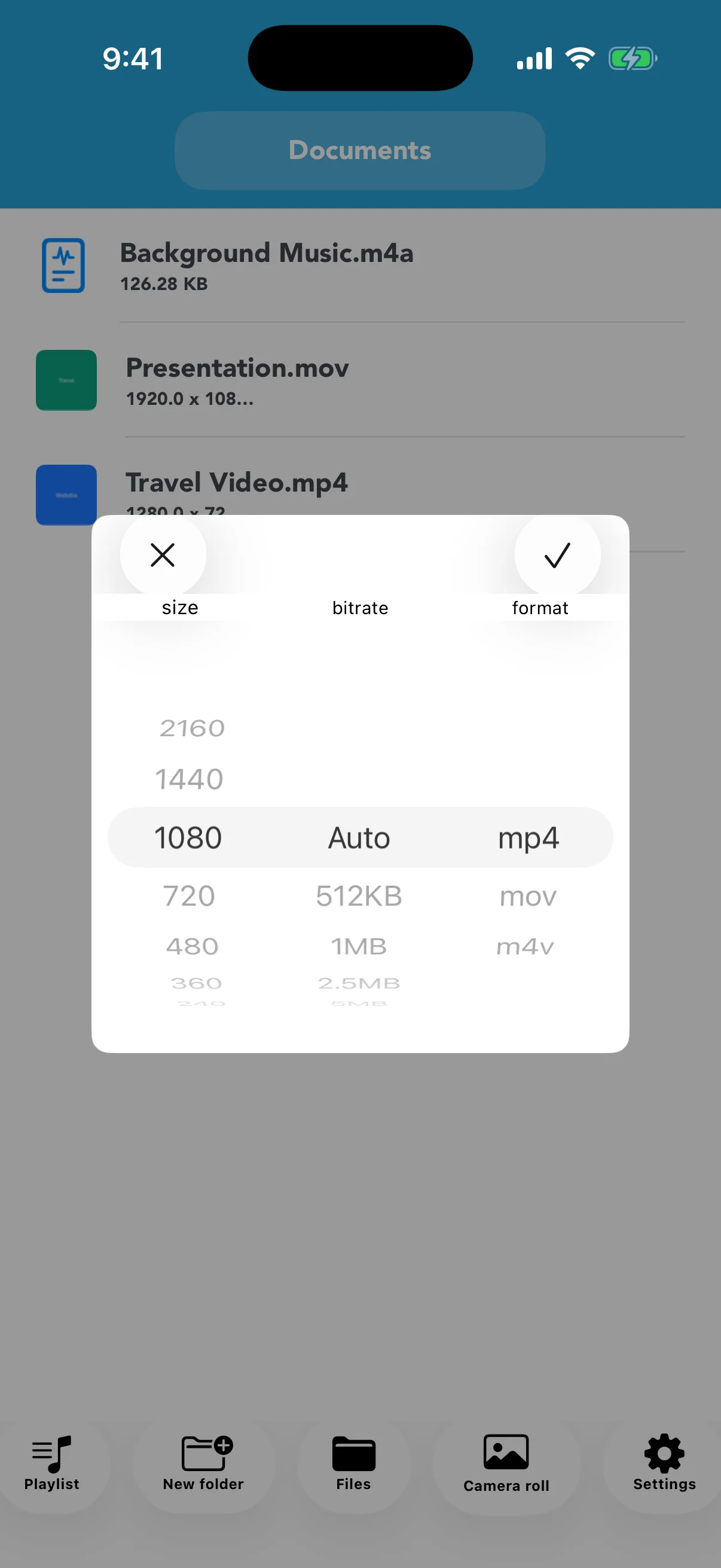
For messaging or viewing on a phone, 1080p or 720p can be more practical than 4K. Do not reduce screen recordings with small text or footage intended for later editing too aggressively. Start one step below the source and review the result.
Compare quality and final size
Play a scene with motion, faces, or text and compare the converted file size with the original. Confirm that it meets the recipient's upload limit. Keep the source until the compressed copy has been delivered successfully.