About the files you use
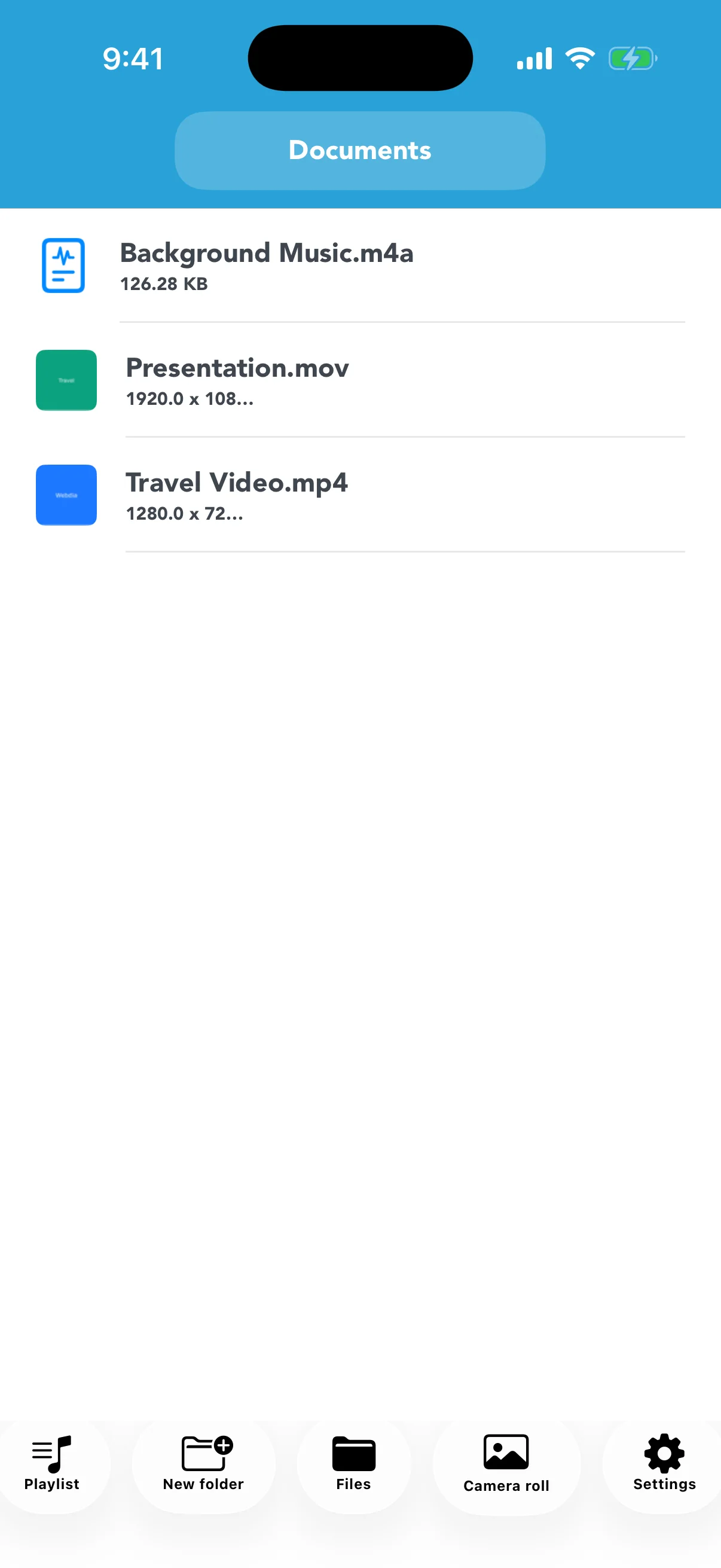
This app works with video and audio files already saved on your device, in Photos, or in Files. It does not download videos from websites or streaming services. Use only content you created or have permission to convert and share.
Play the converted result
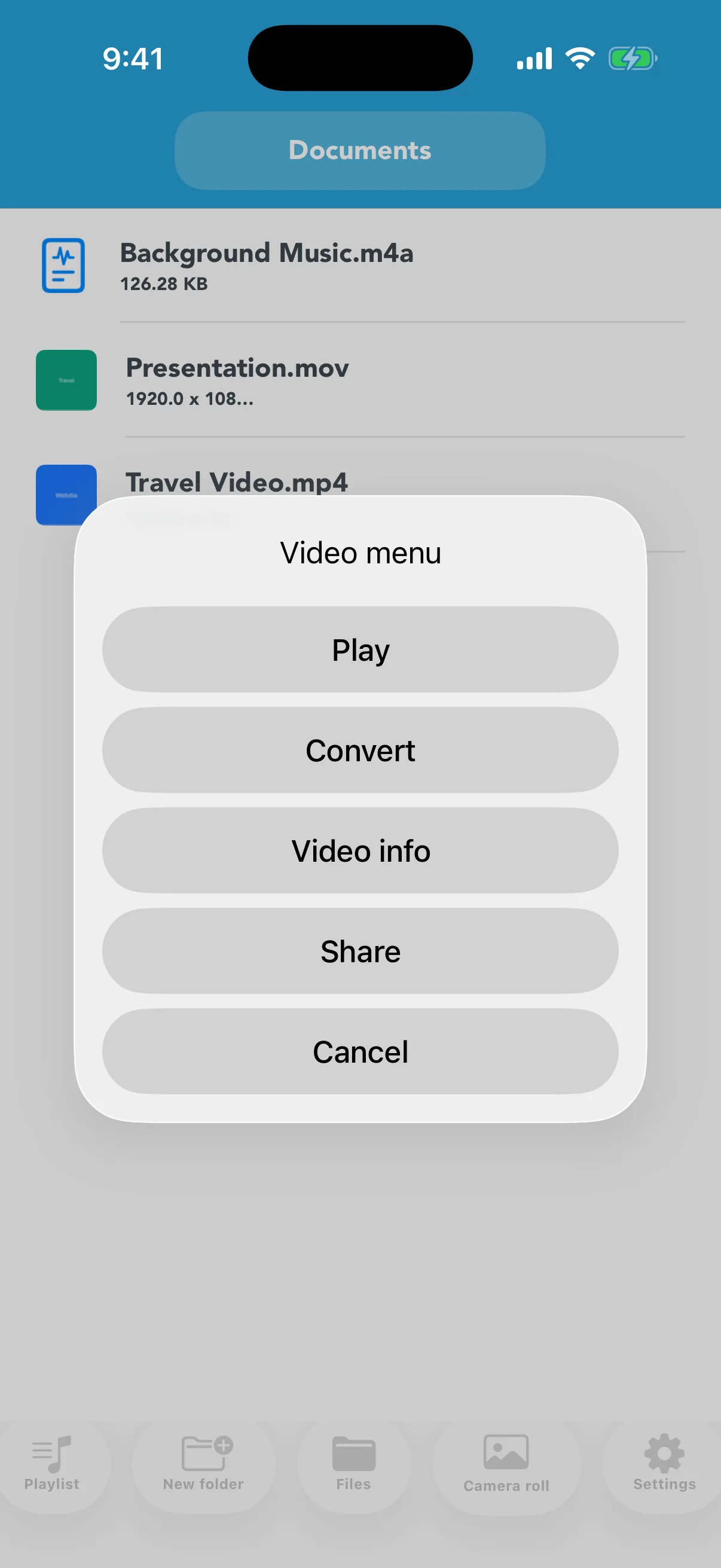
Tap a playable MP4, M4V, or MOV file and choose Play. Check picture and sound from start to finish. A source format that is not directly playable may need conversion first.
Create purpose-based playlists
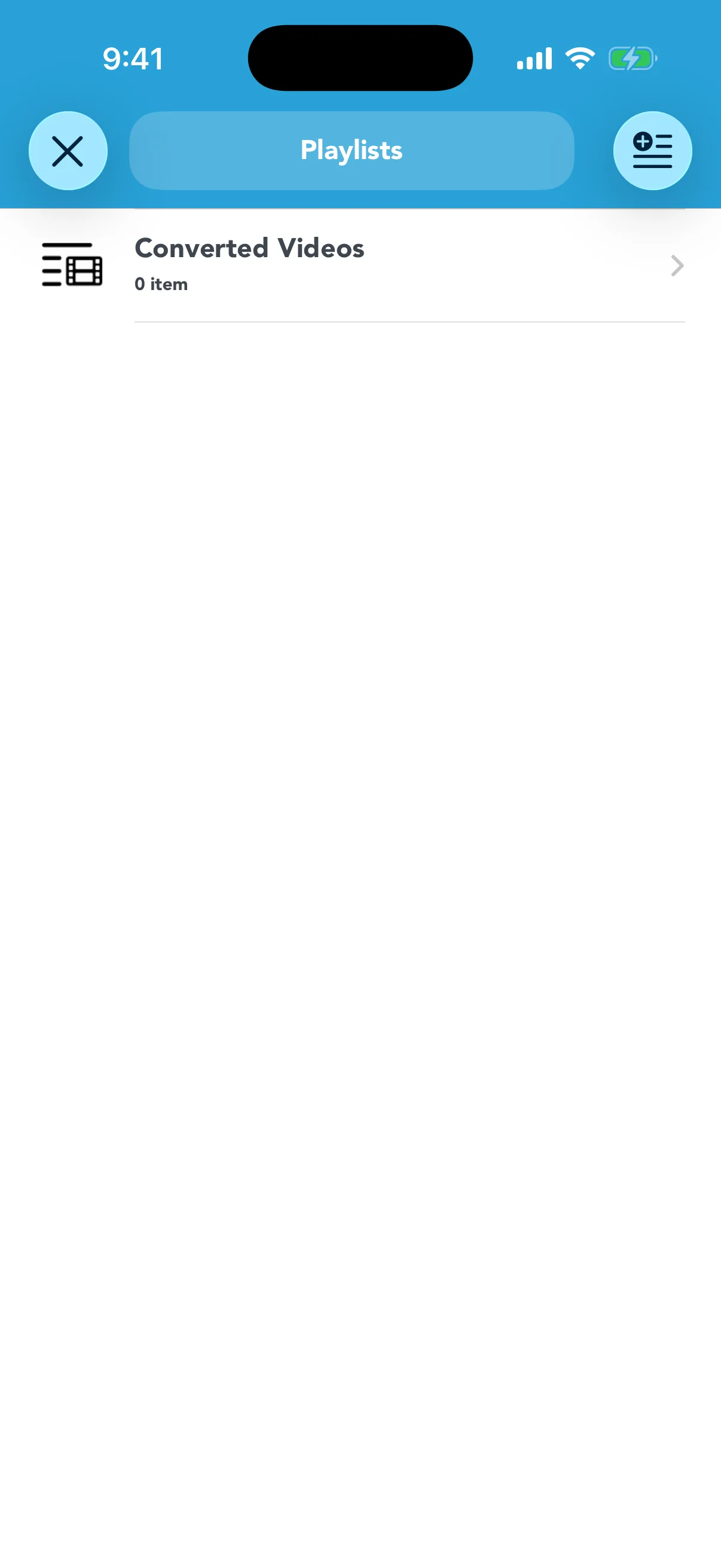
Open Playlists and make lists for lectures, practice clips, trips, or project material. A playlist organizes references to app files; it is separate from the underlying video file.
Know the free limits
The free version limits the number of playlists and total registered items. Unlimited Playlists removes both limits. Removing an item from a playlist is different from deleting the original file.