About the files you use
This app works with video and audio files already saved on your device, in Photos, or in Files. It does not download videos from websites or streaming services. Use only content you created or have permission to convert and share.
Import a video from Files or Photos
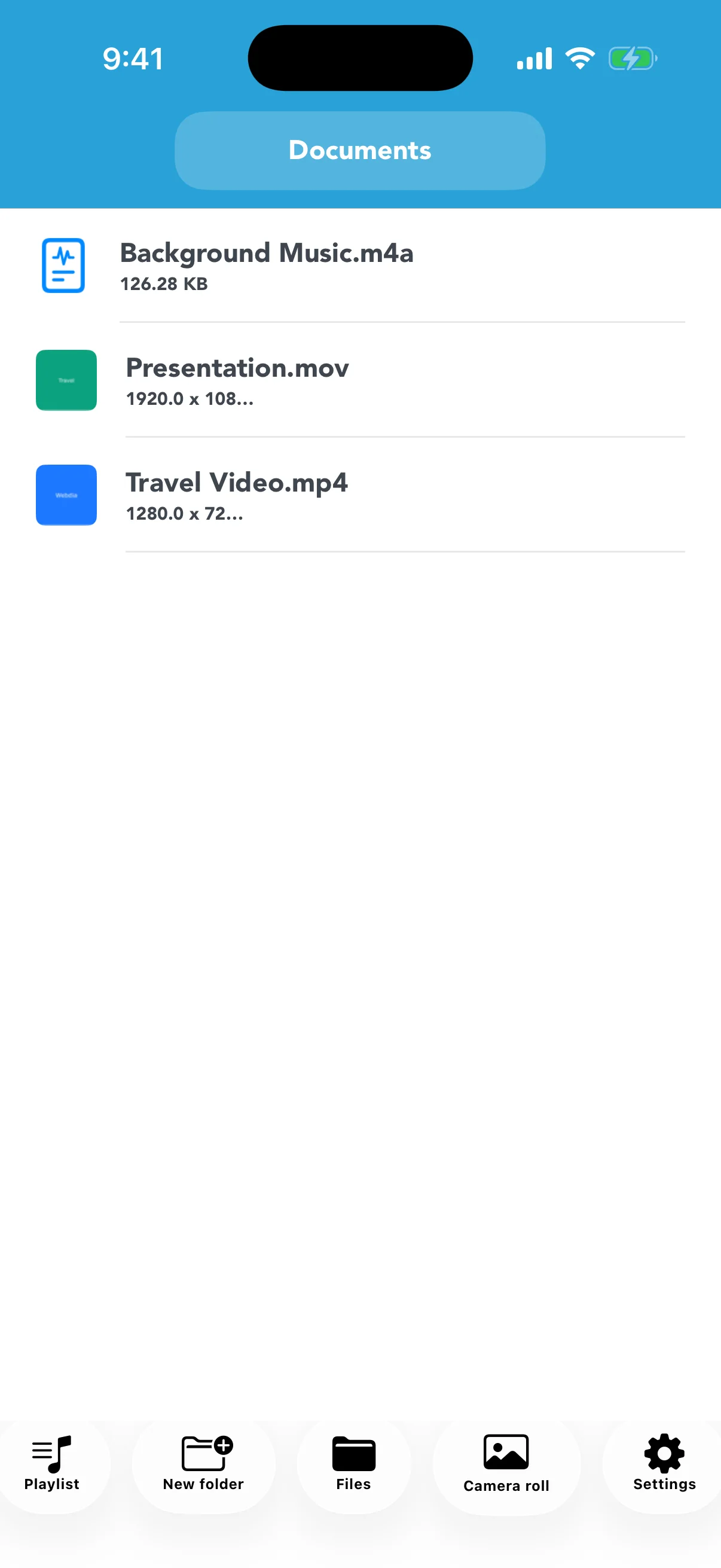
Tap Files to choose a video stored in the Files app, or Camera Roll to select one from Photos. The app copies the selected video into its Documents list. Supported source formats include WMV, MKV, MPEG, MPG, WEBM, FLV, MP4, MOV, and M4V. Keep enough free space for both the source and converted file.
Open Convert from the video menu
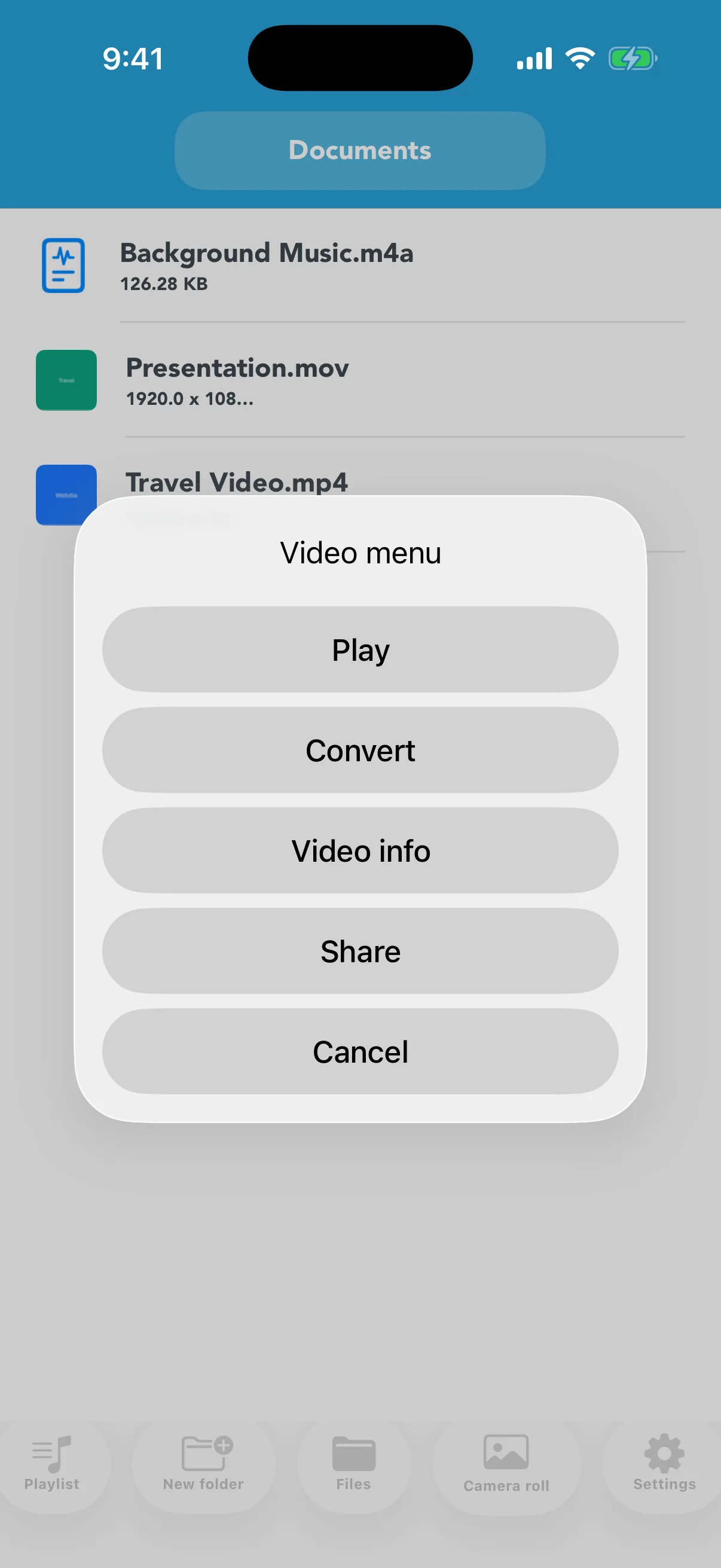
Tap the video in the list, then choose Convert. The source remains available while the app creates a new file. Keeping the original until you inspect the result makes it possible to retry with a different size or format.
Choose resolution, quality, and output format
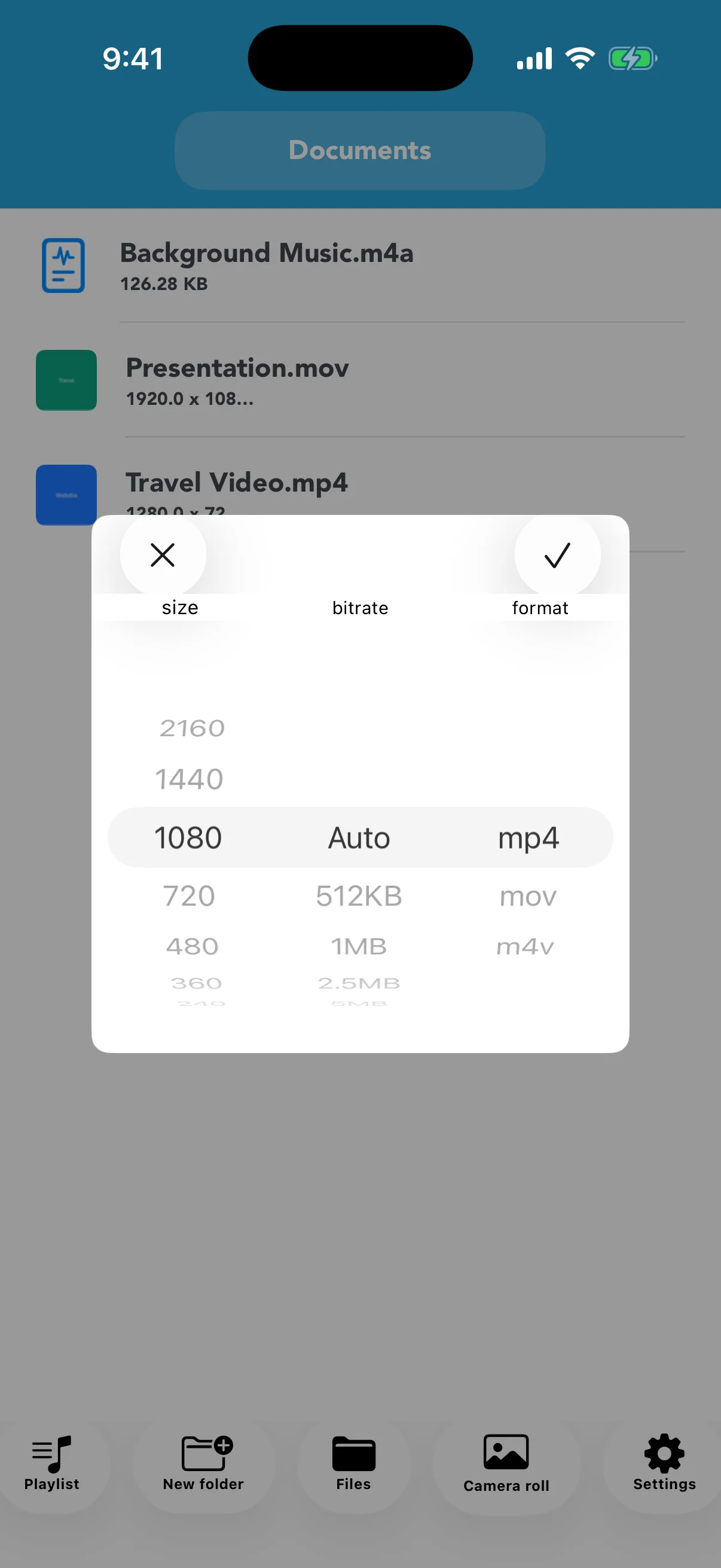
Select the vertical resolution, a quality level, and MP4, MOV, or M4V. MP4 is a practical choice for broad playback and sharing. Reducing resolution usually reduces size, but very small settings can make text and fine detail difficult to see.
Wait for completion and inspect the new file
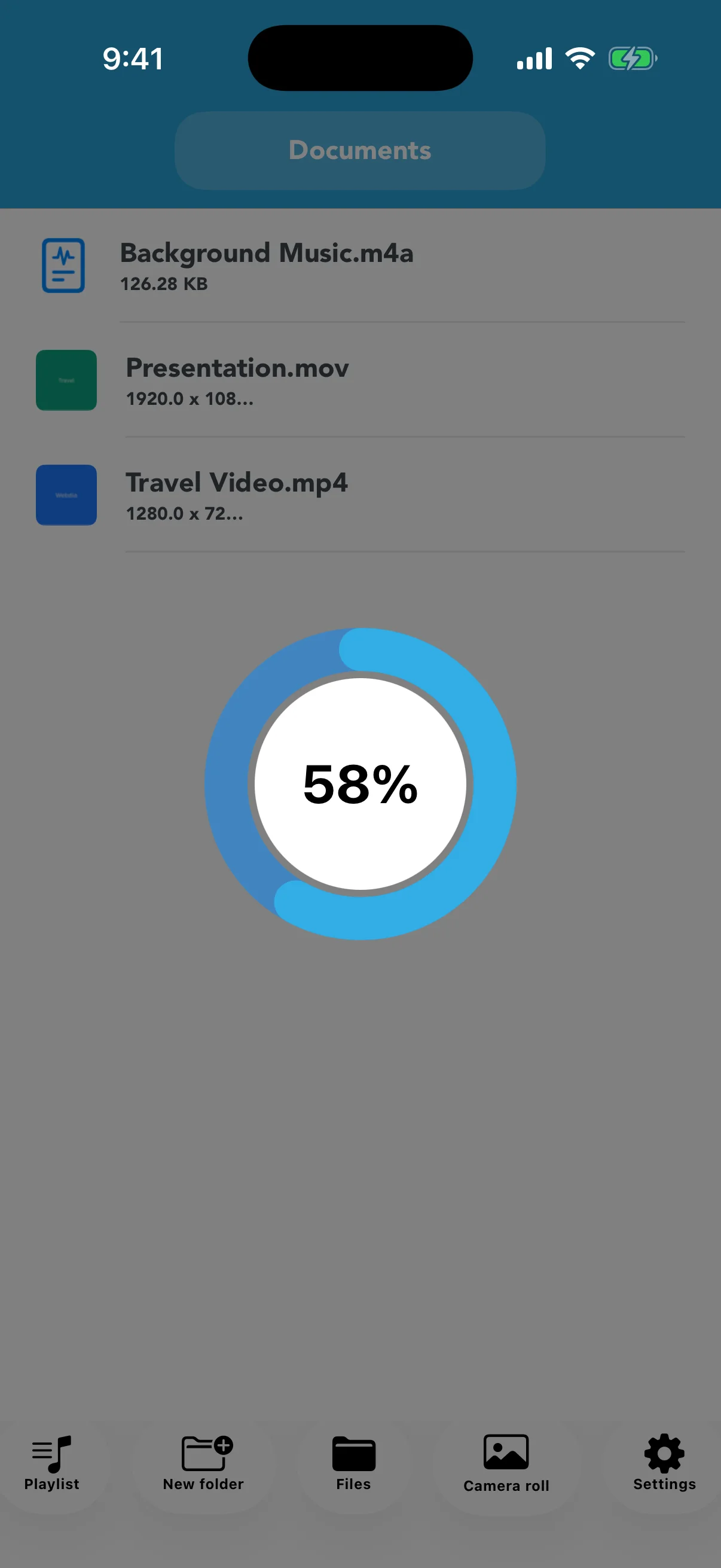
The circular indicator shows conversion progress. Leave the app open until it finishes. Play the new file and open Video info to compare resolution, size, bitrate, and duration before sharing or deleting the source.