About the files you use
This app works with video and audio files already saved on your device, in Photos, or in Files. It does not download videos from websites or streaming services. Use only content you created or have permission to convert and share.
Import audio you are allowed to use
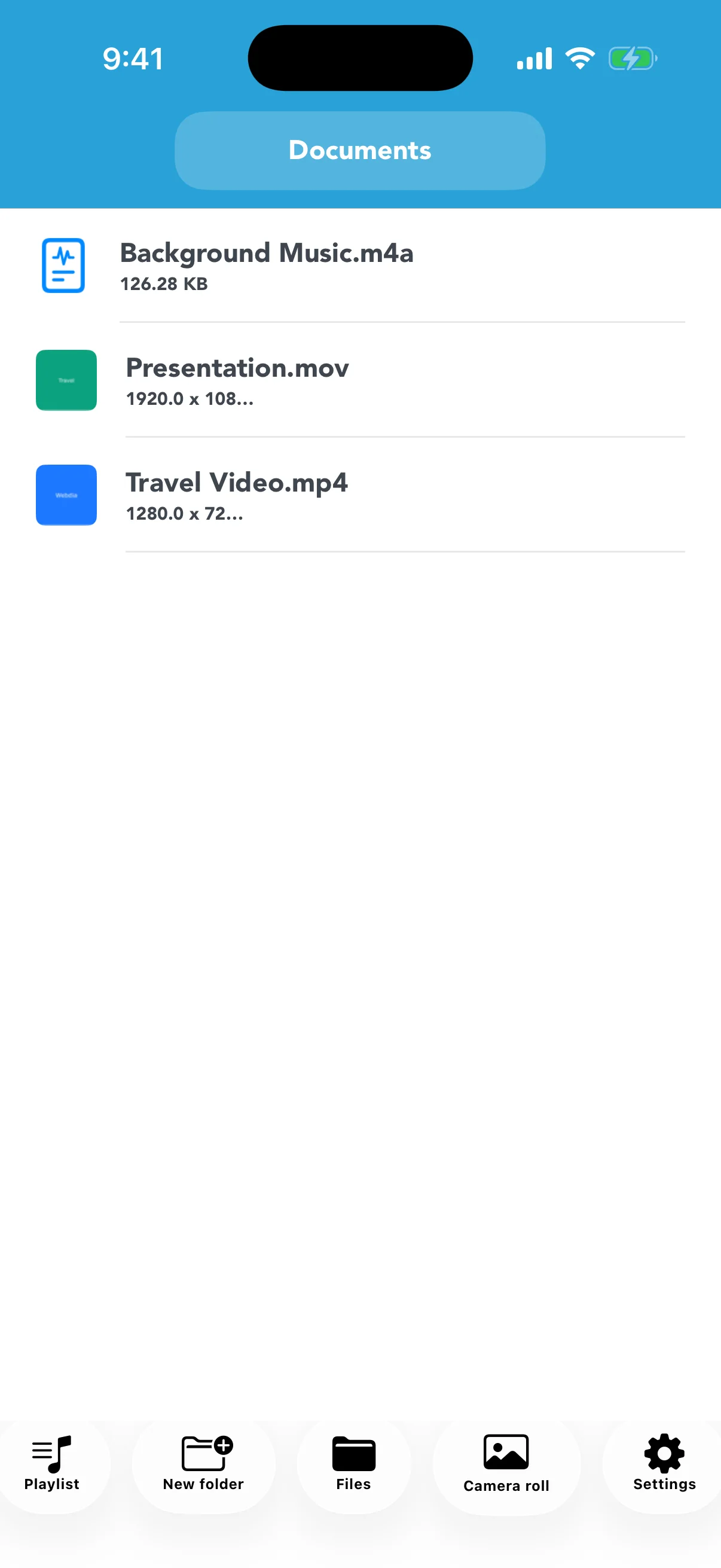
Add an AAC, M4A, MP3, or WAV file, tap it, and choose Convert to video. Use your own recording, narration, music, or other audio you have permission to publish.
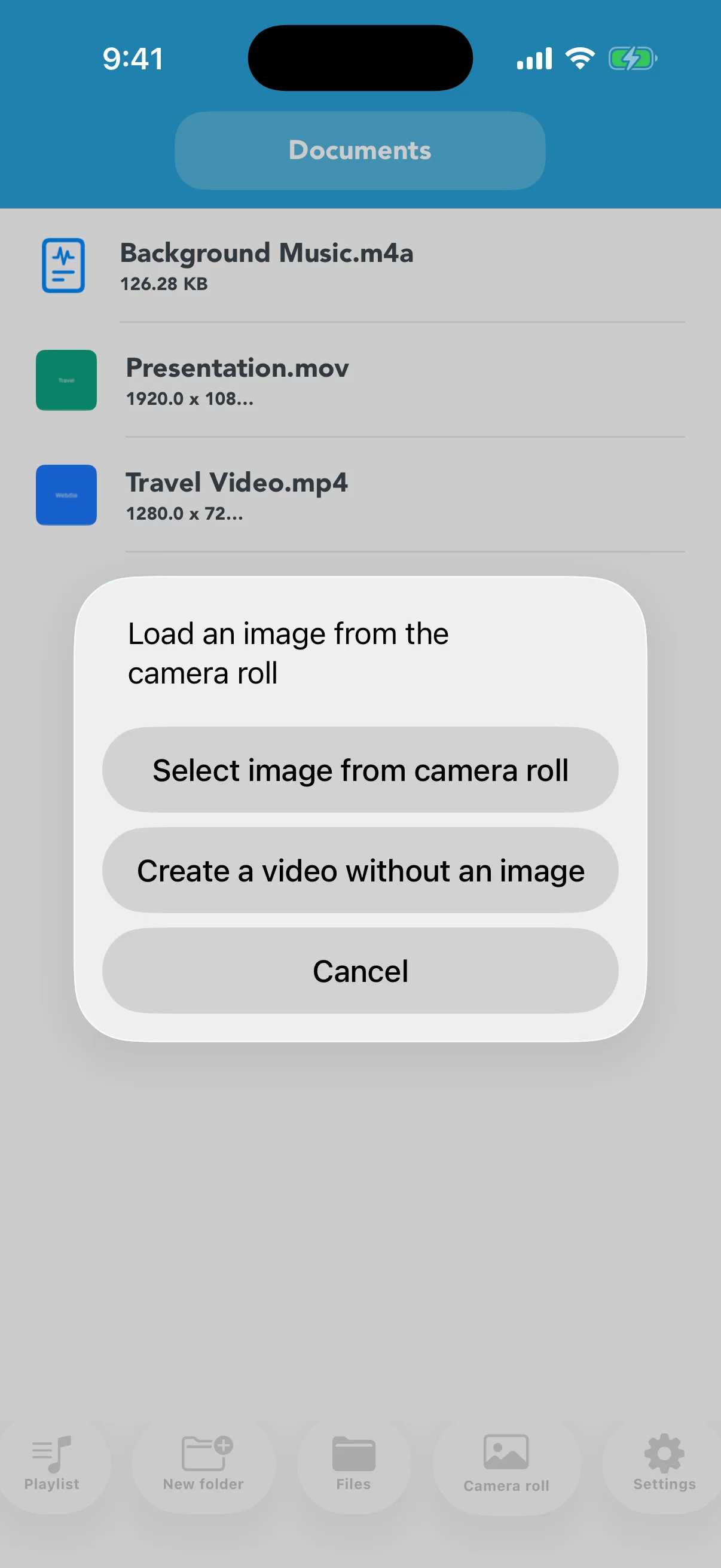
Choose a still image or no image
Select one image from Photos for a cover, title card, or illustration. If you do not need artwork, choose the option to create a video without an image. Check the image for private information and third-party rights before publishing.
Convert and review the complete result
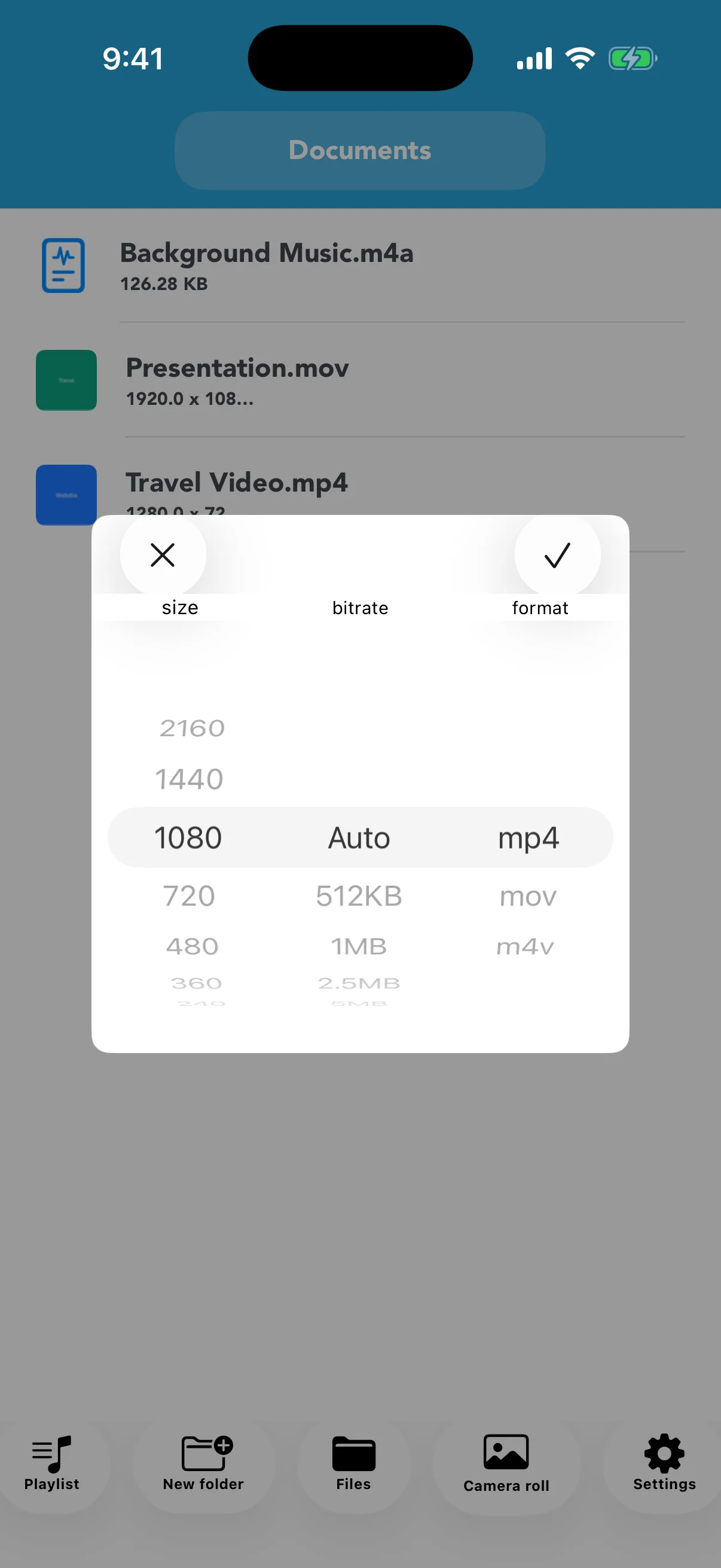
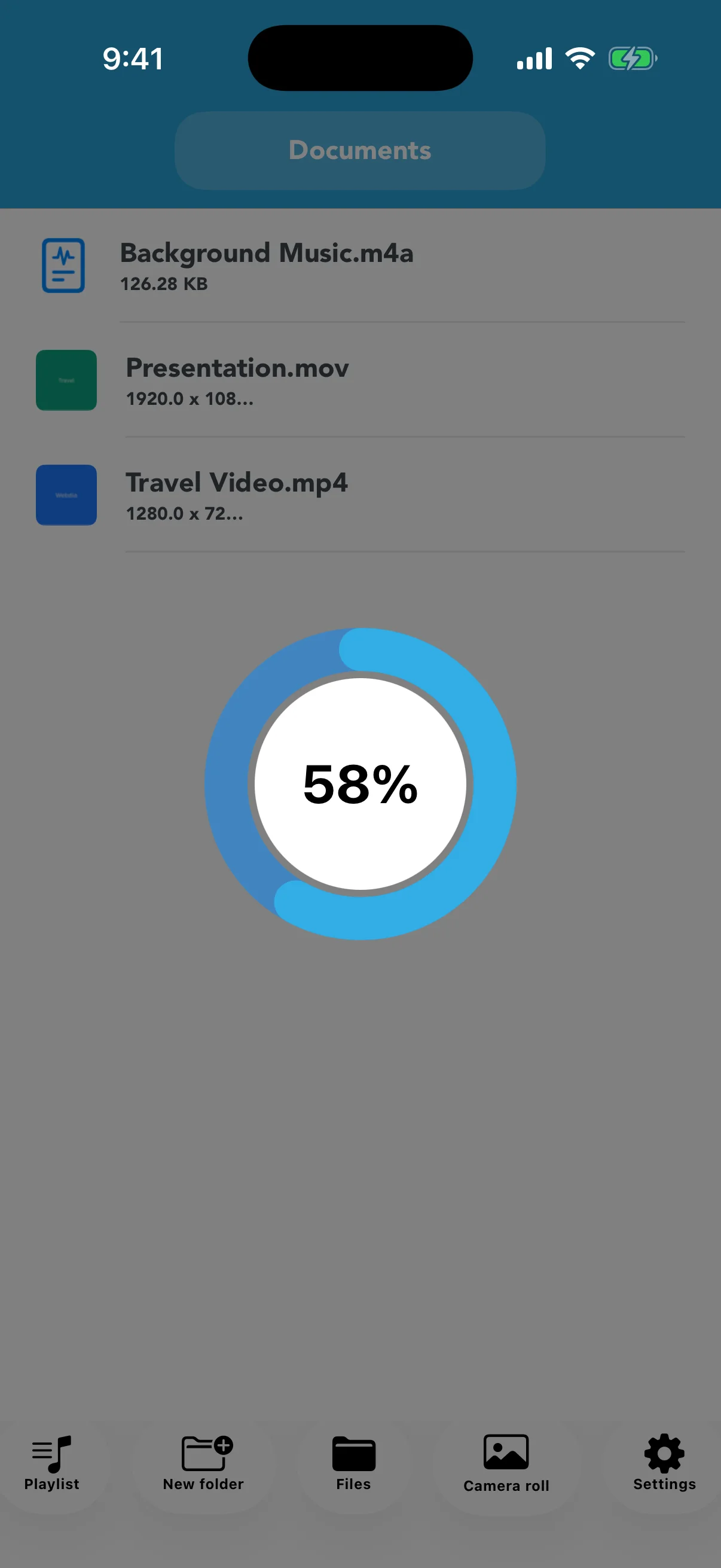
Choose the output size and format, then wait for conversion. Play the finished file from beginning to end to confirm the entire audio track is present and the image orientation is correct before sharing.