
About the files you use
This app works with video and audio files already saved on your device, in Photos, or in Files. It does not download videos from websites or streaming services. Use only content you created or have permission to convert and share.
Import from the right source
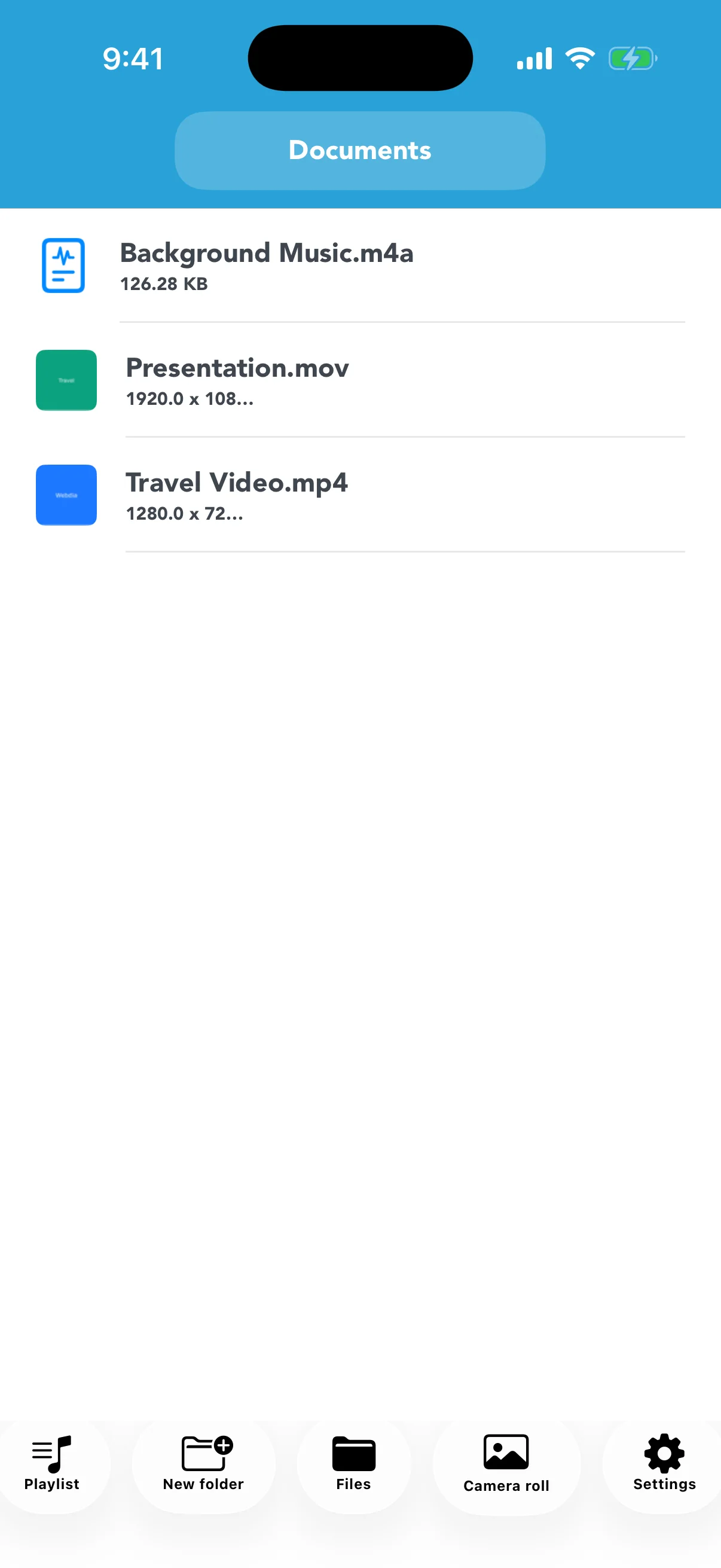
Files opens the system file picker, while Camera Roll opens Photos. Imported items are copied into the app, so repeated imports consume additional storage. The app does not fetch online videos.
Use folders and descriptive names
Create folders for projects, classes, trips, or clients. Include the purpose or resolution in names when source and output look similar. Extension Protection helps prevent removing the file extension during a rename.
Verify before sharing
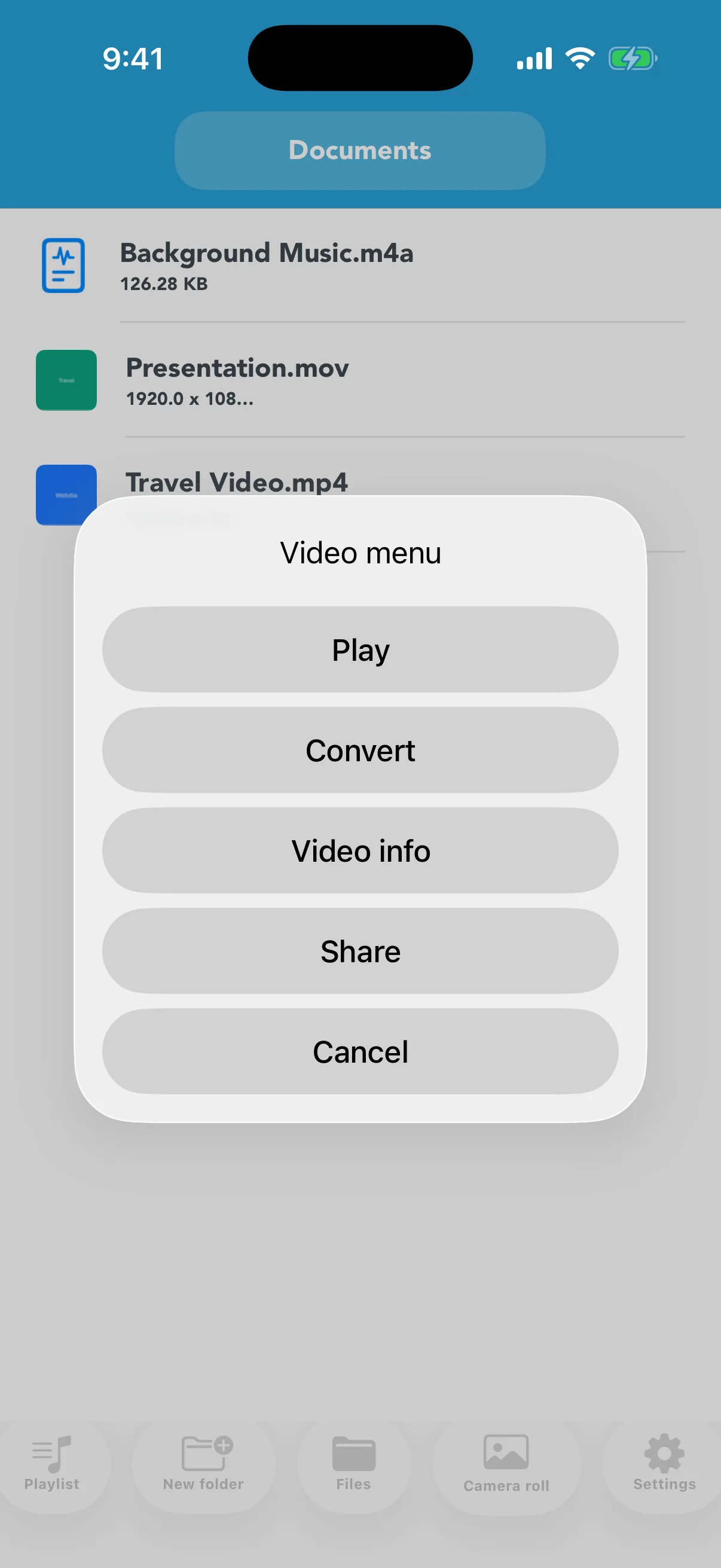
Play the video or inspect its duration and size, then choose Share to open the iOS share sheet. Select Files, Mail, Messages, or another available destination and confirm any upload-size limit.