About the files you use
This app works with video and audio files already saved on your device, in Photos, or in Files. It does not download videos from websites or streaming services. Use only content you created or have permission to convert and share.
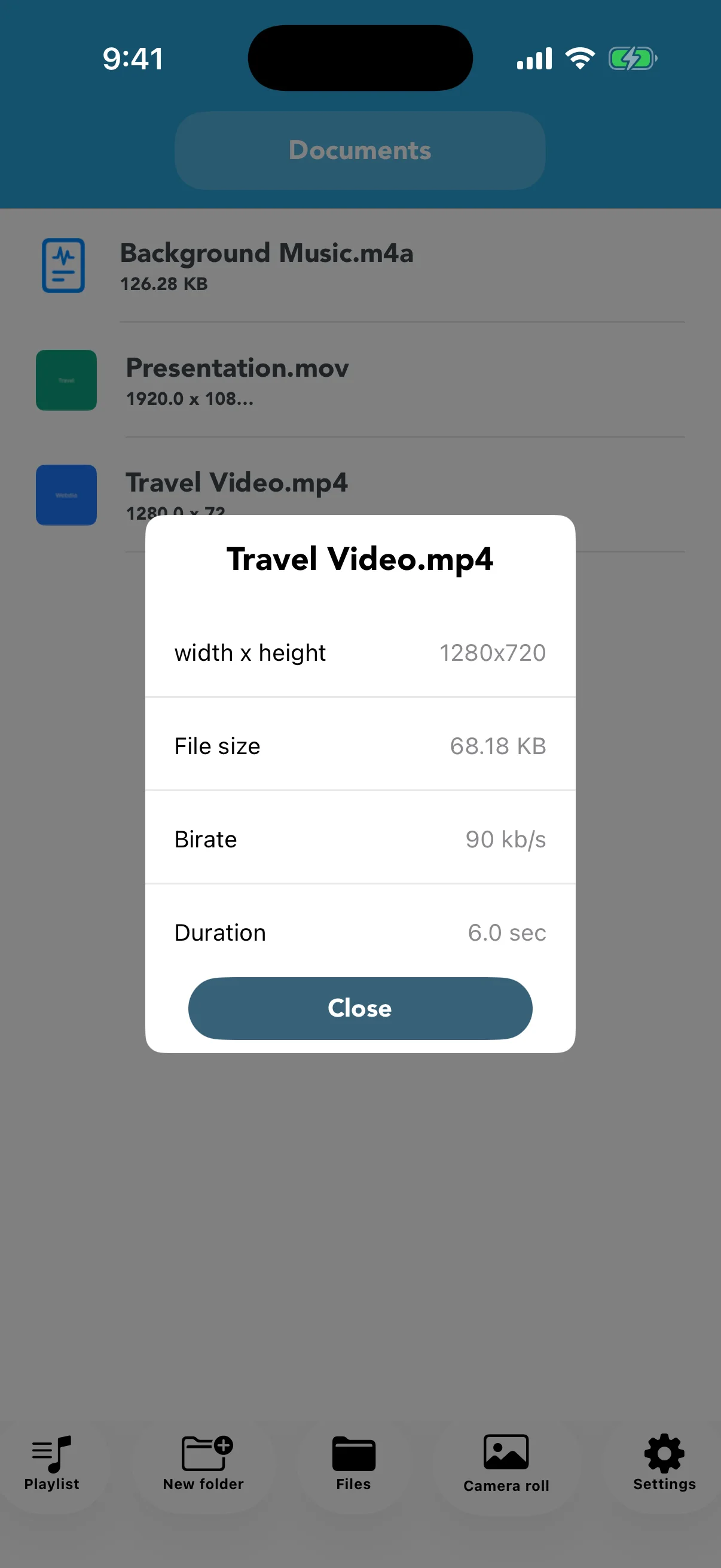
Read the four file details
Width × height describes resolution, file size affects storage and sending, bitrate estimates data used per second, and duration shows the video length. Compare the source and output to evaluate a compression setting.
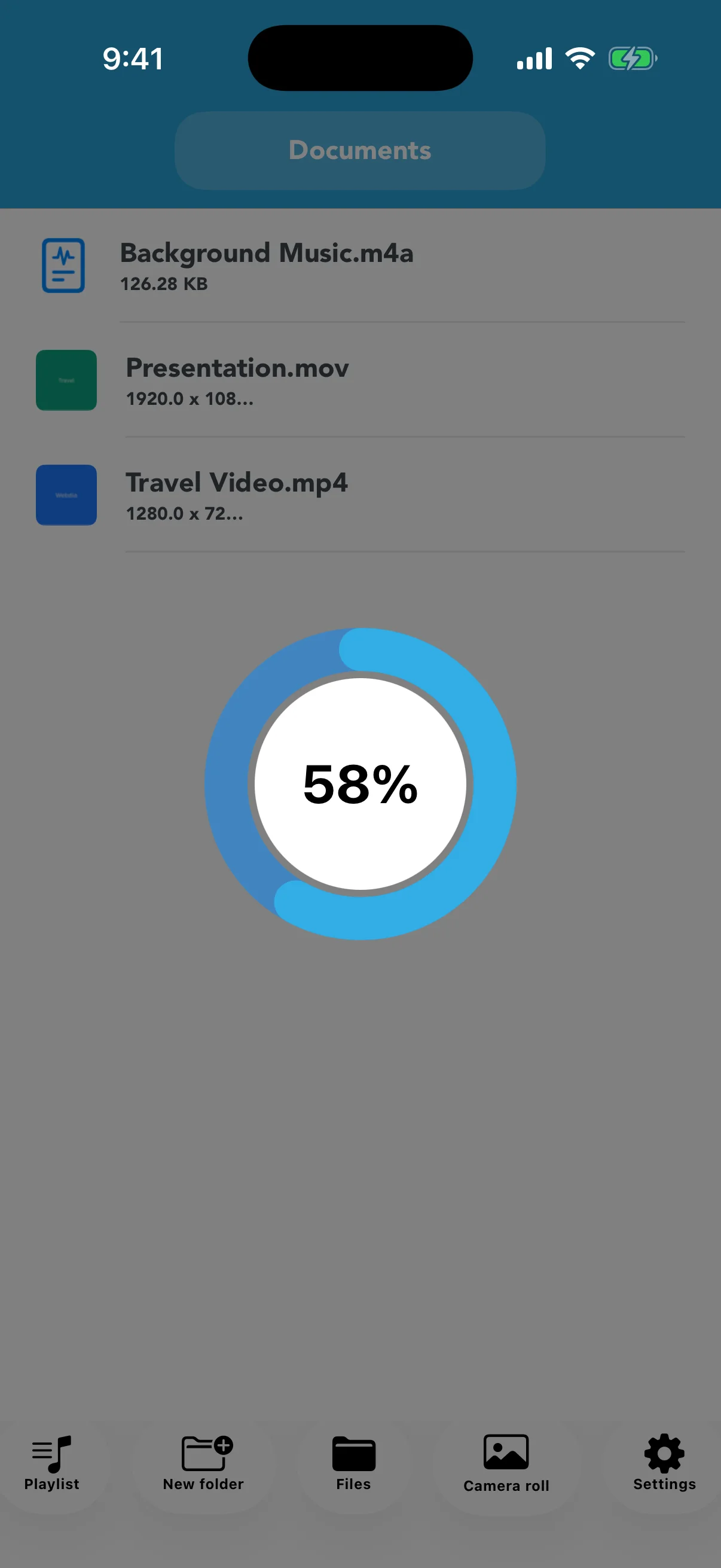
Keep the app open while progress runs
Processing time depends on duration, resolution, format, and the device. Do not close the app while the circular progress indicator is visible, and keep enough battery and free storage available.
Troubleshoot a failed conversion
Check whether the source is damaged, the input is supported, and enough space is free. Try another output format or a lower resolution. Keep important originals backed up outside the app.