Education
Study Timer & Time Tracker
Track study sessions with a countdown timer or stopwatch, organize time by subject, and review progress with charts.
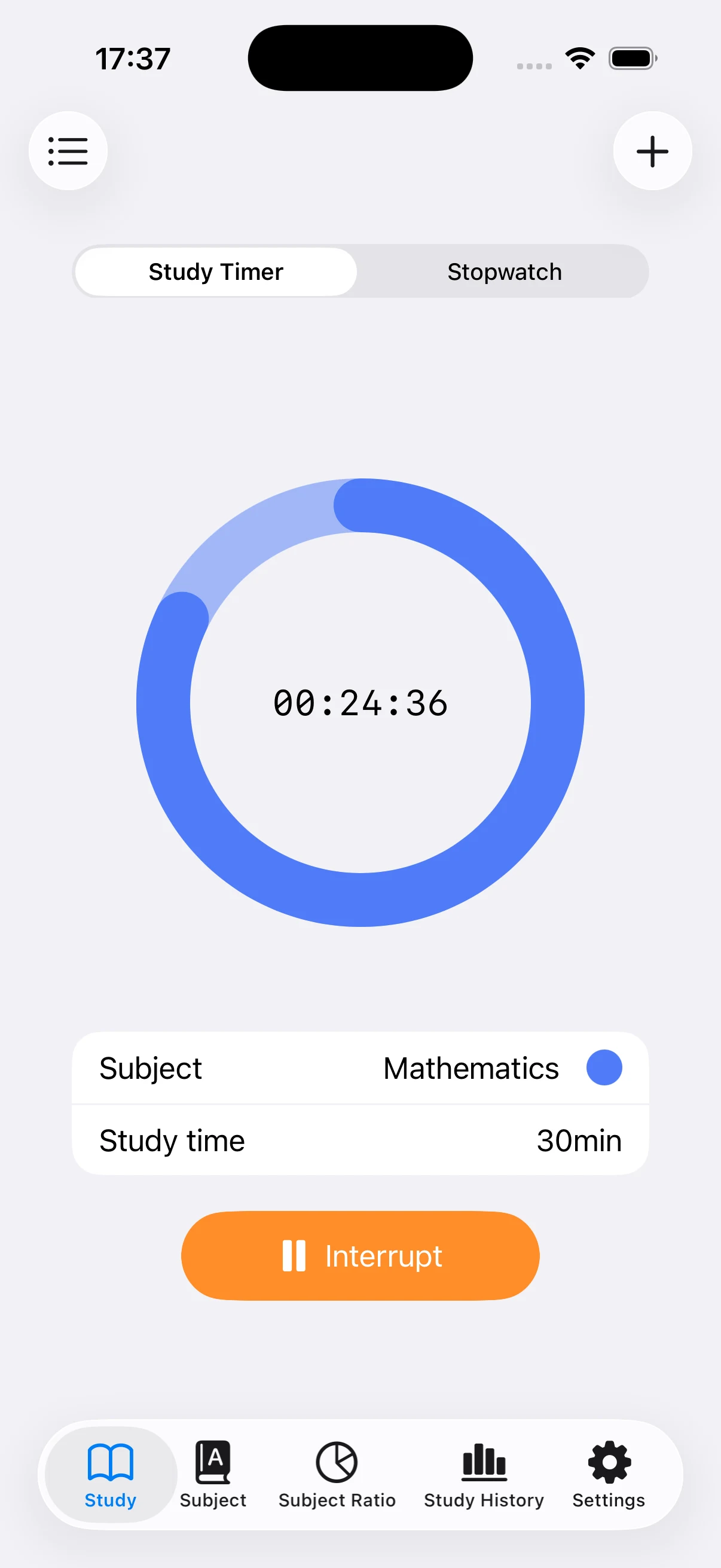
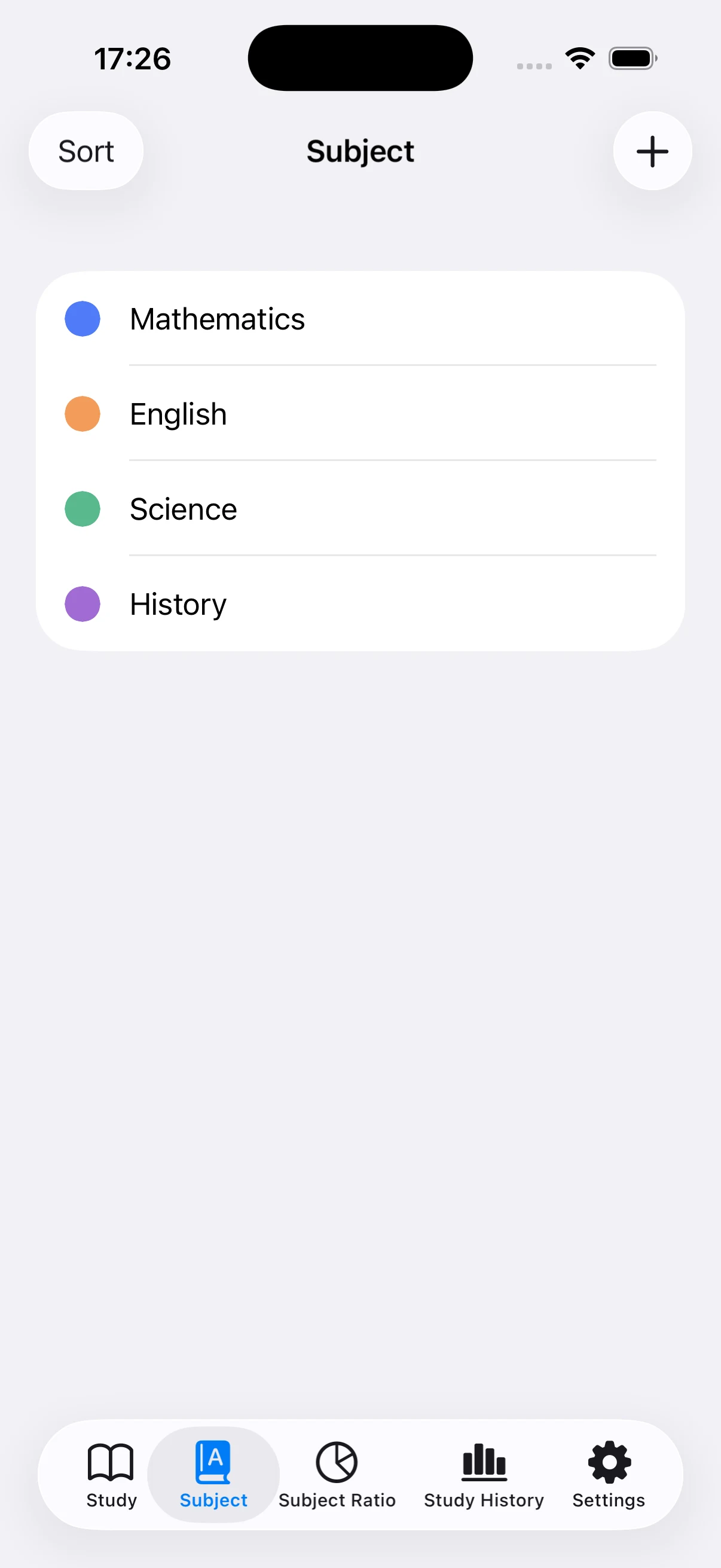
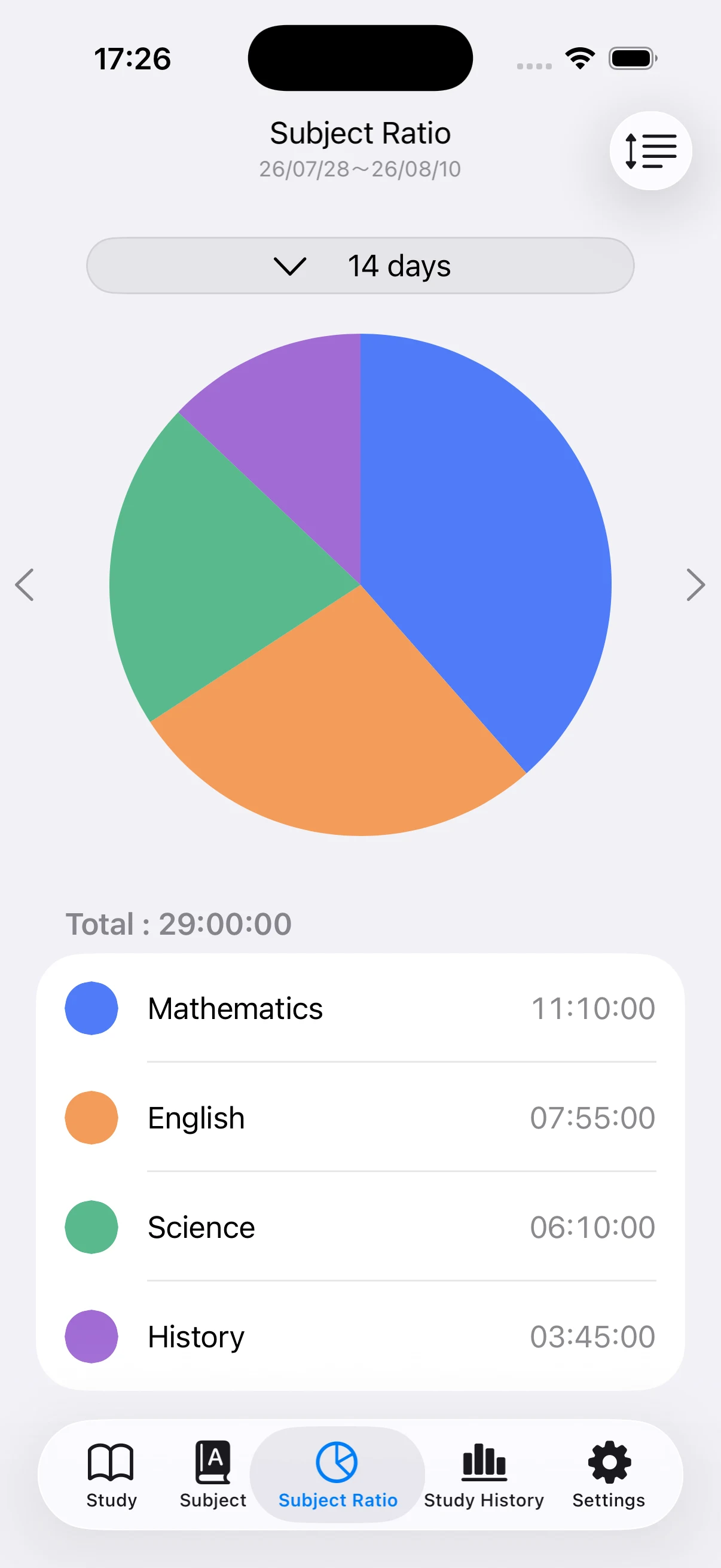
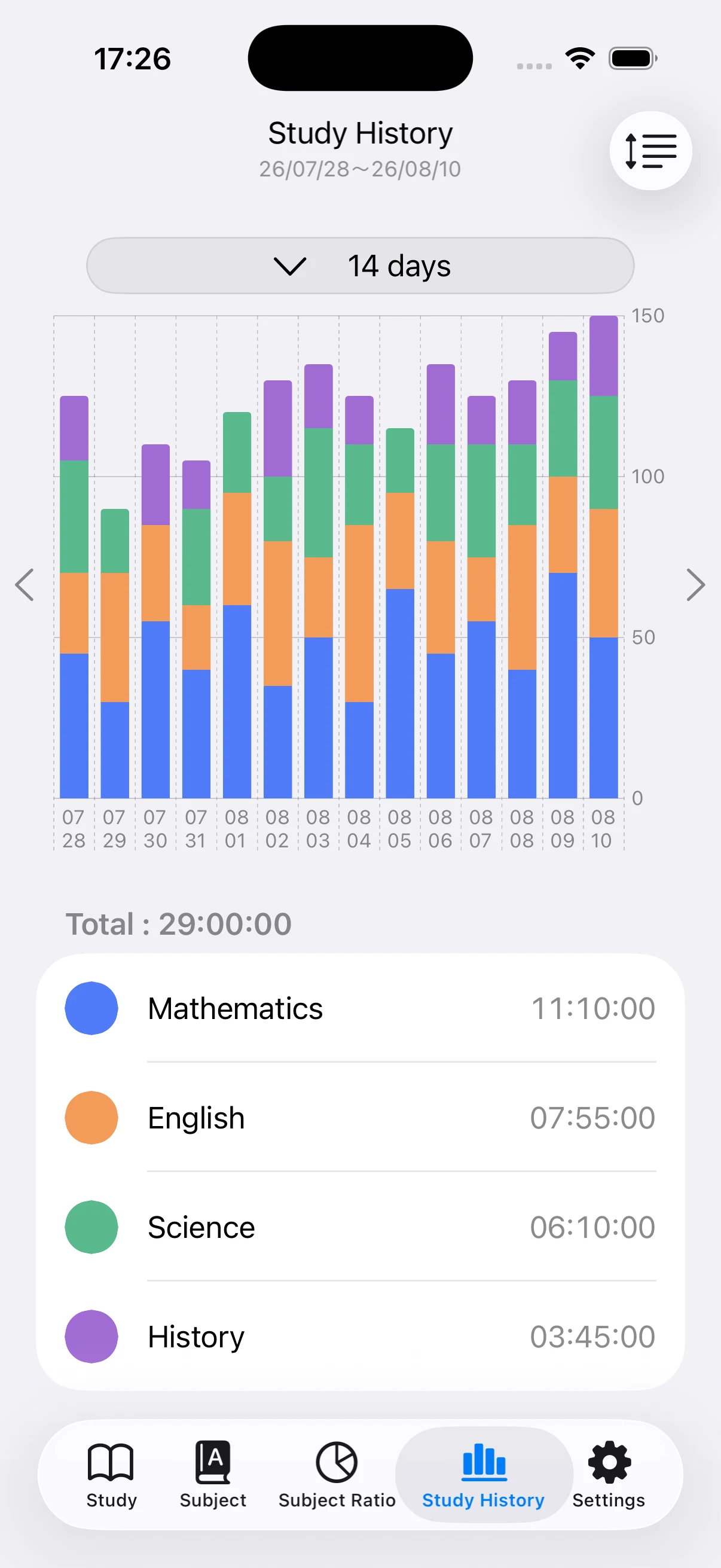
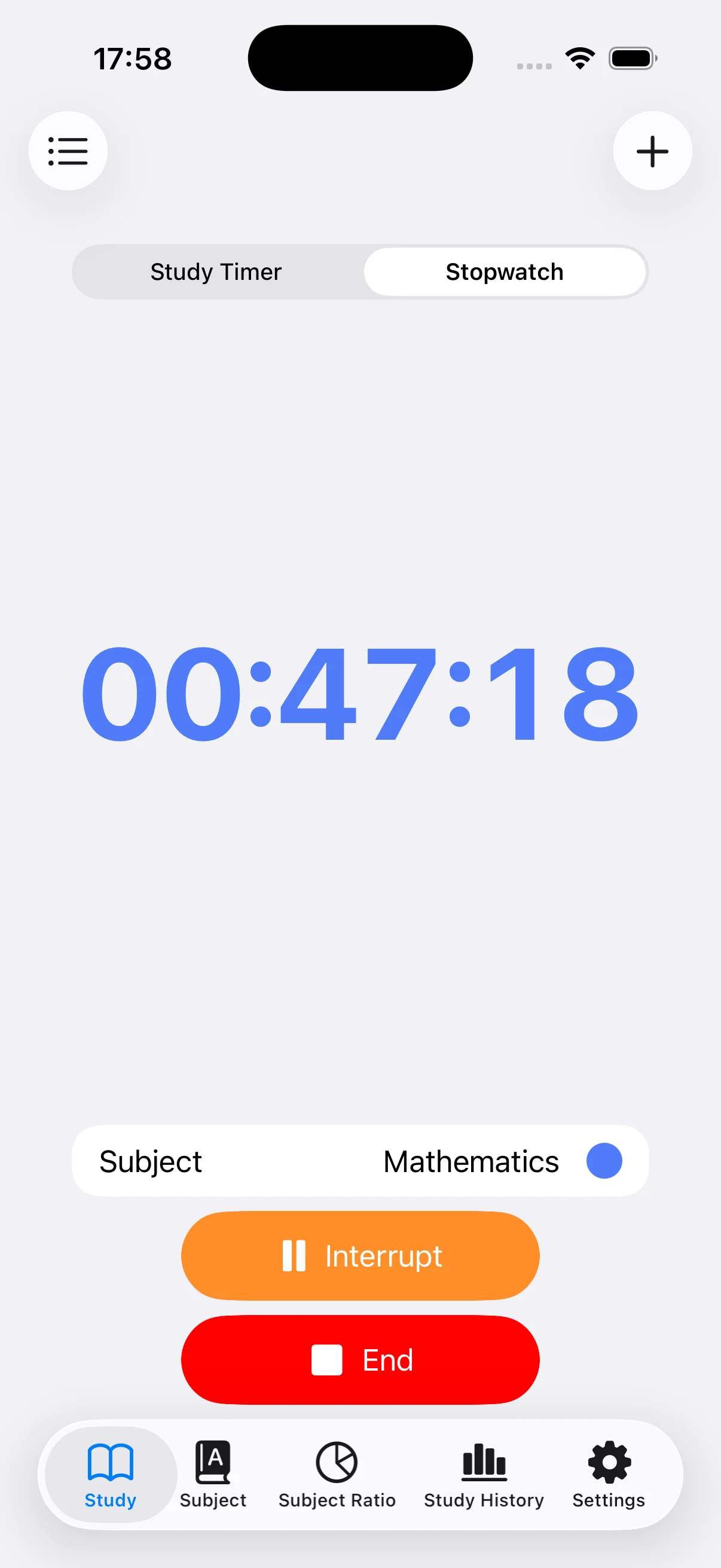
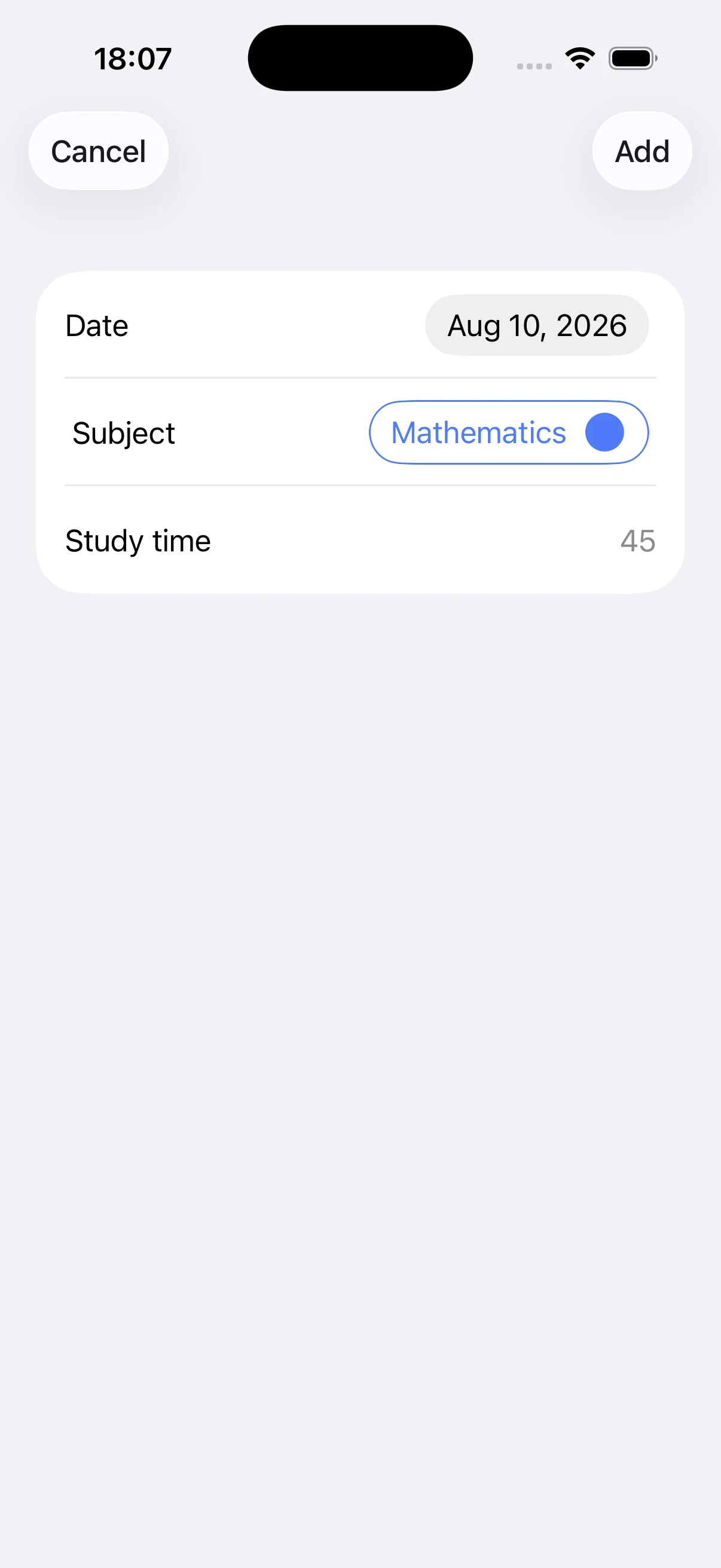
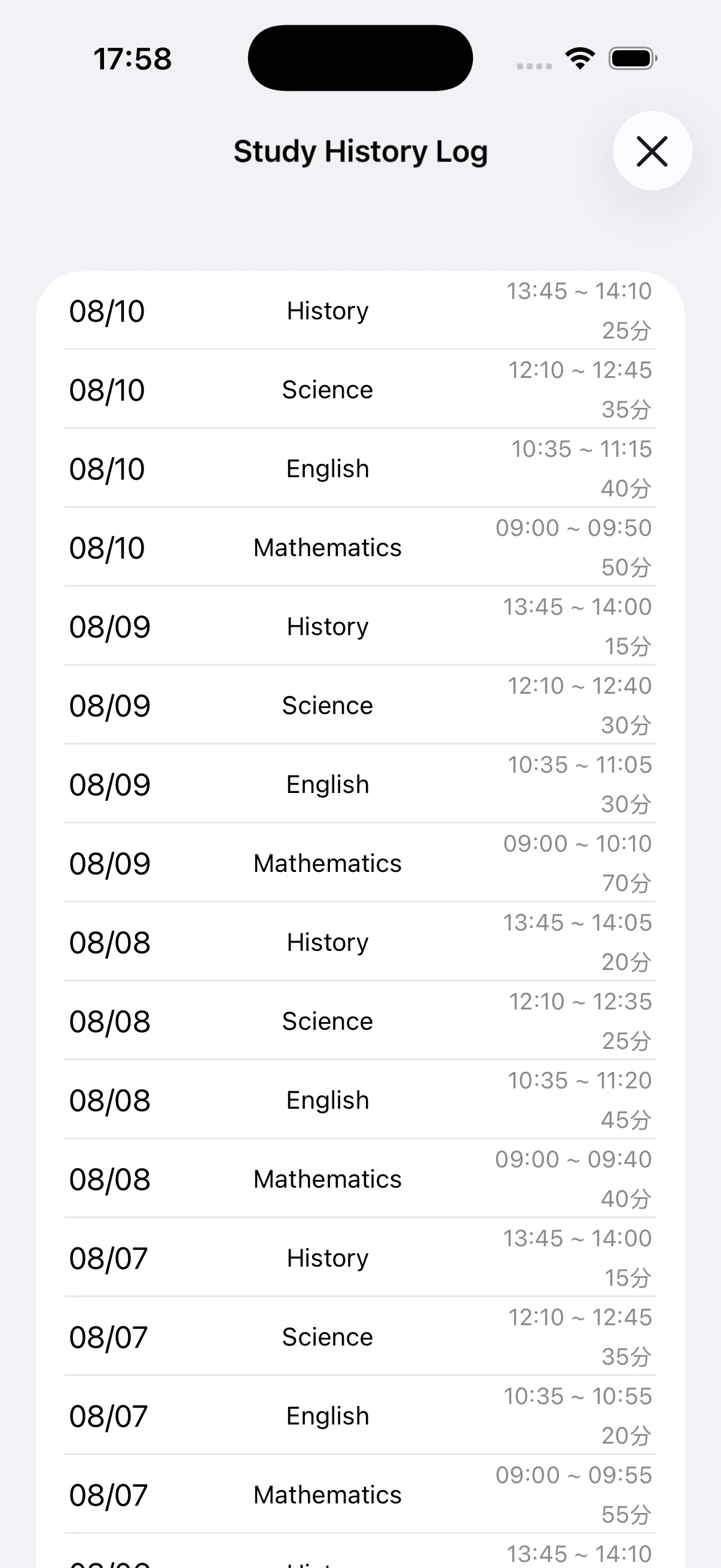
View on the App StoreChoose a subject and duration for a focused countdown, or use the stopwatch when you do not want to set an end time. Saved sessions are summarized by subject in a pie chart and by day in a stacked bar chart. You can add a missed session manually, reorder subjects, and hide an old subject without removing its historical records.
See the app in action
Key features
- Countdown study timer with subject selection
- Stopwatch for open-ended study sessions
- Color-coded subject management
- Pie chart for subject time distribution
- Stacked daily study-history chart
- Manual entries for sessions you forgot to time
Pricing and ads
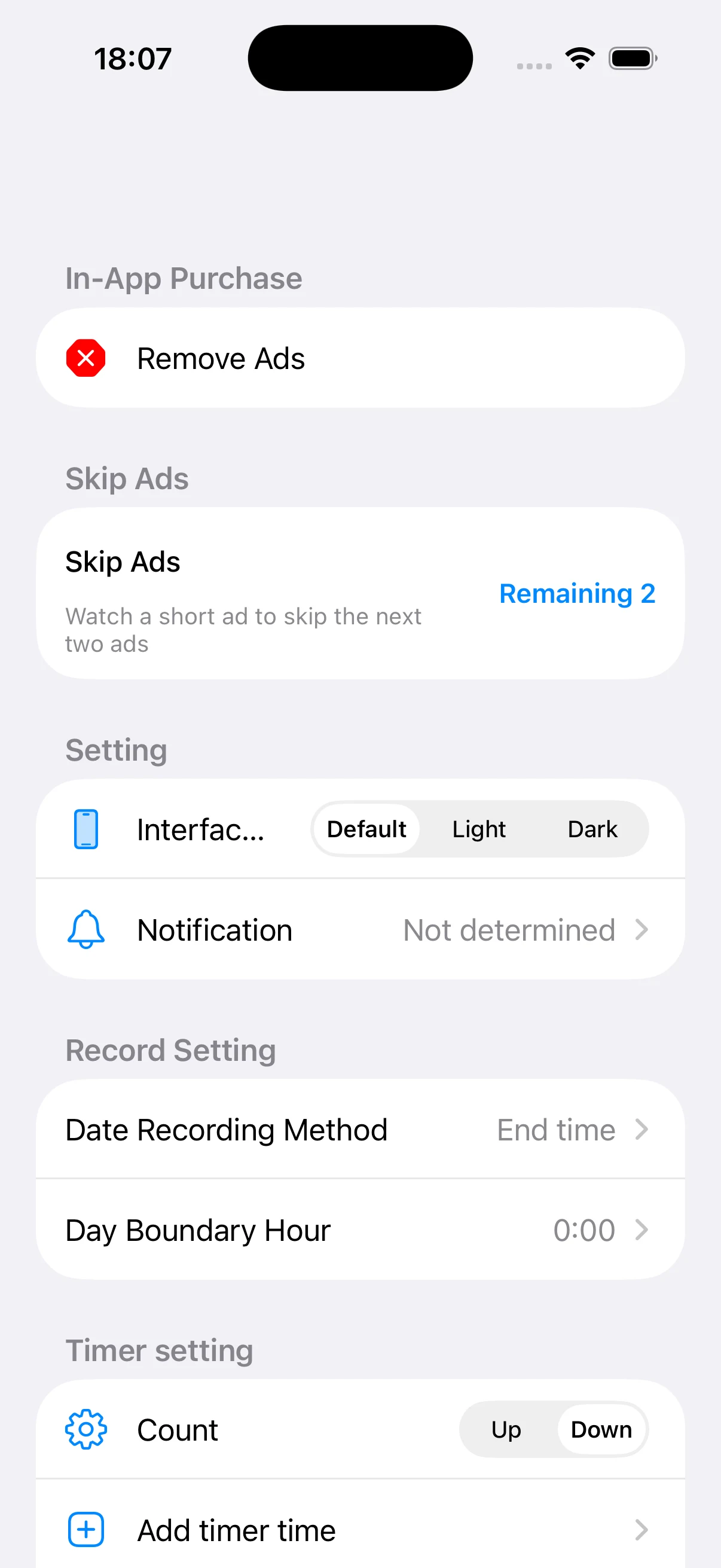
The app is free to use and ads may appear after some completed actions. Ads are not shown while a timer or stopwatch is running. An optional in-app purchase removes ads. Check the App Store or the purchase screen for current pricing and terms.
How-to guides
How to use the study timer and stopwatch
Choose the right timing mode for a fixed study block or an open-ended session, then save the result to the correct subject.
→How to track study time by subject
Create a clear subject list, use consistent categories, and build study records that remain useful over several weeks or months.
→How to review study progress with charts
Use the subject-ratio and daily-history charts to understand where your time goes and how consistently you study.
→How to add and edit study records manually
Add a session you forgot to time, then review, correct, or delete individual entries from the study log.
→How to customize timer and chart settings
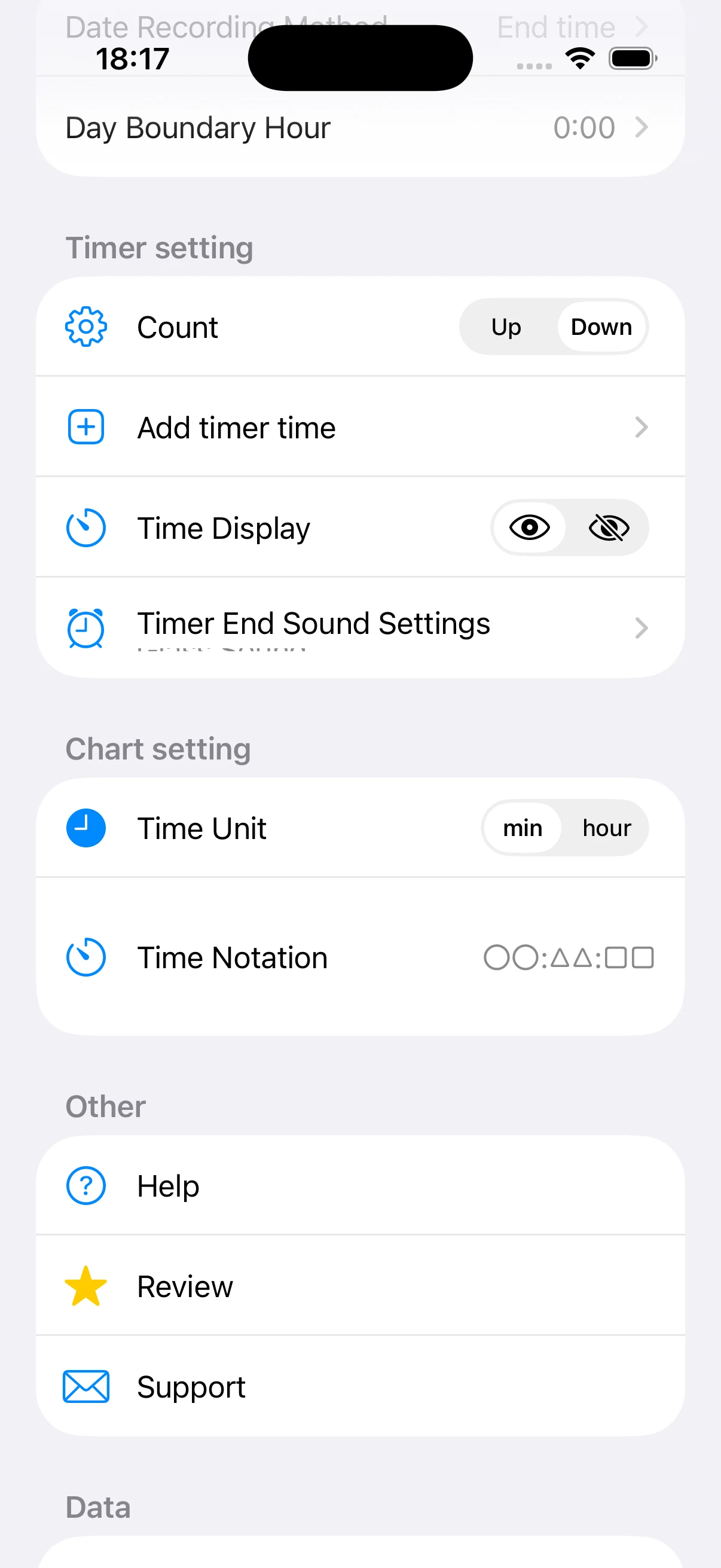
Adjust count direction, preset times, sounds, study-day boundaries, units, and time notation for your workflow.
→How to back up and manage study history
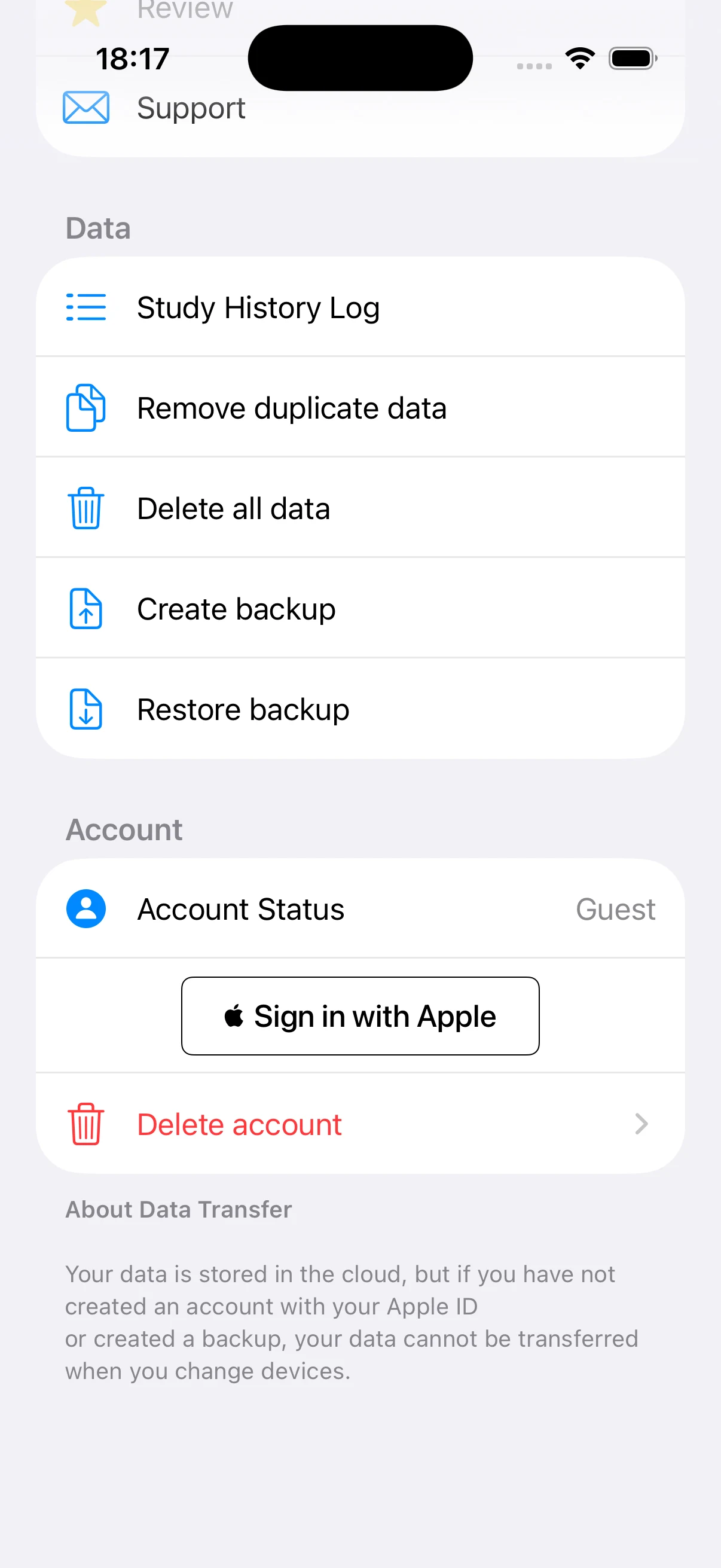
Protect study records before restoring a backup, removing duplicates, signing in with Apple, or deleting data.
→How to build a study habit with time tracking
Use simple subjects, repeatable timer blocks, and weekly chart reviews without turning tracking into extra work.
→How students can use a study timer for exam preparation
Track subject-by-subject preparation for school entrance exams, practice tests, memorization, and review.
→How to track time for certification study
Organize professional, language, accounting, IT, or legal exam preparation by topic and study day.
→How to skip upcoming ads with a rewarded video
Understand temporary ad skips for free users and how they differ from the optional remove-ads purchase.
→Study Timer & Time Tracker
Track study sessions with a countdown timer or stopwatch, organize time by subject, and review progress with charts.
View on the App Store