
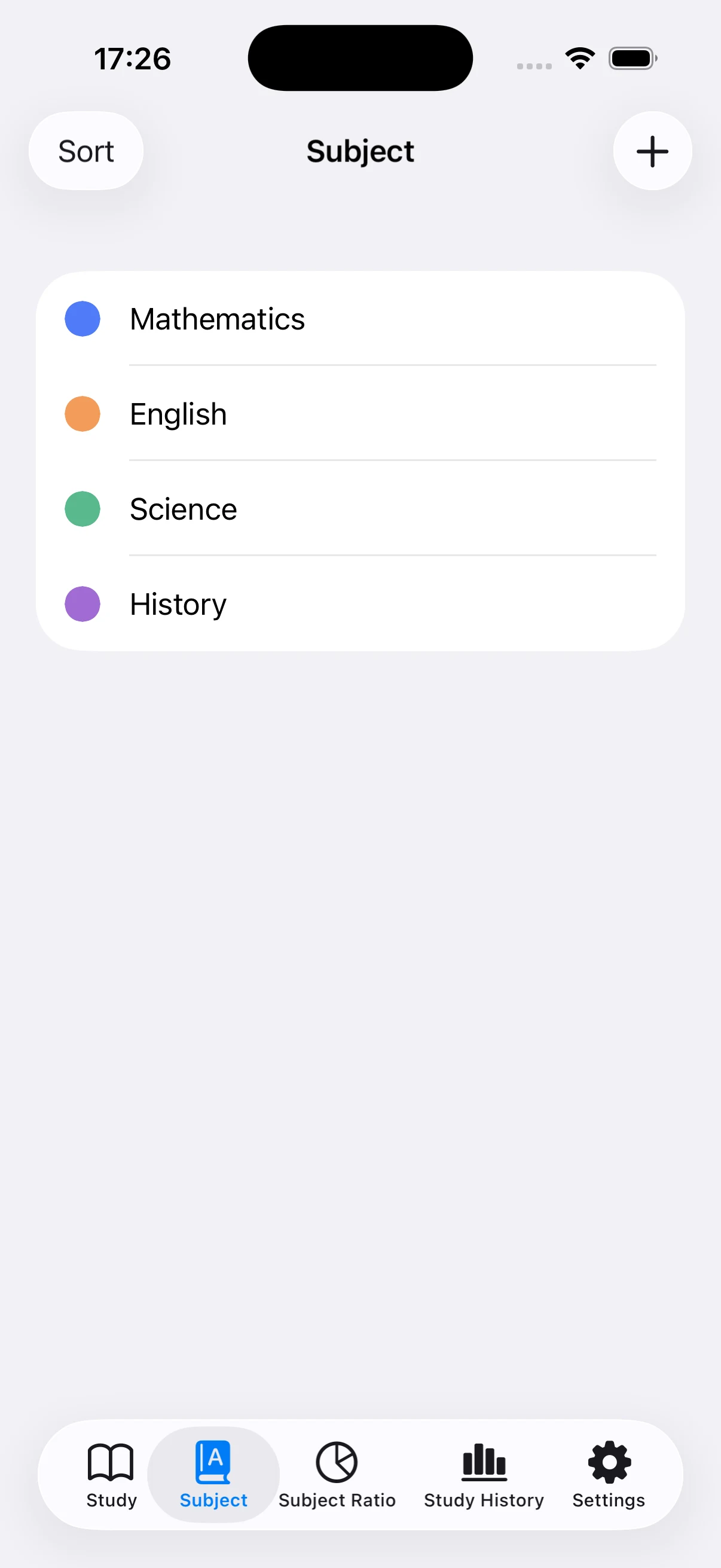
Create subjects you will reuse
Use school subjects, exam sections, or course names that will stay relevant for more than one session. Separate categories make it easier to see whether one area is receiving too little attention.
Give each subject a distinct color
A subject color is reused in the pie and stacked bar charts. Distinct colors help you recognize patterns at a glance without reading every value each time.
Keep frequent subjects near the top
Reorder the list so the subjects you choose most often are easy to reach. When a class or exam is finished, hide that subject to simplify the current list while preserving its older records.
Use the same classification rule each time
Changing categories from day to day splits the totals. Decide whether vocabulary belongs under English or a specific exam, for example, and follow that rule when recording future sessions.
Add missed time manually
If you studied without starting the app, enter the date, subject, and duration manually. Use a reasonable estimate rather than inflating the number so the charts remain useful for planning.