
Ads do not appear while timing
The free version may show an ad after some completed actions, but it does not show ads while the timer or stopwatch is actively measuring a study session. Eligible ads appear at operation boundaries instead.
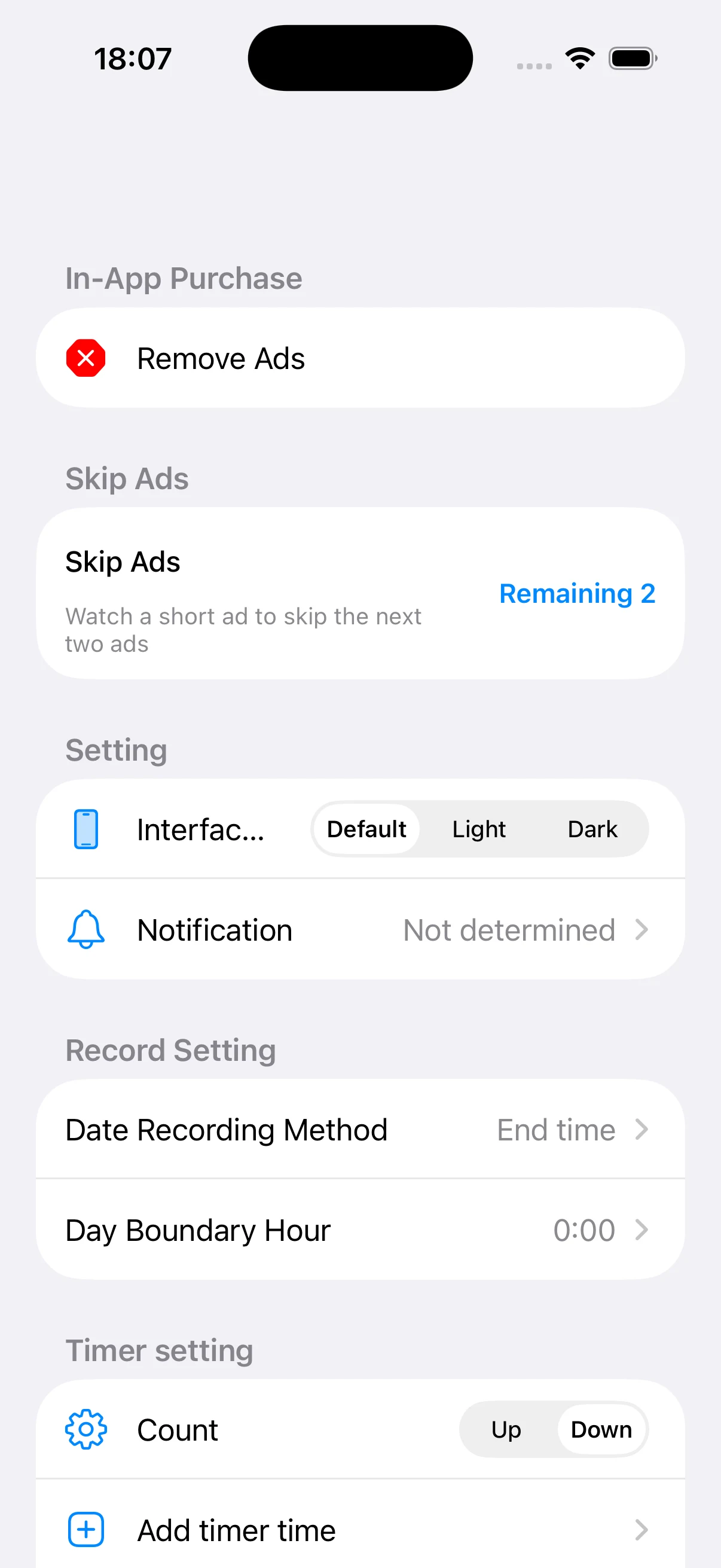
Open Skip Ads in Settings
The Skip Ads row shows the current remaining balance. Free users who have not removed ads can start a rewarded-video request there. Availability depends on consent, network conditions, and ad inventory.
A completed reward grants two skips
When the rewarded video is watched to the point where the reward is earned, two interstitial-ad skips are added. Closing early or a load failure may result in no reward.
One eligible ad consumes one skip
When an operation would otherwise show an eligible interstitial, one remaining skip is consumed. This is temporary and does not permanently remove every advertising format.
Use the purchase for ongoing ad removal
Rewarded video provides temporary skips without payment. The separate remove-ads in-app purchase disables advertising while the entitlement is active. Check the in-app screen and App Store for current price, terms, and restoration.