
Create subjects from the exam outline
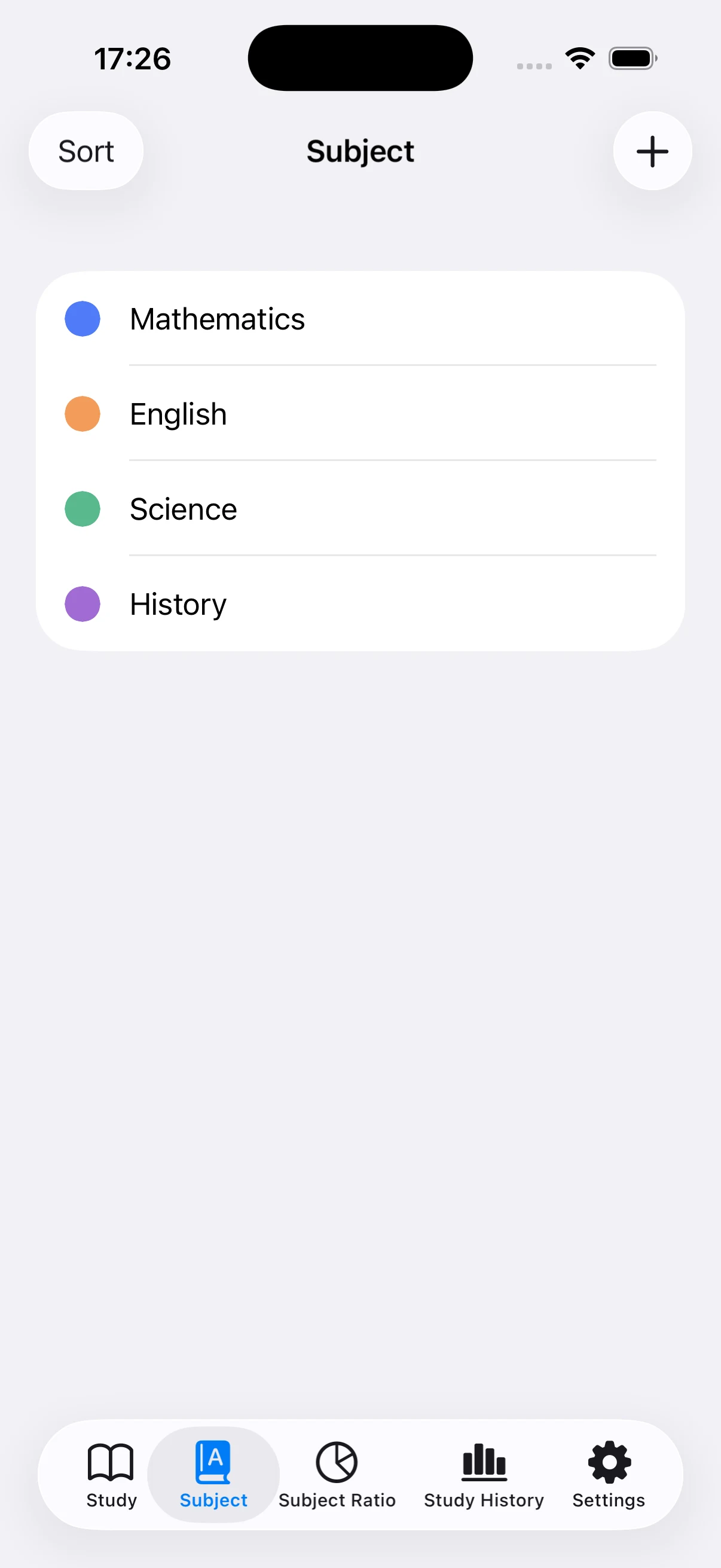
You can use one certification name or divide it into tested domains such as bookkeeping sections, networking, security, law, or vocabulary. Keep only categories that help you identify a weakness.
Use short weekday and longer weekend blocks
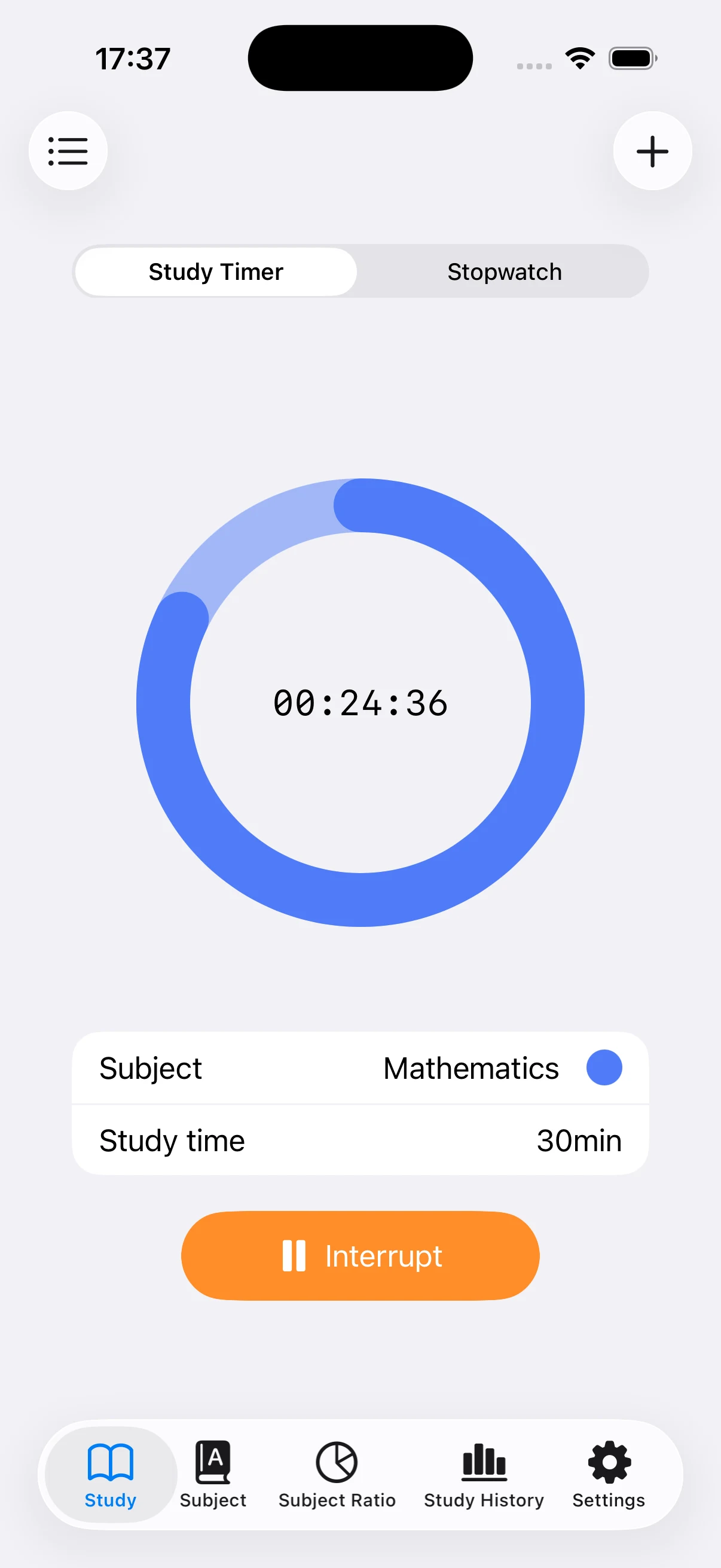
A 25–45 minute timer can fit work or school days, while mock exams and full reviews may use a longer timer or stopwatch. Repeated short sessions still build a visible total.
Add commuting study manually
Vocabulary, audio lessons, and lunch-break exercises may be difficult to time in the app. Add the date, topic, and reasonable minutes afterward so mobile study is included with home study.
Move time toward weak domains
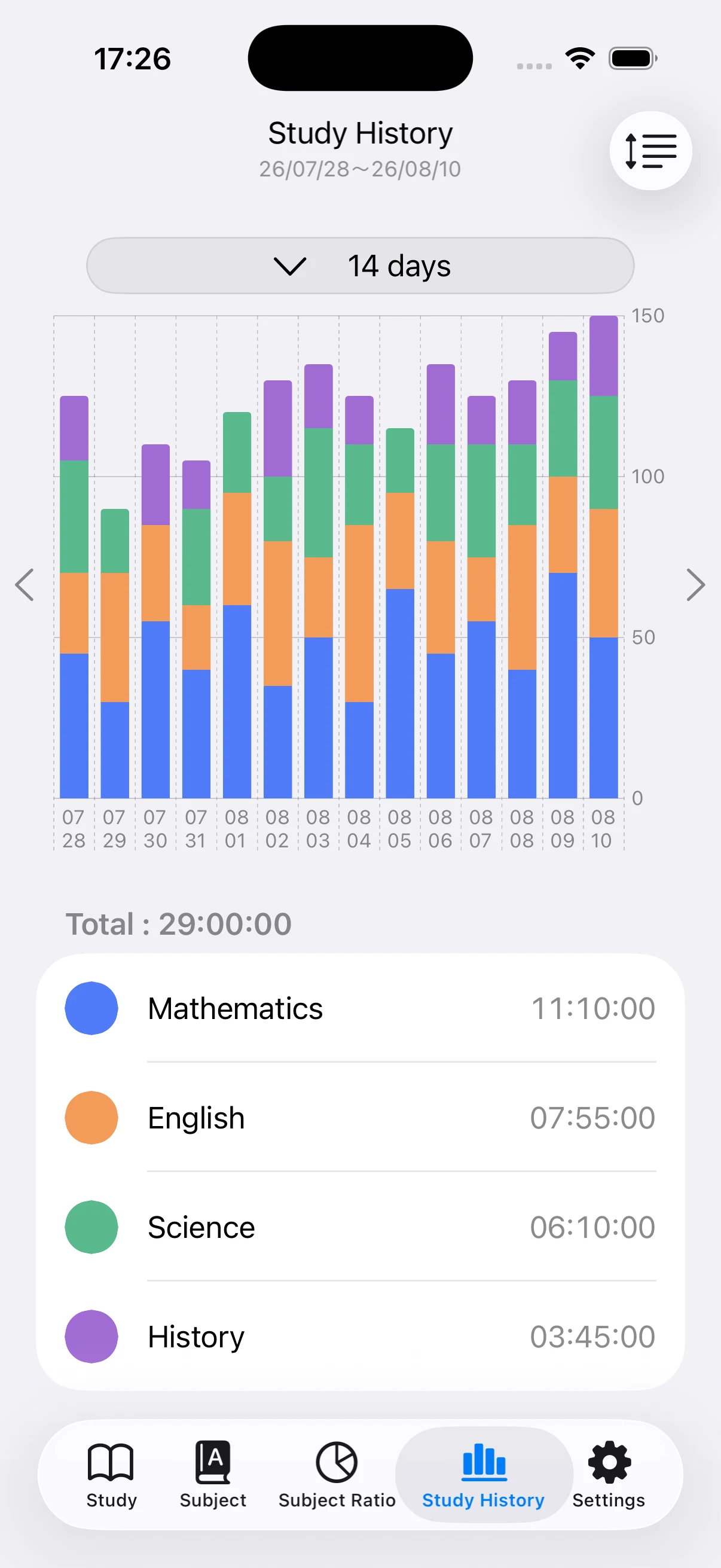
Use the pie chart for topic distribution and the bar chart for study-day consistency. When a low-scoring domain also has little time, raise its priority; move excess time from domains already performing well.
Keep history through the exam date
Compare study phases with practice tests, completed materials, and the exam date. Back up longer projects so the history can also inform a retake or the next certification level.