Productivity
Easy Document Maker
Create PDF documents on iPhone or iPad with text, images, tables, and flexible row layouts.
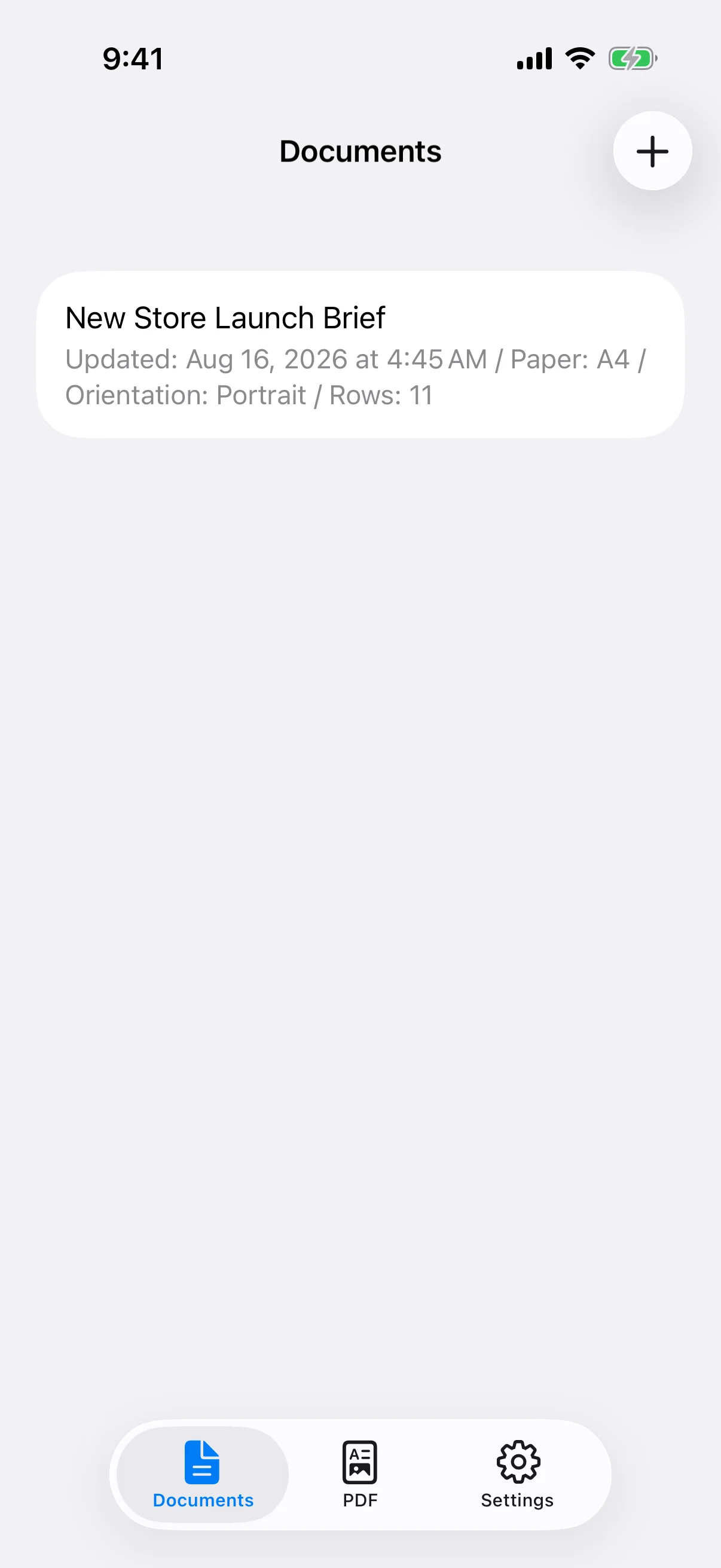
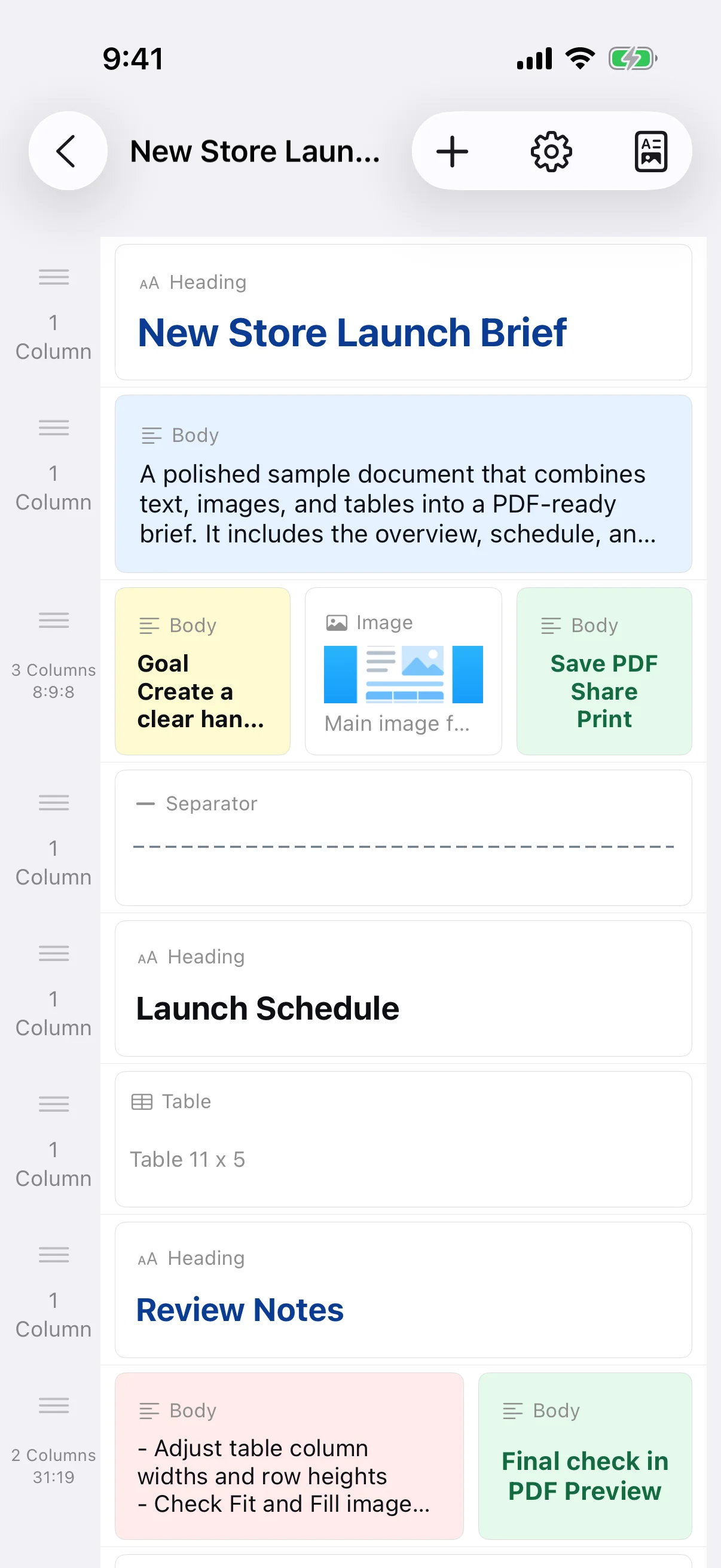
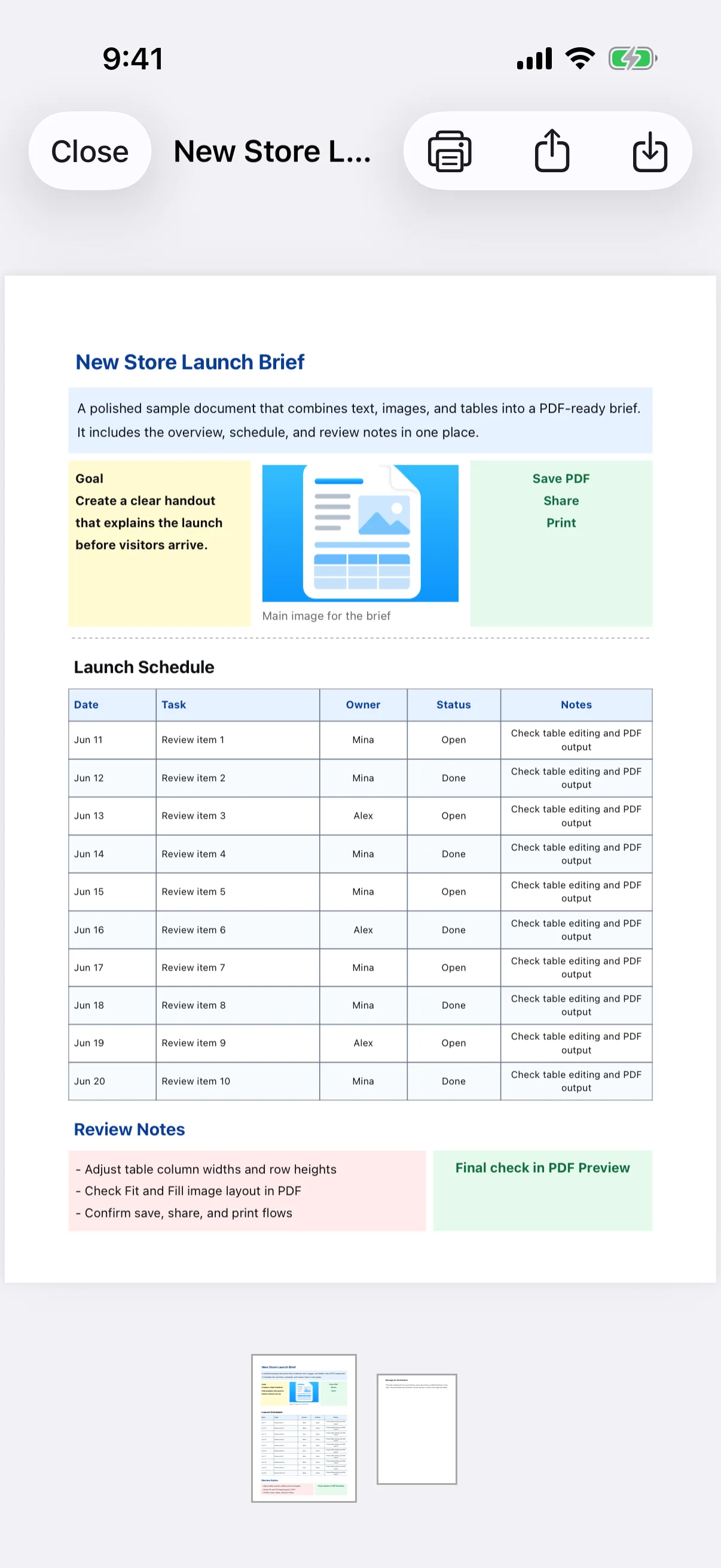
View on the App StoreEasy Document Maker is a block-based document editor for creating PDFs on iPhone and iPad. Add text, headings, images, tables, dividers, spacing, and page breaks; arrange content in one to four columns; then preview, save, share, print, and back up the result. It is designed for notices, reports, work records, image-based instructions, table-based handouts, and other everyday documents that do not require a desktop editor.
What the app can edit
The app builds documents from row-based blocks. It is not a free-position desktop word processor and does not directly edit existing PDFs, export DOCX files, or provide cloud collaboration. To revise a saved PDF, reopen its source document and generate a new PDF.
Real app screens
Key features
- Create documents with text, headings, images, and tables
- Add dividers, spacing, and explicit page breaks
- Arrange text and images in one-, two-, three-, or four-column rows
- Adjust size, bold, italic, alignment, color, spacing, and fonts
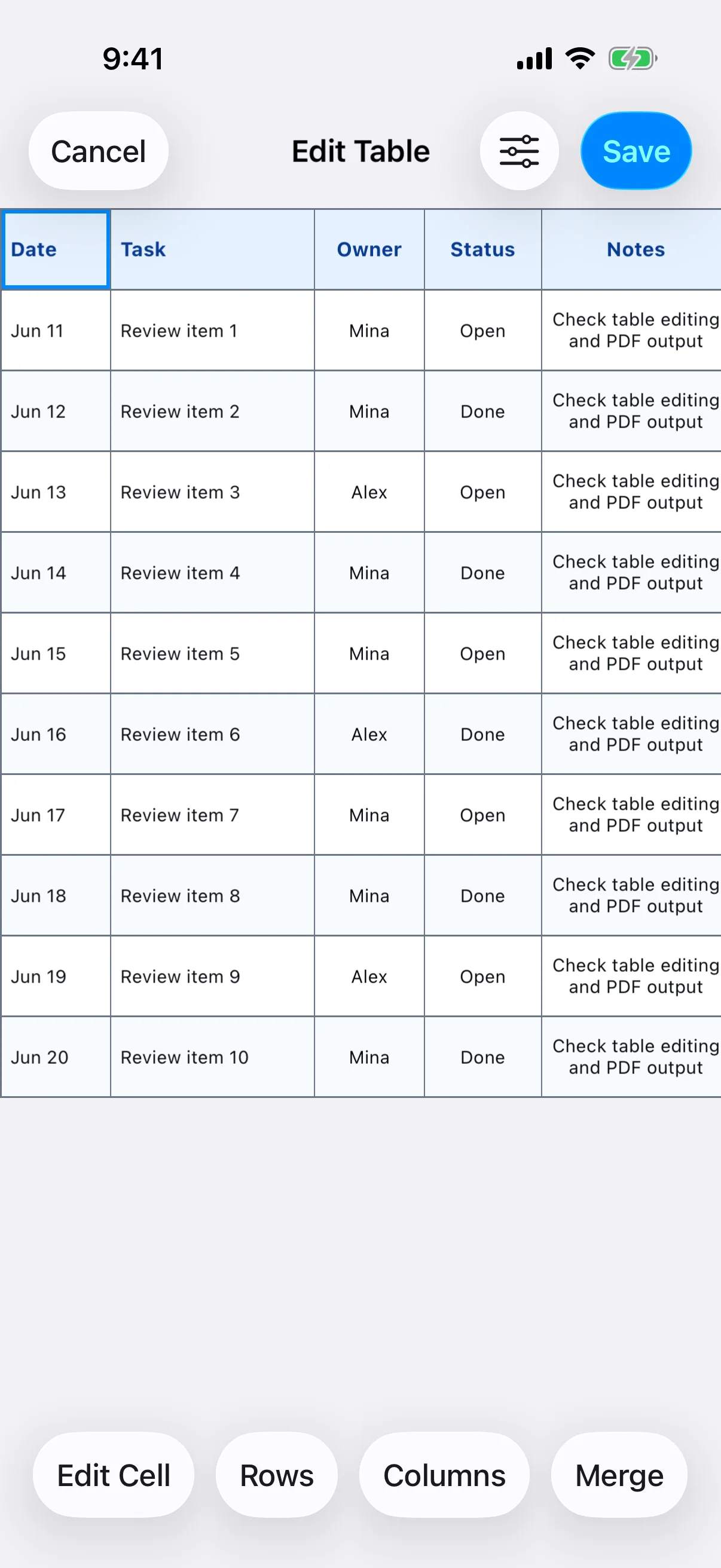
- Edit table cells, merges, rows, columns, dimensions, and borders
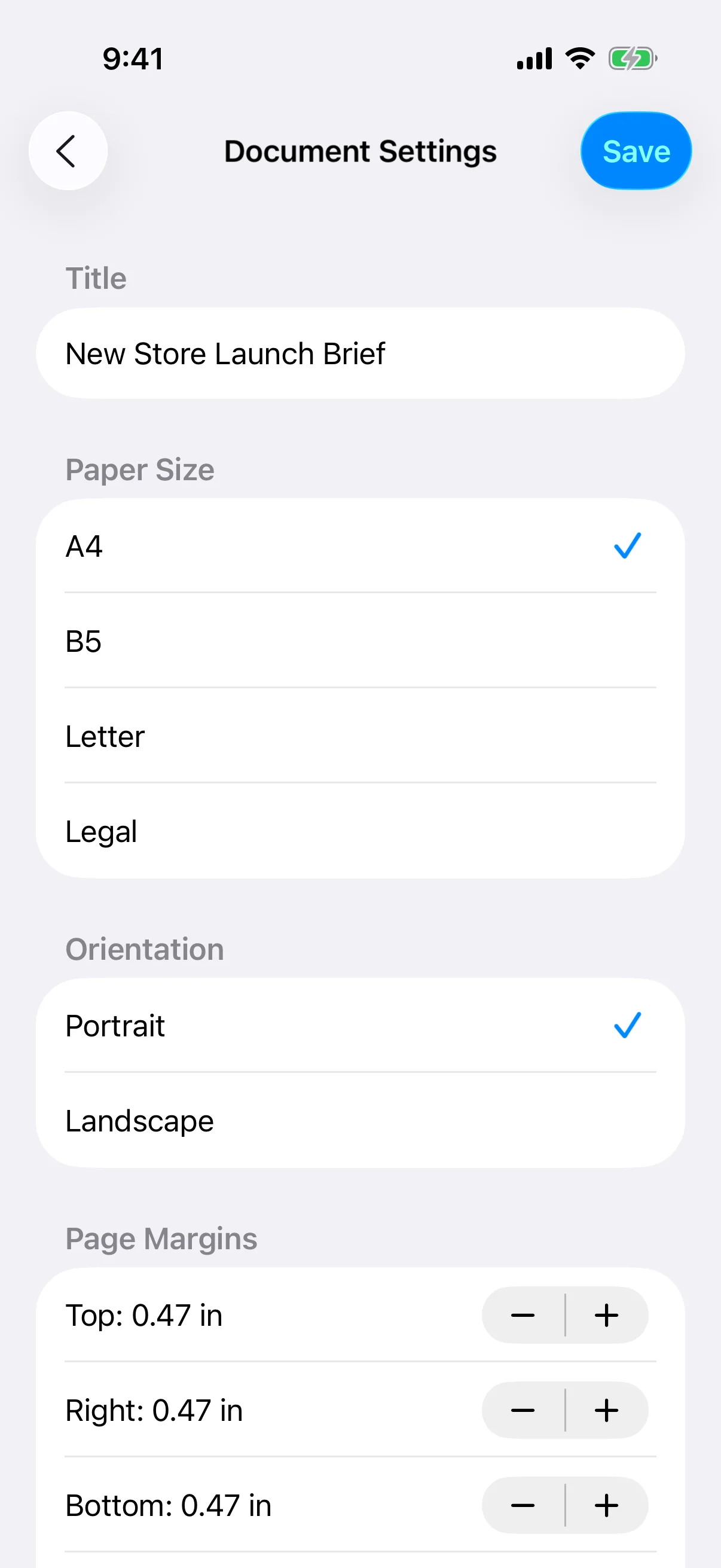
- Choose A4, B5, Letter, or Legal paper in portrait or landscape
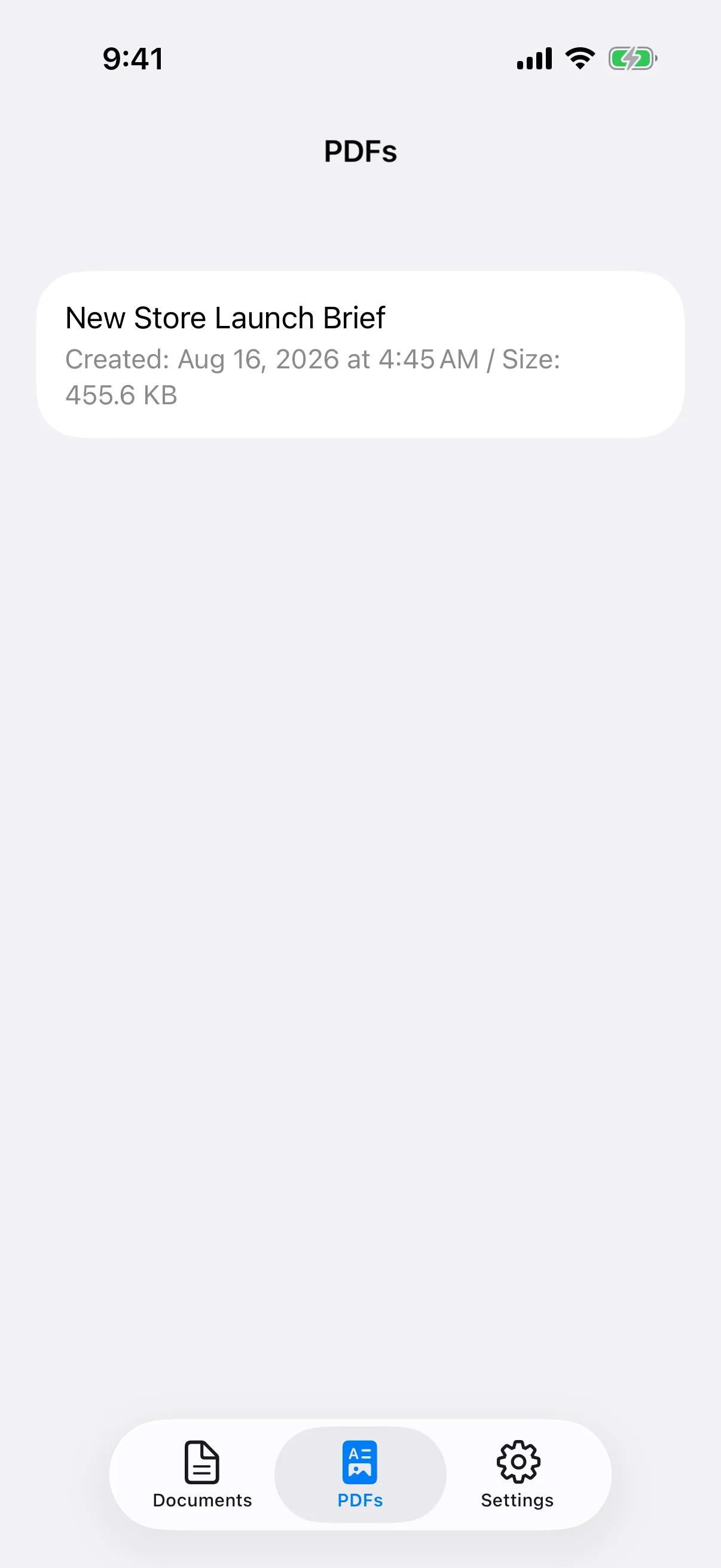
- Preview, save, share, and print PDFs with AirPrint
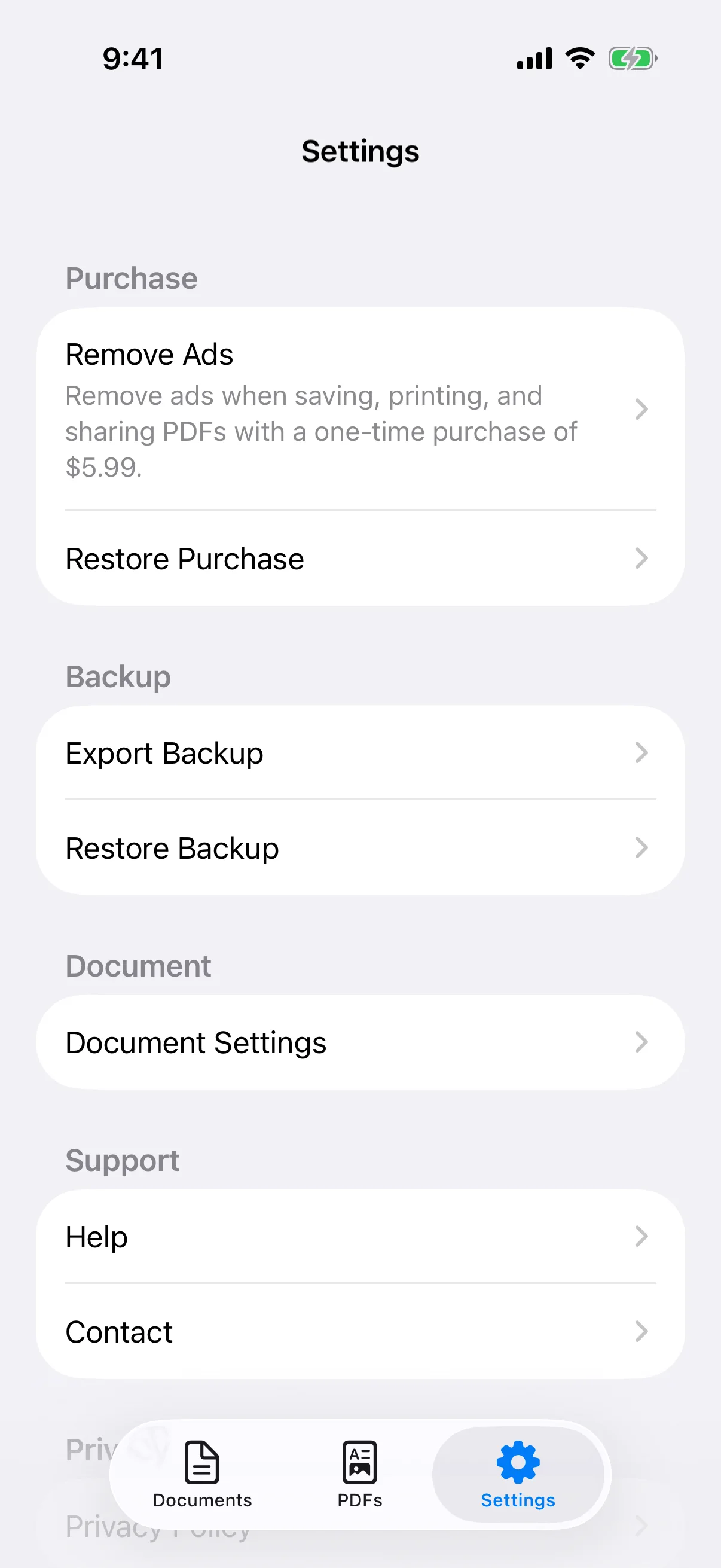
- Back up documents, images, settings, and saved PDFs in a ZIP file
- Store content locally and optionally remove ads with a one-time purchase
Free use and Remove Ads
Document creation, PDF preview, saving, sharing, and printing are available for free. Ads may appear in the app or during PDF output. The optional one-time Remove Ads purchase hides advertising; it is not a subscription and does not unlock a separate document tier. Check the current price and terms in the app or App Store.
Detailed guides
How to create a PDF document on iPhone
Create a document, add blocks, preview the pages, and save, share, or print the PDF.
→Create announcements and notices on iPhone
Structure notices for a workplace, school, community group, shop, or event as readable PDFs.
→Create reports and work records on iPhone
Combine facts, results, actions, and tables in reports, inspection records, and meeting notes.
→Create image-based instructions and handouts
Combine photos and explanations for procedures, work reports, product notes, and printable handouts.
→Create and edit tables in PDF documents
Add a table, edit cells, merge headings, adjust dimensions and borders, and review the final PDF.
→Use one- to four-column document layouts
Place text, images, short points, and comparisons side by side without making the page difficult to read.
→Format text, fonts, spacing, and colors
Create a readable hierarchy with headings, body text, alignment, font choice, spacing, and accessible color contrast.
→Set paper size, orientation, margins, and page breaks
Choose A4, B5, Letter, or Legal paper and control portrait, landscape, margins, and new-page positions.
→Save, share, print, and manage PDF files
Check the completed pages, save a PDF, share it with another app, print with AirPrint, and manage saved files.
→Backup, restore, pricing, and common questions
Export local documents and PDFs as a ZIP backup, restore them safely, and understand free use and Remove Ads.
→Easy Document Maker
Create PDF documents on iPhone or iPad with text, images, tables, and flexible row layouts.
View on the App Store