What the app can edit
The app builds documents from row-based blocks. It is not a free-position desktop word processor and does not directly edit existing PDFs, export DOCX files, or provide cloud collaboration. To revise a saved PDF, reopen its source document and generate a new PDF.
Review every page before output
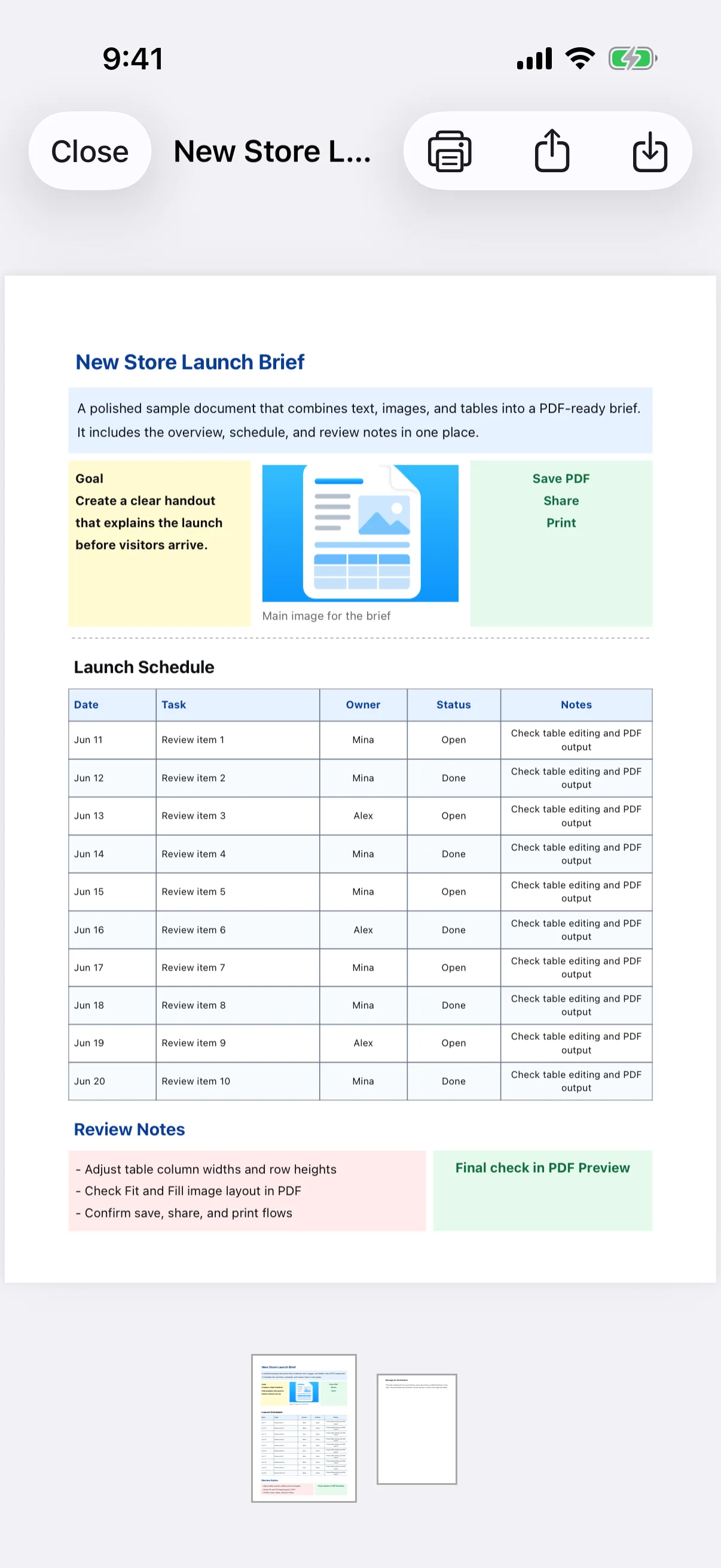
Wait for PDF generation to finish, then check text clipping, image mode, table width, margins, page breaks, and blank pages. Verify dates, amounts, phone numbers, and other high-impact information against the source.
Choose Save, Share, or Print
Save adds the PDF to the app's PDFs tab. Share opens the iOS share sheet for destinations such as Files, Mail, and messaging apps. Print uses an AirPrint-compatible printer. Confirm file-size, paper-size, and page-count requirements before uploading to an external service.
Revise the source and create a new PDF
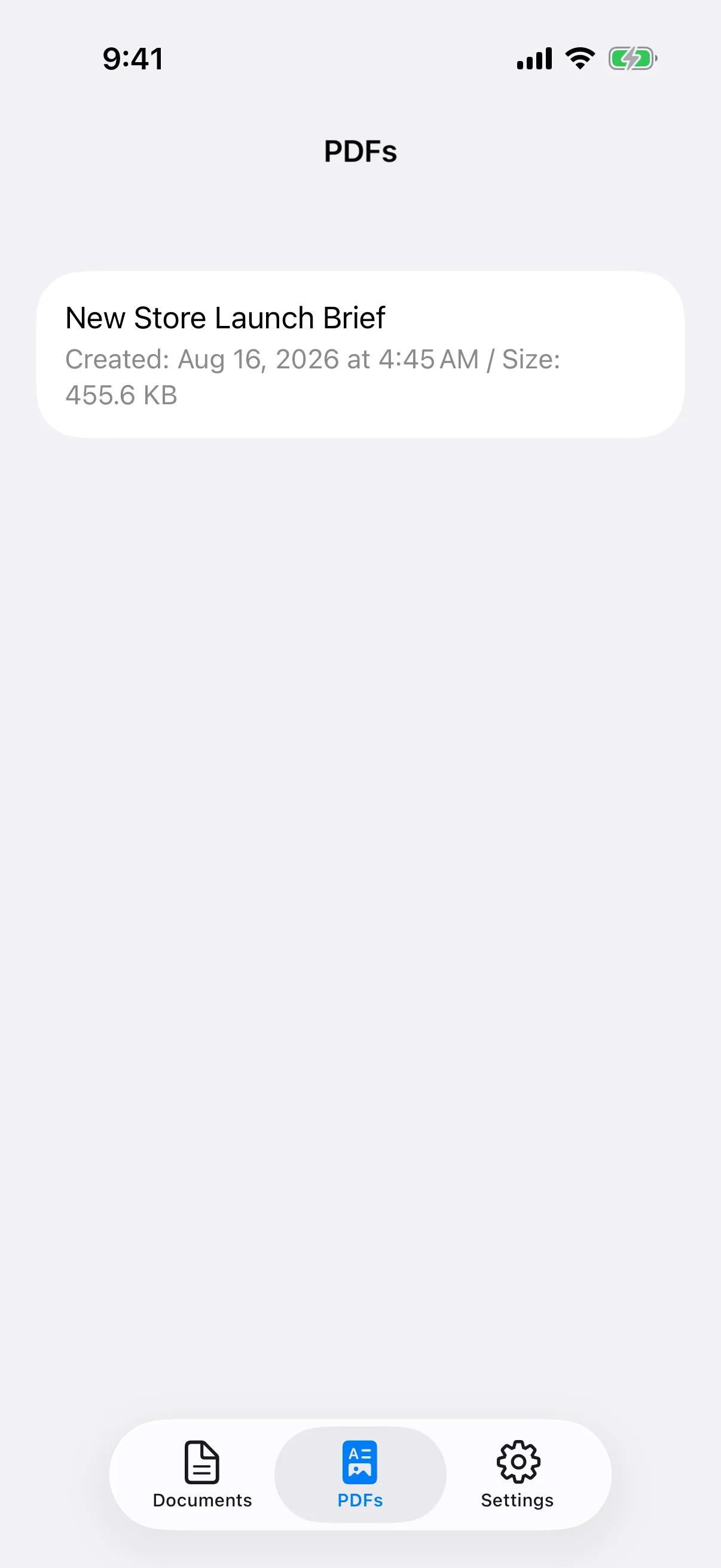
The PDFs list shows file name, creation date, and size and lets you open, share, print, or delete a file. Saved PDFs are not directly editable. Open the original document, make the changes, and save a new PDF, then remove obsolete versions when they are no longer needed.