What the app can edit
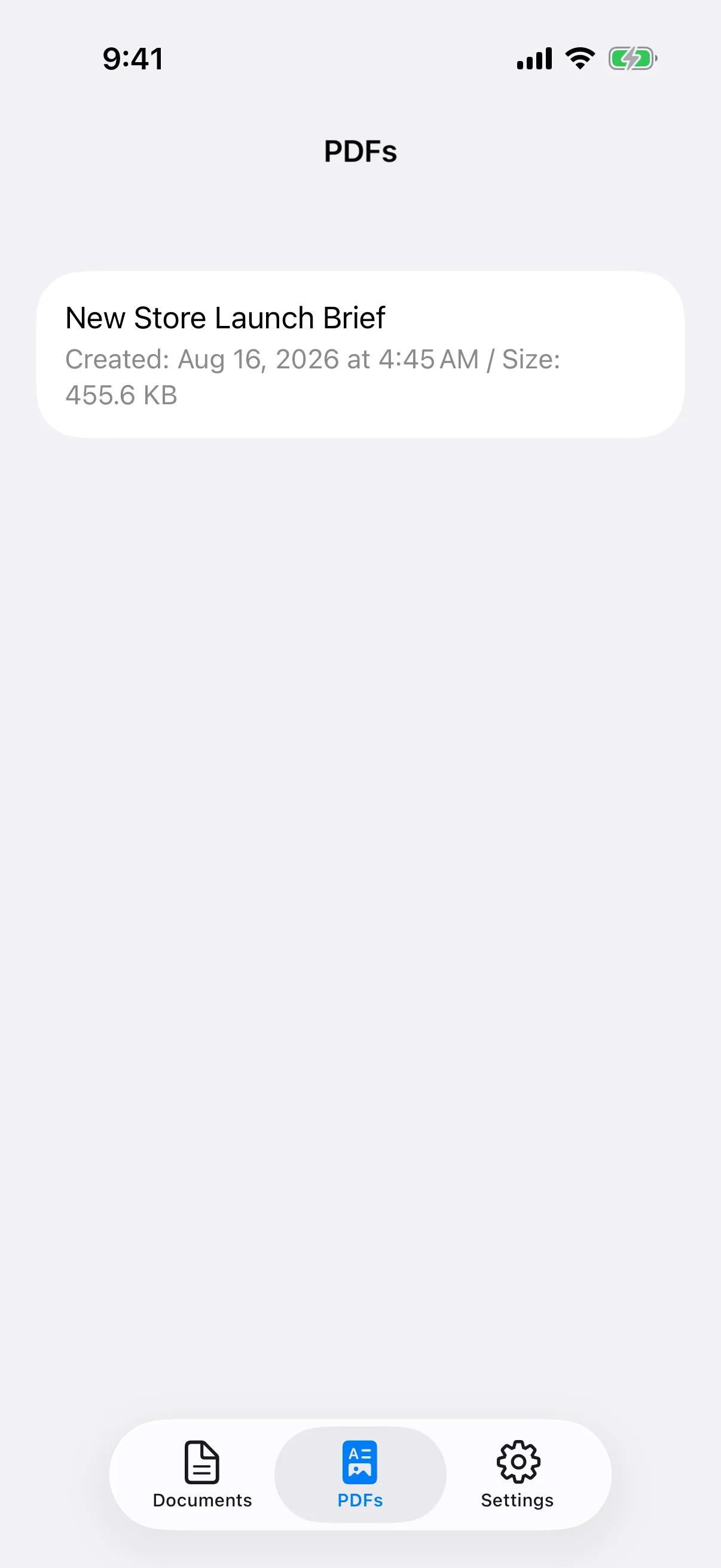
The app builds documents from row-based blocks. It is not a free-position desktop word processor and does not directly edit existing PDFs, export DOCX files, or provide cloud collaboration. To revise a saved PDF, reopen its source document and generate a new PDF.
Export documents, images, settings, and PDFs
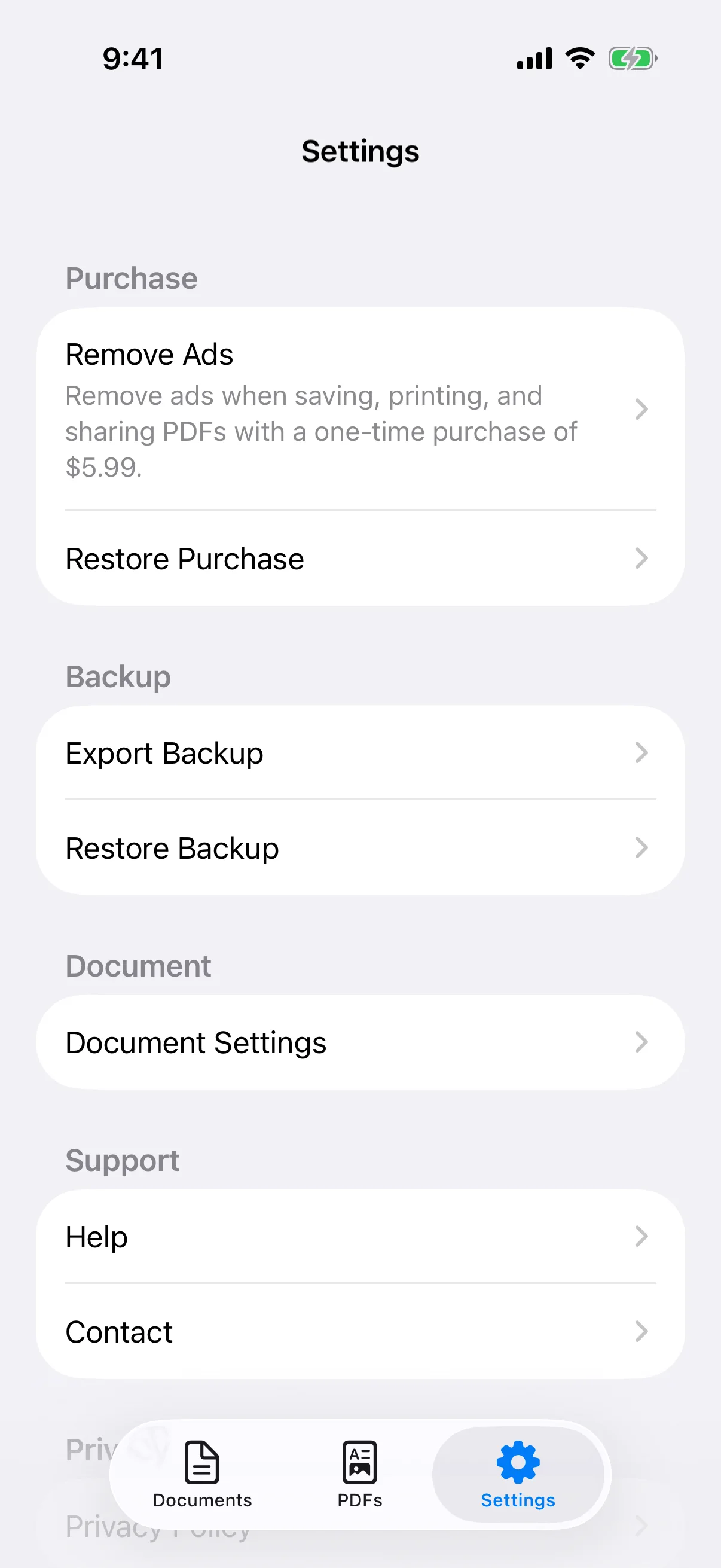
Export Backup creates a ZIP containing document data, document images, saved PDFs, PDF metadata, and document settings. Store the ZIP in Files or another trusted location outside the device. A backup kept only on the same phone will not help if that phone is lost or damaged.
Restore adds data instead of clearing current files
Restore Backup adds the documents and PDFs from the ZIP without deleting current items. Document settings are updated from the backup, so review defaults afterward. Use a ZIP created by this app and keep the app open until the restore finishes.
Understand free use and unsupported features
Document creation and PDF saving, sharing, and printing are available for free, with ads that can be removed through an optional one-time purchase. The app does not directly edit existing PDFs, export DOCX, sync through a cloud account, collaborate in real time, scan with OCR, or provide freehand drawing. Check the App Store for current pricing and OS requirements.