What the app can edit
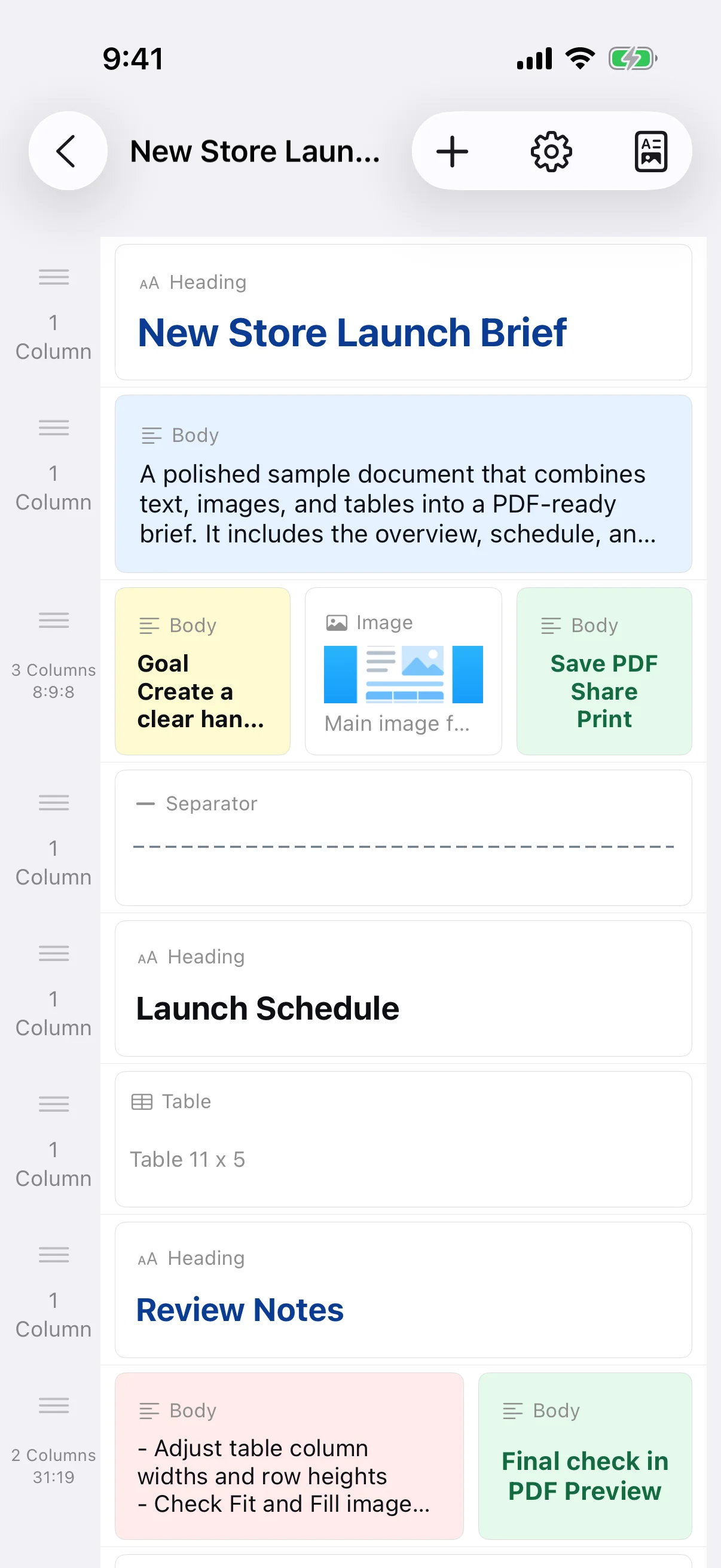
The app builds documents from row-based blocks. It is not a free-position desktop word processor and does not directly edit existing PDFs, export DOCX files, or provide cloud collaboration. To revise a saved PDF, reopen its source document and generate a new PDF.
Give headings and body text different roles
Make headings larger or bolder so they identify sections, while keeping body text comfortable for longer reading. If every line is large, bold, or centered, the reader cannot see priorities. Reserve emphasis for conclusions, deadlines, and warnings.
Keep fonts and line spacing consistent
Apply a font across document text and tables, and use a fallback-friendly choice when the file will be printed or shared. Avoid mixing many font families. Leave enough line spacing for paragraphs and table cells, then inspect the PDF because available fonts may fall back to the system font.
Use color with sufficient contrast
Keep text clearly distinguishable from its background and use one or two accent colors rather than decorating every block. Do not communicate status with color alone; include words or headings. Check that the document remains readable in grayscale and on an ordinary printer.