What the app can edit
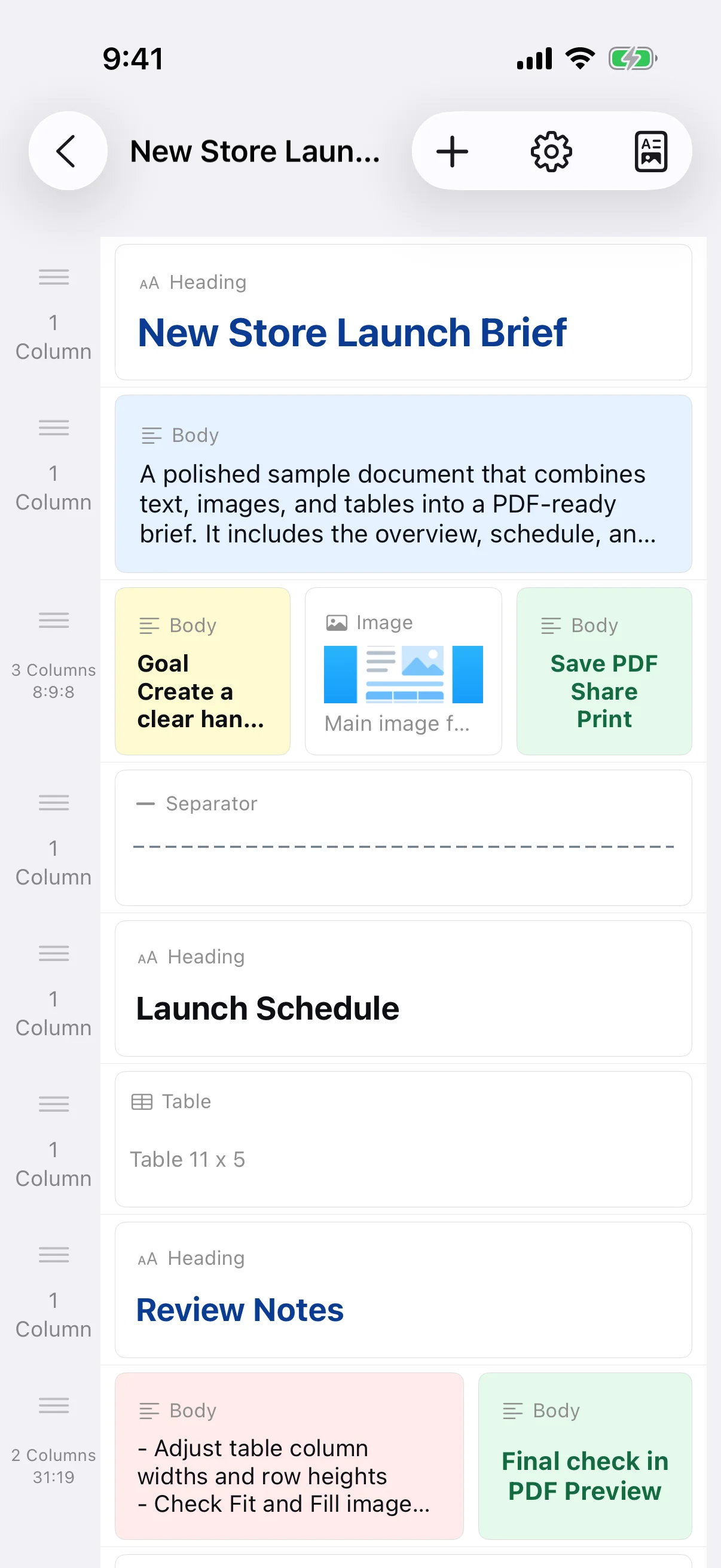
The app builds documents from row-based blocks. It is not a free-position desktop word processor and does not directly edit existing PDFs, export DOCX files, or provide cloud collaboration. To revise a saved PDF, reopen its source document and generate a new PDF.
Separate facts, results, and follow-up actions
Record the date, author, purpose, verified facts, outcome, and next action in distinct sections. Keep observations separate from opinions so the reader can make a clear decision. A quick draft can be entered immediately after the work and refined before distribution.
Use a table for repeated fields
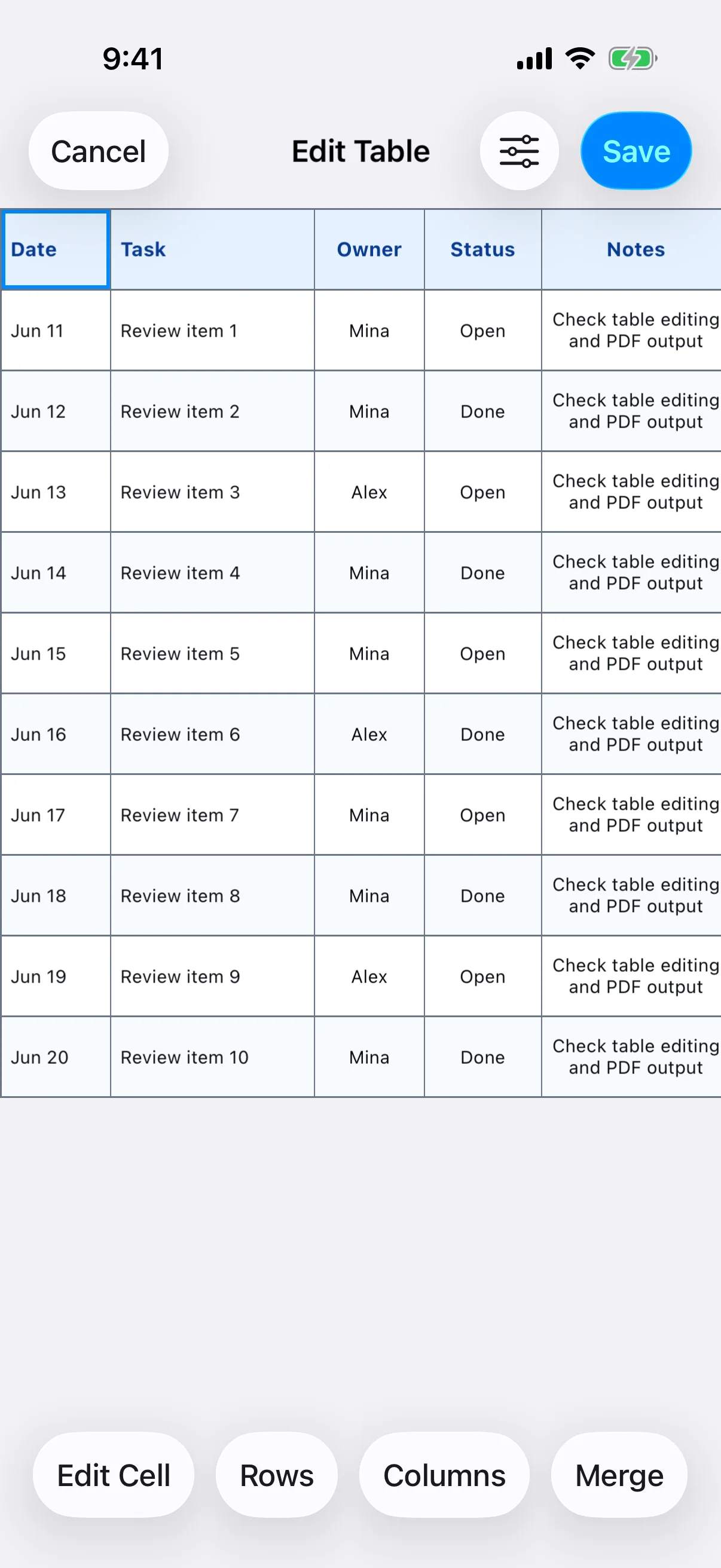
A table works well for dates, tasks, owners, status, quantities, and notes. Edit the cells, row height, column width, alignment, background, and borders; merge cells only when it clarifies a heading. If the table has many columns, consider landscape paper or reduce the amount of text in each cell.
Compare the PDF with the source information
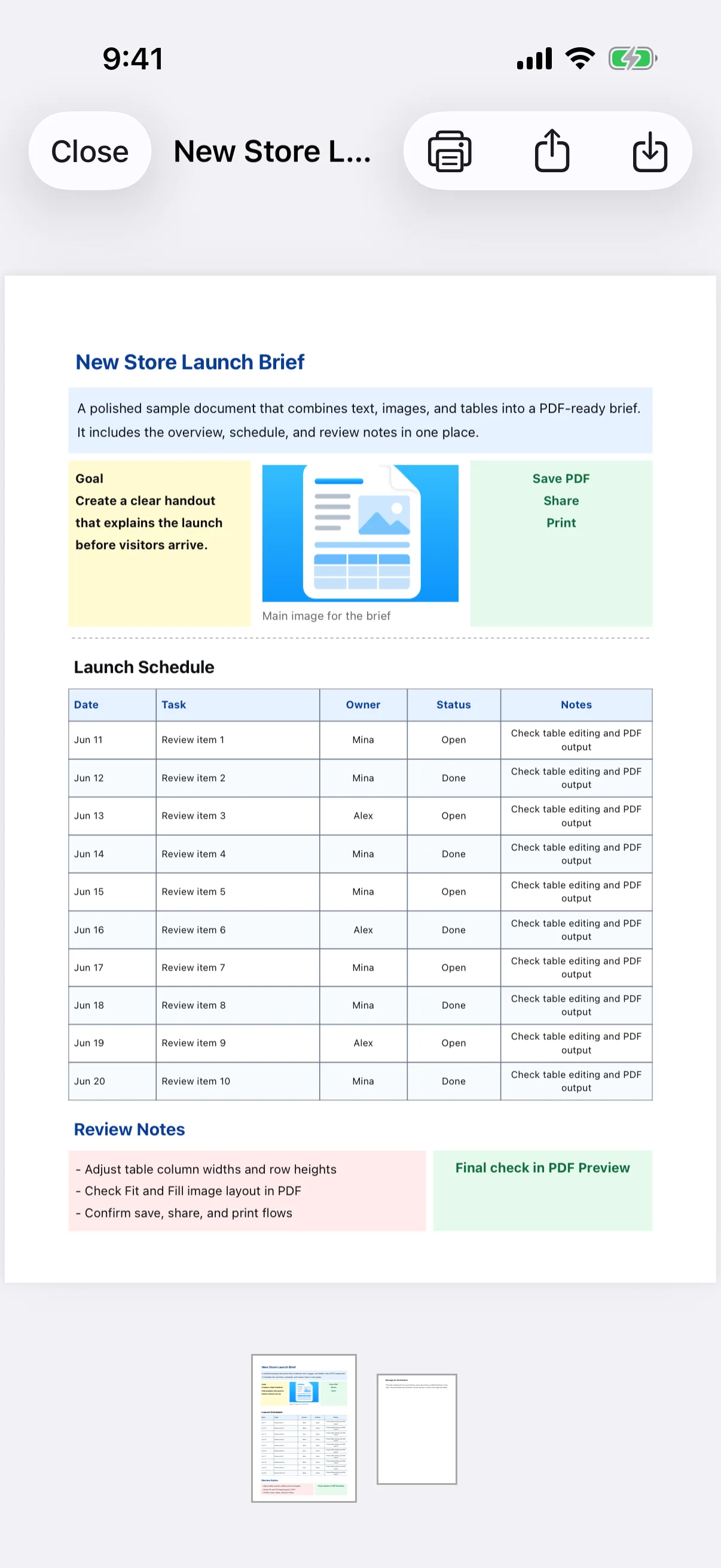
Check figures, dates, names, outstanding tasks, and image captions against the original records. Inspect tables that cross a page boundary and headings that may be stranded at the bottom of a page. Back up the source document as well as the distributed PDF when the record must be retained.