What the app can edit
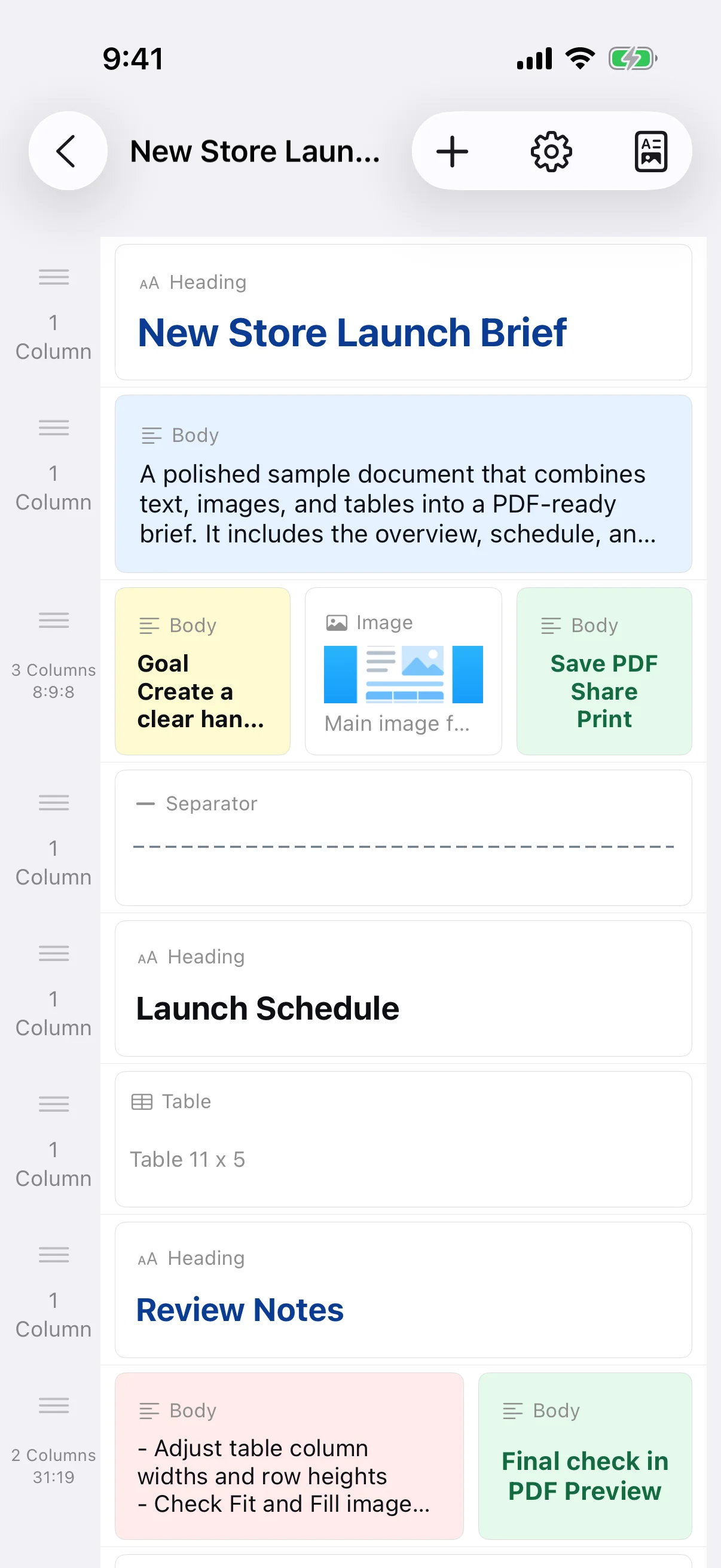
The app builds documents from row-based blocks. It is not a free-position desktop word processor and does not directly edit existing PDFs, export DOCX files, or provide cloud collaboration. To revise a saved PDF, reopen its source document and generate a new PDF.
State the audience and requested action
Identify the readers, date, time, location, purpose, required items, deadline, and contact details. Put the main action near the beginning and move background information later. A reader should understand what happened or what they must do without searching through a long paragraph.
Use headings, spacing, and dividers
Separate sections such as Schedule, Location, Requirements, and Contact. Spacing and dividers can show structure without adding more words. Use color sparingly and keep enough contrast for readers and black-and-white printing.
Verify dates, contacts, and pagination
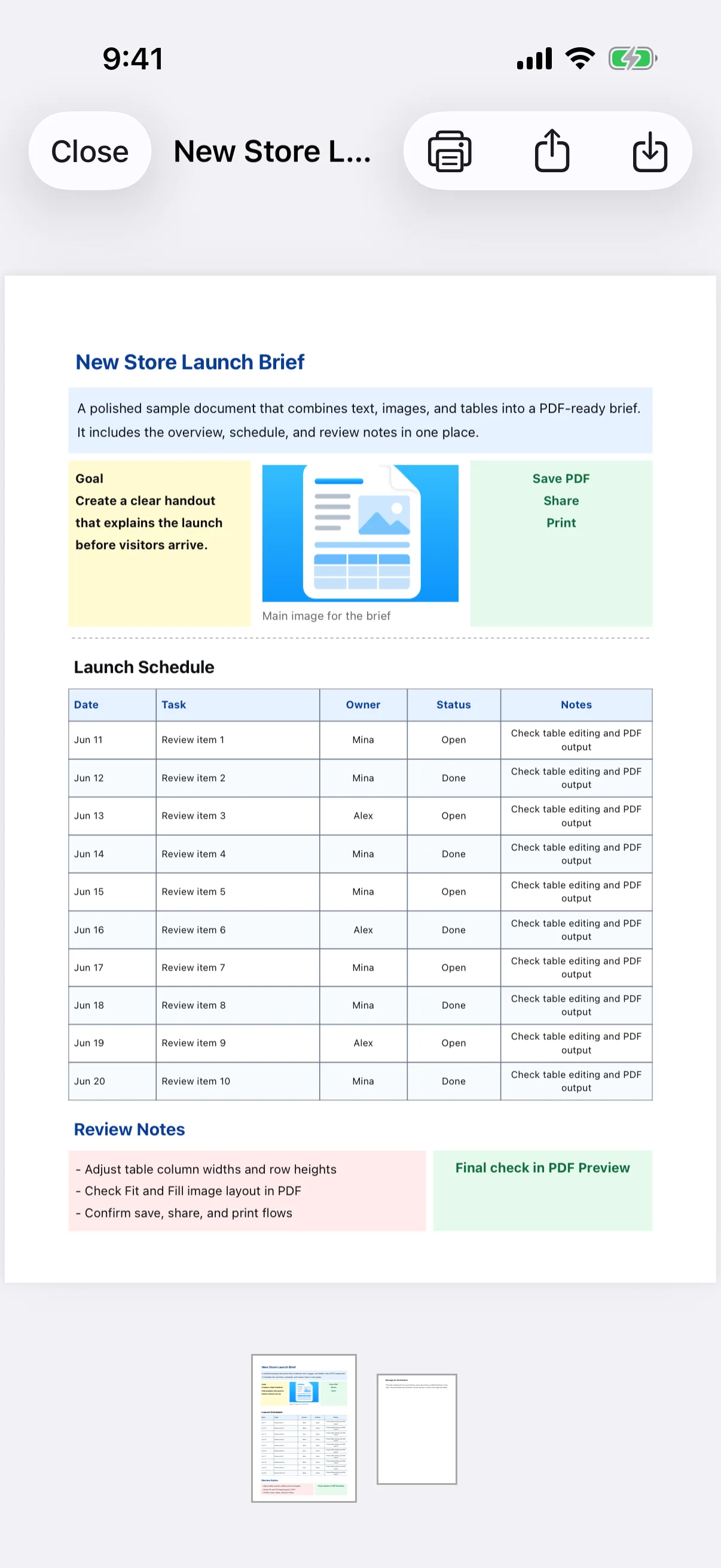
Review the PDF and confirm dates, weekdays, phone numbers, links, names, and deadlines. Do not shrink text excessively just to fit one page; shorten repeated wording or adjust margins carefully. Use a descriptive file name when sending the final PDF.